16
ENGLISH
Picture
Settings > Picture Description
Picture Mode
Custom Allows the user to adjust each element. The color mode of the main menu can be adjusted.
Reader Optimizes the screen for viewing documents. You can brighten the screen in the OSD menu.
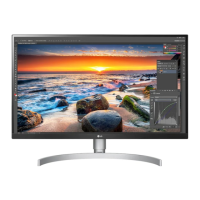
Photo Optimizes the screen for photos.
Cinema Optimizes the screen for video.
Dark Room 1 This mode adjusts the brightness to the optimal level for working in a dark environment.
Dark Room 2 This mode sets the brightness to a lower level than Dark Room 1.
Color Weakness
This mode is for users who cannot distinguish between red and green. It enables users with color weakness to easily distinguish between the two
colors.
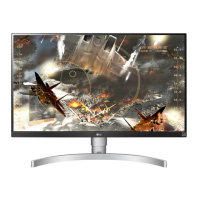
FPS Game 1 This mode is optimized for FPS games.
FPS Game 2 It has a higher Black Stabilizer value than FPS Game 1. It is suitable for very dark FPS games.
RTS Game This mode is optimized for RTS Game.
Custom (Game) In this mode, users can customize various elements including game-related options.
EBU A standard TV PAL color space for broadcasting.
REC709 A standard HDTV color space for broadcasting.
SMPTE-C A standard TV NTSC color space for broadcasting.
NOTE
• If the Picture Mode is changed, the screen may flicker or the resolution of your PC screen may be affected.


 To Next Page
 Loading...