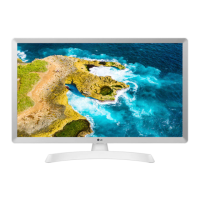
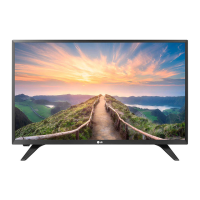
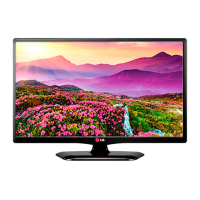
8
ENG
ENGLISH
ASSEMBLING AND PREPARING
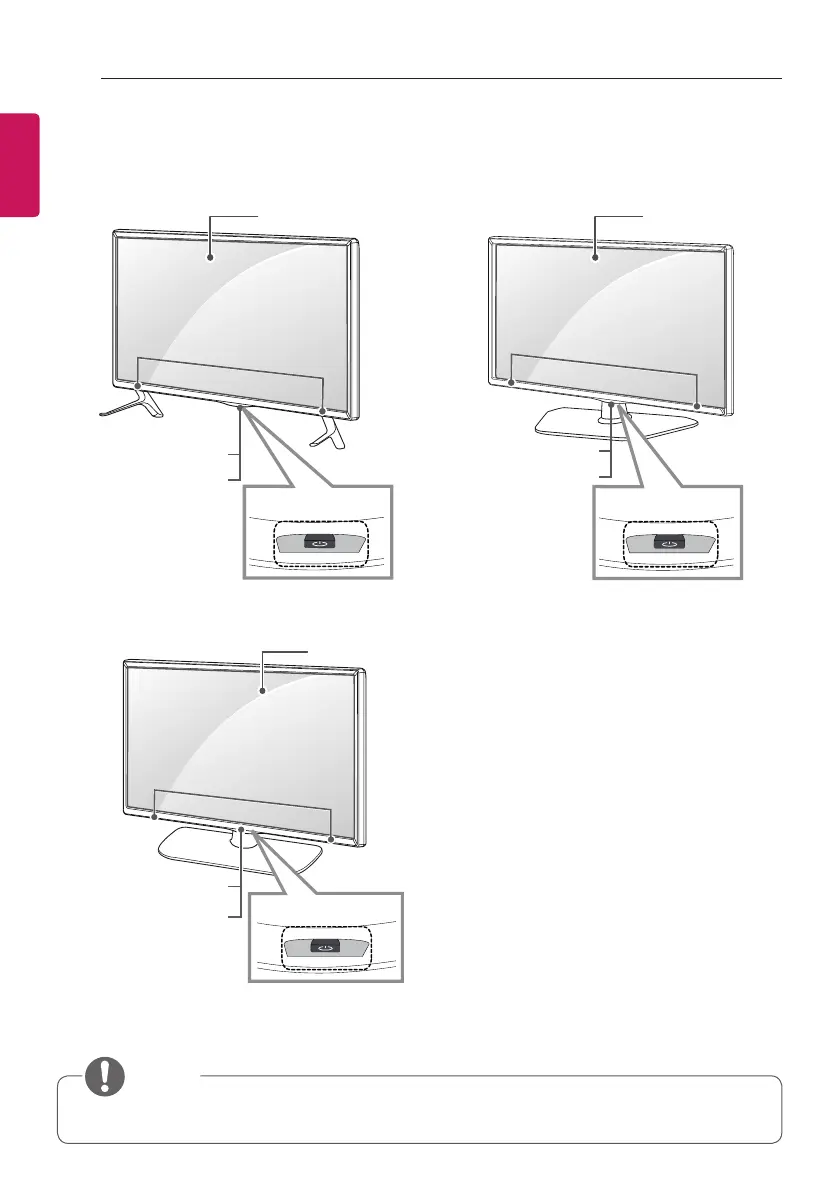
Parts and Button
A type : 32/42/49LY31**, 32/39/42/47/55/60LY330*,
32/39/42/47/55/60LY340*, 32/39/42/47/55/60LY540*
C type : 32/39/42/47/55LY331*, 32/39/42/47/55LY541*,
32/39/42/47/55LY341*
B type : 28LY31**, 22/28LY33**,
22/28LY34**, 22/28LY54**
Remote control
and intelligent sensors
1
Power Indicator
Screen
Speakers
Joystick Button
2
NOTE
y
You can set the power indicator light to on or off by selecting OPTION in the main menus.
1 Intelligent sensor - Adjusts the image quality and brightness based on the surrounding environment.
2 Joystick Button - This button is located below the TV screen.
Remote control
and intelligent sensors
1
Power Indicator
Screen
Speakers
Joystick Button
2
Screen
Speakers
Remote control and
intelligent sensors
1
Power Indicator
Joystick button
2


 To Next Page