23
USER SETTINGS
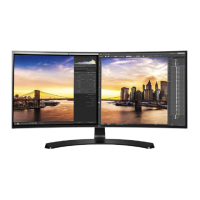
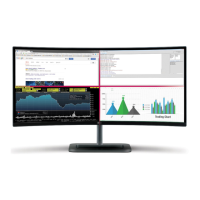
Menu > PBP Description
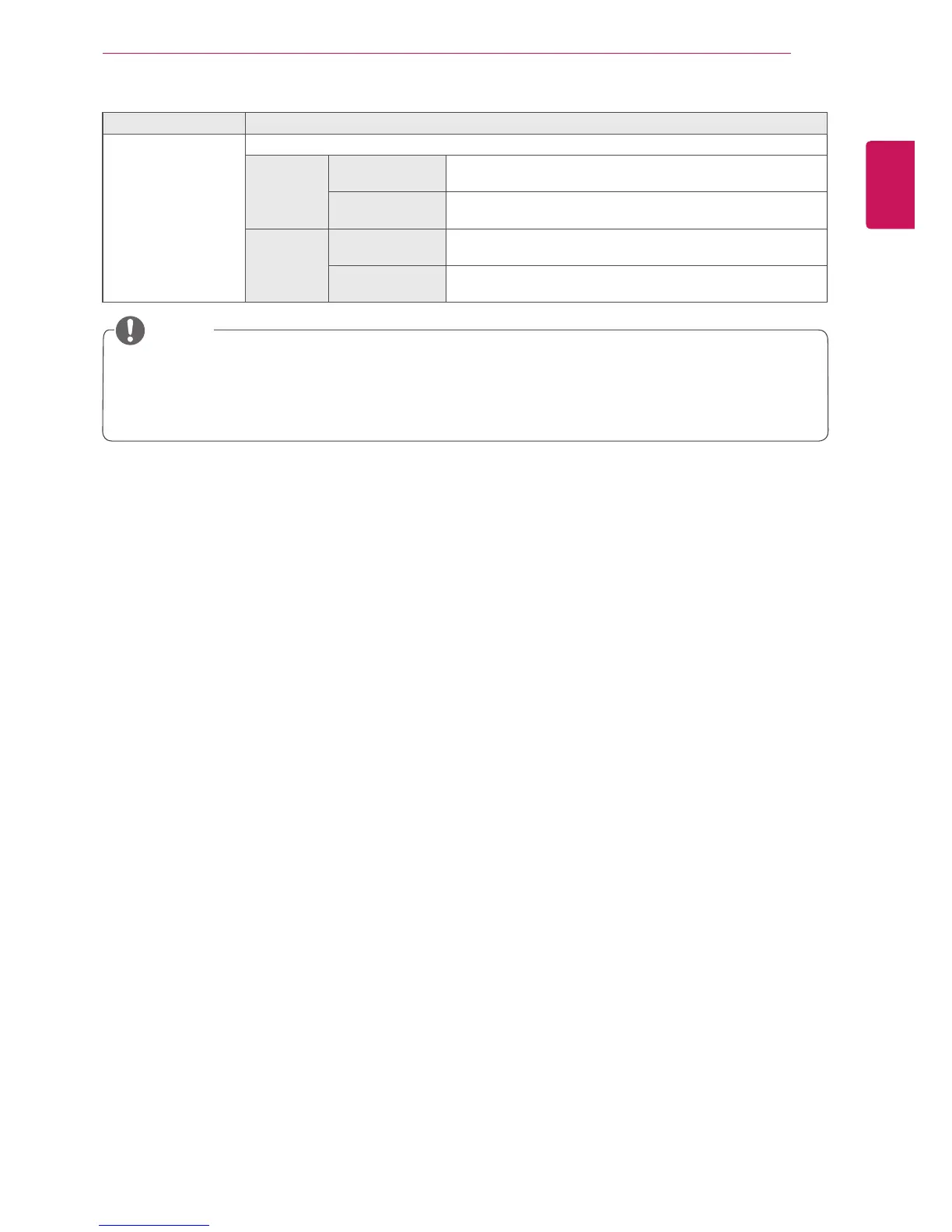
Ratio Adjusts the aspect ratio of the main screen or sub screen.
Main Wide Displays the video to fit the PBP screen, regardless of the
video signal input.
Original Displays the video in the aspect ratio of the video signal input
on the PBP screen.
Sub Wide Displays the video to fit the PBP screen, regardless of the
video signal input.
Original Displays the video in the aspect ratio of the video signal input
on the PBP screen.
y
When the PBP mode is Off, Input, Audio, Swap, Sub Full, and Ratio menus become disabled.
The Main/Sub options for Ratio become disabled if there is no signal.
y
The optimal resolution for PBP mode is set automatically when PBP mode is set. (only 34UC97C
model)
NOTE



 To Next Page