EasyManua.ls Logo

LG 42PG6900 - XD Demo

LG 42PG6900
116 pages
Print Icon
To Next Page IconTo Next Page
To Previous Page IconTo Previous Page
Loading...
74
PICTURE CONTROL
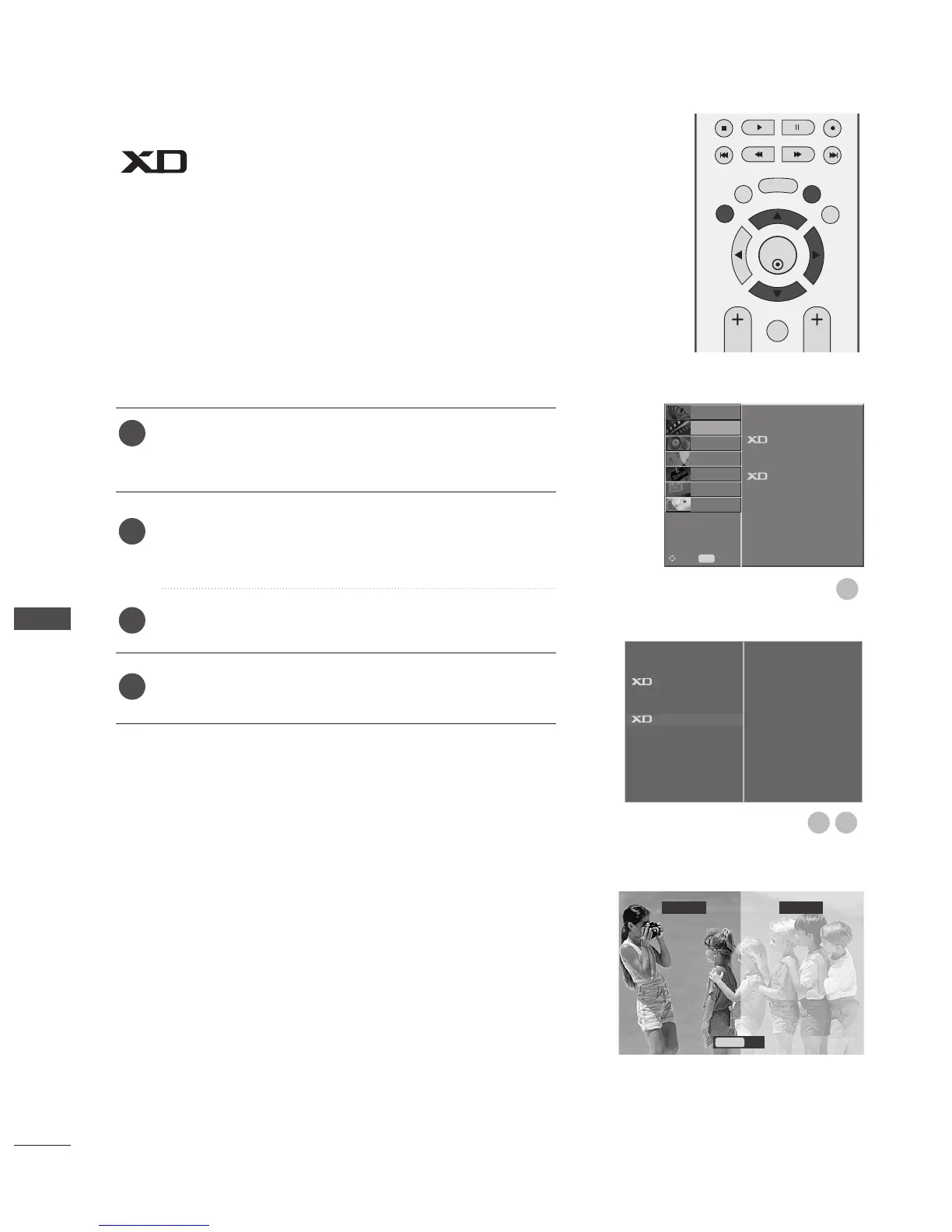
DEMO
Use it to see the difference between XD Demo on and XD
Demo off.
It is not possible to use this function in RGB[PC],HDMI[PC]
mode.
Press the MENU button and then
DD
or
EE
button to select
the
PPIICCTTUURREE
menu.
Press the MENU button and then
DD
or
EE
button to select
XXDD DDeemmoo..
Press the
GG
button to begin
XXDD DDeemmoo
.
To stop
XXDD DDeemmoo
, press the
MMEENNUU
or
EEXXIITT
button.
1
2
3
4
Picture Mode
Colour Temperature
Advanced
Picture Reset
Demo
G
To Start
OK
EXIT
TIME
SHIFT
TIME
SHIFT
VOL PR
GUIDE
BACK MENU
DVR
MARK
FAV
1
XD Demo
XD
Off XD
On
Exit
Menu
32
Picture Mode
Colour Temperature
Advanced
Picture Reset
Demo
SETUP
O
AUDIO
O
TIME
O
OPTION
O
SCREEN
O
D V R
O
Prev.
MENU
Move
PICTURE
G
PICTURE CONTROL

Table of Contents

Other manuals for LG 42PG6900

Related product manuals