39
ENG
ENGLISH
ENTERTAINMENT
DivX® VOD Guide
DivX® VOD Registration
InordertoplaypurchasedorrentedDivX®VOD
contents,youshouldregisteryourdevicewith10
digitDivXregistrationcodefromyourdeviceat
www.divx.com/vod.
1 PressMENUtoaccessthemainmenus.
2 PresstheNavigationbuttonstoscrolltoMY
MEDIAandpressOK.
3 PresstheBluebutton.
4 PresstheNavigationbuttonstoscrolltoDivX
Reg. CodeandpressOK.
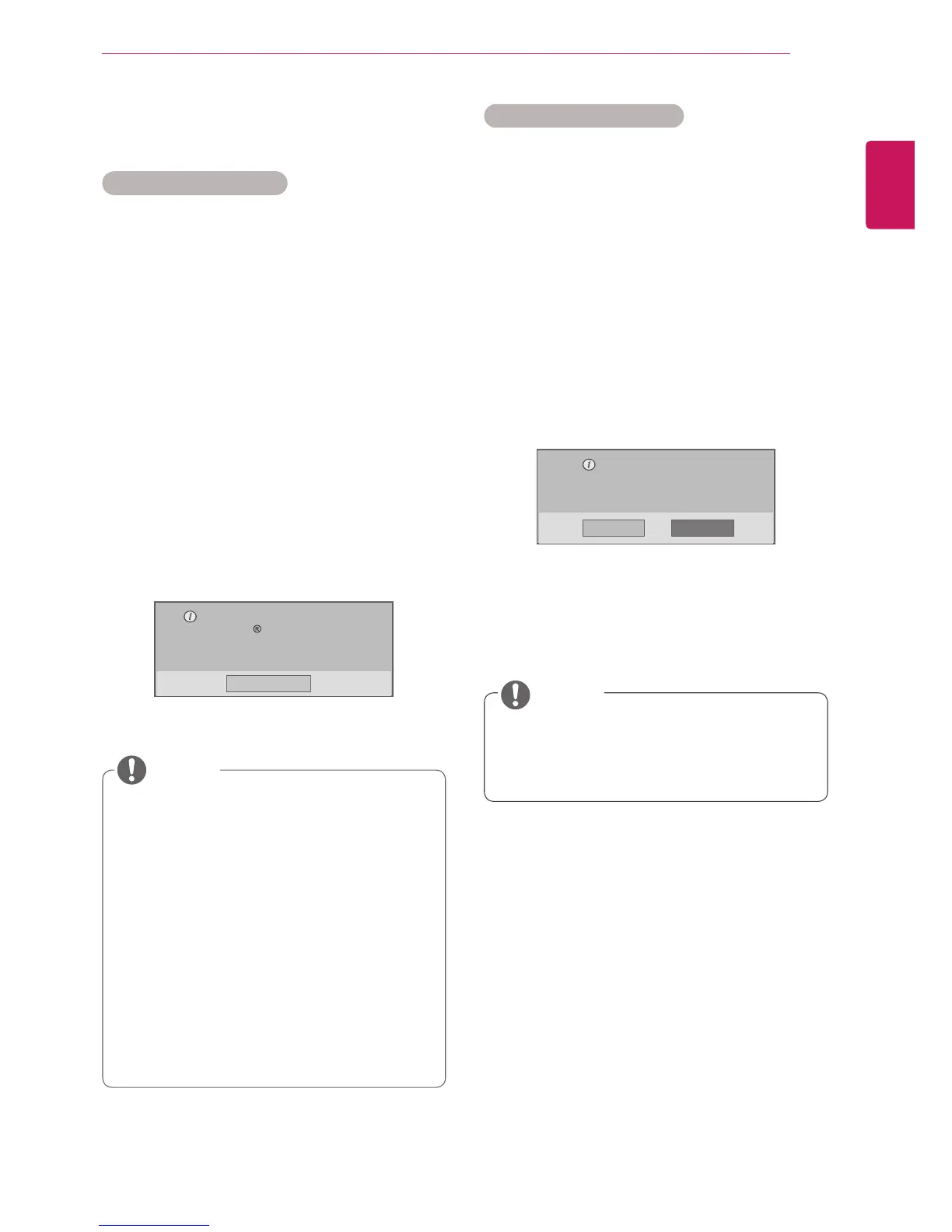
5 Viewtheregistrationcodeofyourdisplay.
6 Whenyouarefinished,press EXIT.
Whenyoureturntothepreviousmenu,press
BACK.
Whileyouarecheckingtheregistrationcode,
somebuttonsmaynotwork.
IfyouusetheDivXregistrationcodeof
anotherdevice,youcannotplaytherented
orpurchasedDivXfile.Makesuretouse
theDivXregistrationcodeassignedtoyour
monitor.
Thevideooraudiofilesthatarenotcon-
vertedbythestandardDivXcodecmaybe
corruptedornotbeplayed.
TheDivXVODcodeallowsyoutoactivate
upto6devicesunderoneaccount.
Youmustregisteryourdeviceto
playDivX protectedvideos.
Registrationcode:**********
Registerathttp://vod.divx.com
Close
NOTE
Oncethederegistrationisexecuted,you
mustregisteryourdeviceagaintoseeDivX®
VODcontents.
DivX® VOD Deregistration
Youshouldderegisteryourdevicewith8digitDivX
deregistrationcodefromyourdeviceatwww.divx.
com/vod.
1 PressMENUtoaccessthemainmenus.
2 Press the Navigation buttons to scroll to MY
MEDIAandpressOK.
3 PresstheBluebutton.
4 PresstheNavigationbuttonstoscrolltoDeacti-
vationandpressOK.
5 Press the Navigation buttons to select Yes to
confirm.
Deregistrationcode:
********
Deregisterathttp://vod.divx.com
Continuewithregistration?
Yes No
6 Whenyouarefinished,press EXIT.
When you return to the previous menu, press
BACK.
NOTE



 To Next Page