53
ENG
ENGLISH
MAKING CONNECTIONS
HDMI-Seep.54
DVI-Seep.54
AV(CVBS)-Seep.55
Component-Seep.55
HDMI-Seep.18
DVI-Seep.18
RGB-Seep.17
LAN-Seep.56
DisplayPort-Seep.19
HDMI-Seep.54
DVI-Seep.54
AV(CVBS)-Seep.55
Component-Seep.55
HDMI-Seep.54
DVI-Seep.54
AV(CVBS)-Seep.55
Component-Seep.55
AV(CVBS)
-Seep.55
Component
-Seep.55
HDMI-Seep.54
AV(CVBS)
-Seep.55
Component
-Seep.55
MAKING CONNECTIONS
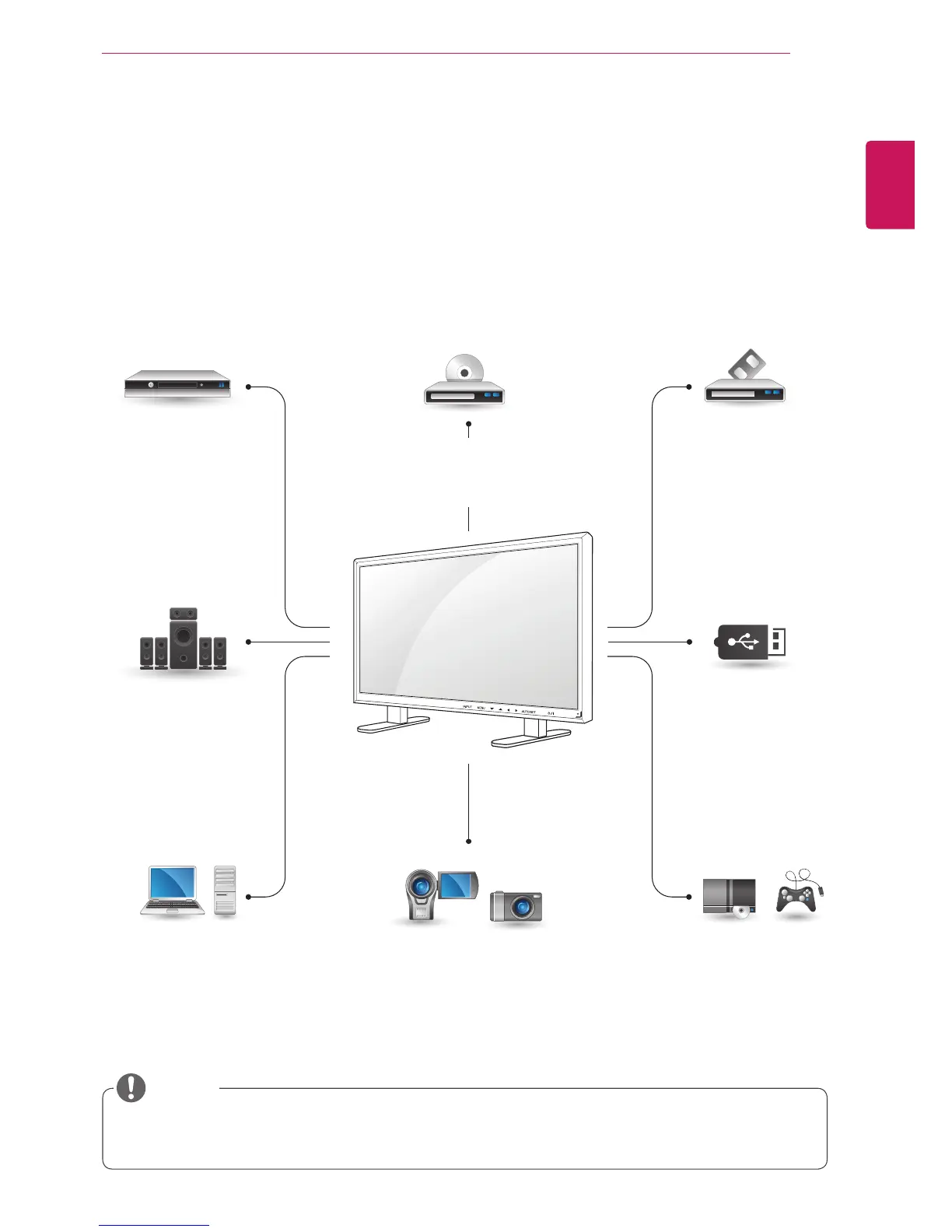
ConnectvariousexternaldevicestotheportsontheMonitorset’sbackpanel.
1
FindanexternaldeviceyouwanttoconnecttoyourMonitorsetshownonthefollowingillustration.
2
Checktheconnectiontypeoftheexternaldevice.
3
Gototheappropriateillustrationandchecktheconnectiondetails.
IfyouconnectagamingdevicetotheMonitorset,usethecablesuppliedwiththegamingdevice.
Itisrecommendedyoutousetheoptionalspeakerprovided.
HD Receiver DVD VCR
USB
PC
Camcorder/Camera
Gaming device
Speaker
Memorystorage
–Seep.27
NOTE



 To Next Page