22
2. Enter the whole word before editing or deleting any
keystrokes.
3. Complete each word with a space by pressing the
.
To delete letters, press C. Press and hold down
C to erase the letters continuously.
n Notice
To exit the text input mode without saving your input,press
E.
Using the ABC Mode
Use the 2 to 9 keys to enter your text.
1. Press the key labeled with the required letter:
] Once for the first letter
] Twice for the second letter
] And so on
2. To insert a space, press the key once.To delete
letters, press the C key. Press and hold down
the C key to erase the letters continuously.
n Notice
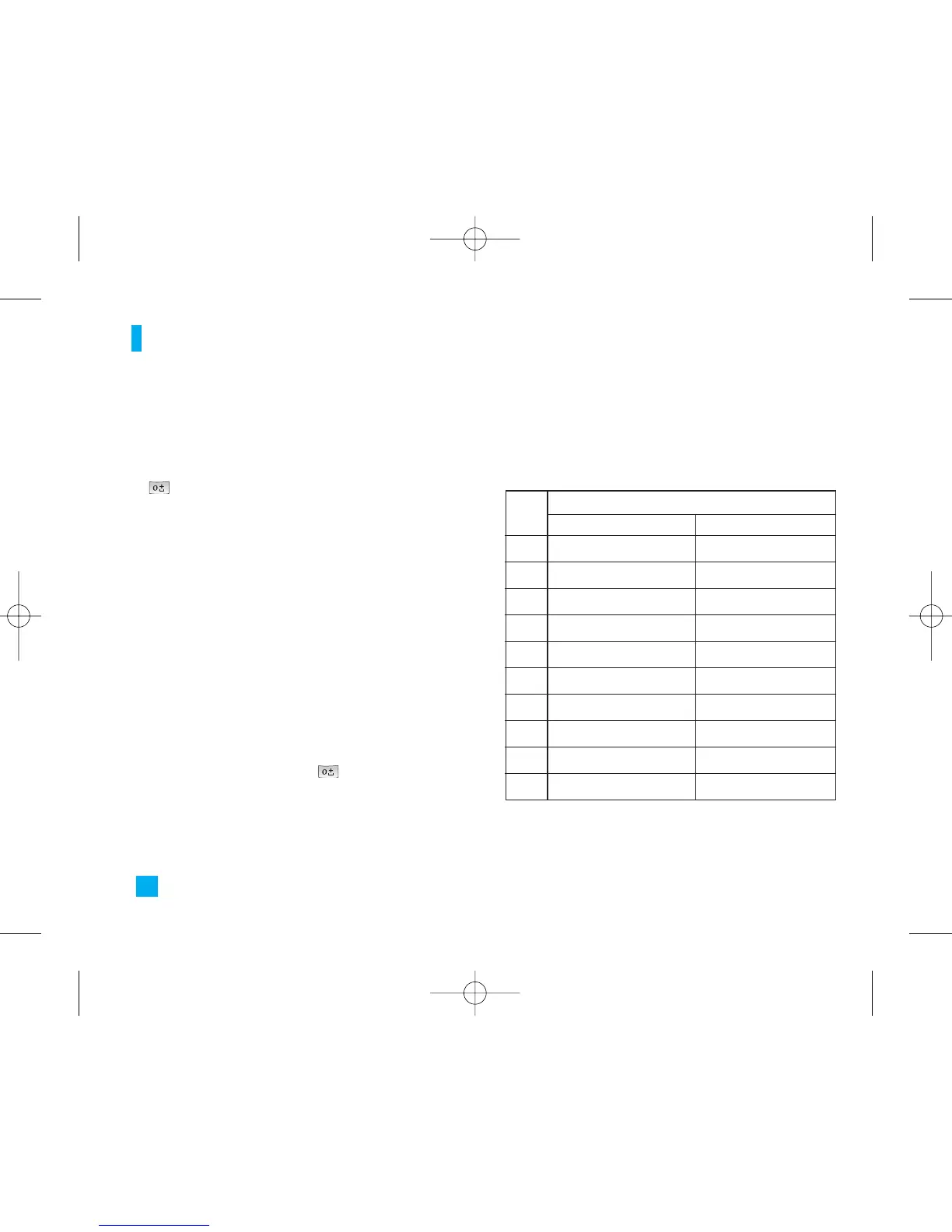
Refer to the table below for more information on the
characters available using the keys.
General Functions
Key
Characters in the Order Display
Upper Case Lower Case
. , / ? ! - : ' " 1 . , / ? ! - : ' " 1
1
A B C 2 a b c 2
2
D E F 3 d e f 3
3
G H I 4
g h i 4
4
J K L 5 j k l 5
5
M N O 6 m n o 6
6
P Q R S 7 p q r s 7
7
T U V 8 t u v 8
8
W X Y Z 9 w x y z 9
9
Space 0 Space 0
0
LG500 ENG Rogers_1026 2005.11.7 10:26 AM ˘`22


 To Next Page