49
Alarm Clock Menu 7.1
You can set up to 5 alarm clocks to go off at a
specified time.
1. Select On and enter the alarm time you want.
2. Select the repeat period: Once, Mon~Fri, Mon~Sat,
Everyday.
3. Select the alarm tone you want and press the left
soft key [OK].
4. Edit the alarm name and press the left soft key [OK].
Calendar Menu 7.2
You can make up to a maximum of 20 entries.
When you enter this menu a calendar will be
displayed. Top of the screen indicates sections for
date. Square cursor is used to locate a particular day.
The under bar on the calendar indicates a schedule or
memo on that day. This function helps to remind you of
the schedule and memo. The phone will sound an
alarm tone if it has been set for a specific note.
For changing the day, month, and year.
] View Daily Schedules: Shows the note for the
chosen day.
] New Schedule: Input the subject, the schedule time,
the repeat, the alarm by pressing allowed keys.
] All Schedules: Shows the notes that are set for all
days. Use up/down navigation keys to browse
through the note lists.
] Delete Old: You can delete the past schedule that
has been already notified you.
] Delete All: You can delete for the all note(s).
] Go to Date: Typing a date, you can go to the date
directly.
] Set Alarm Tone: You choose a scheduler alarm tone
on the list showing.
Tools
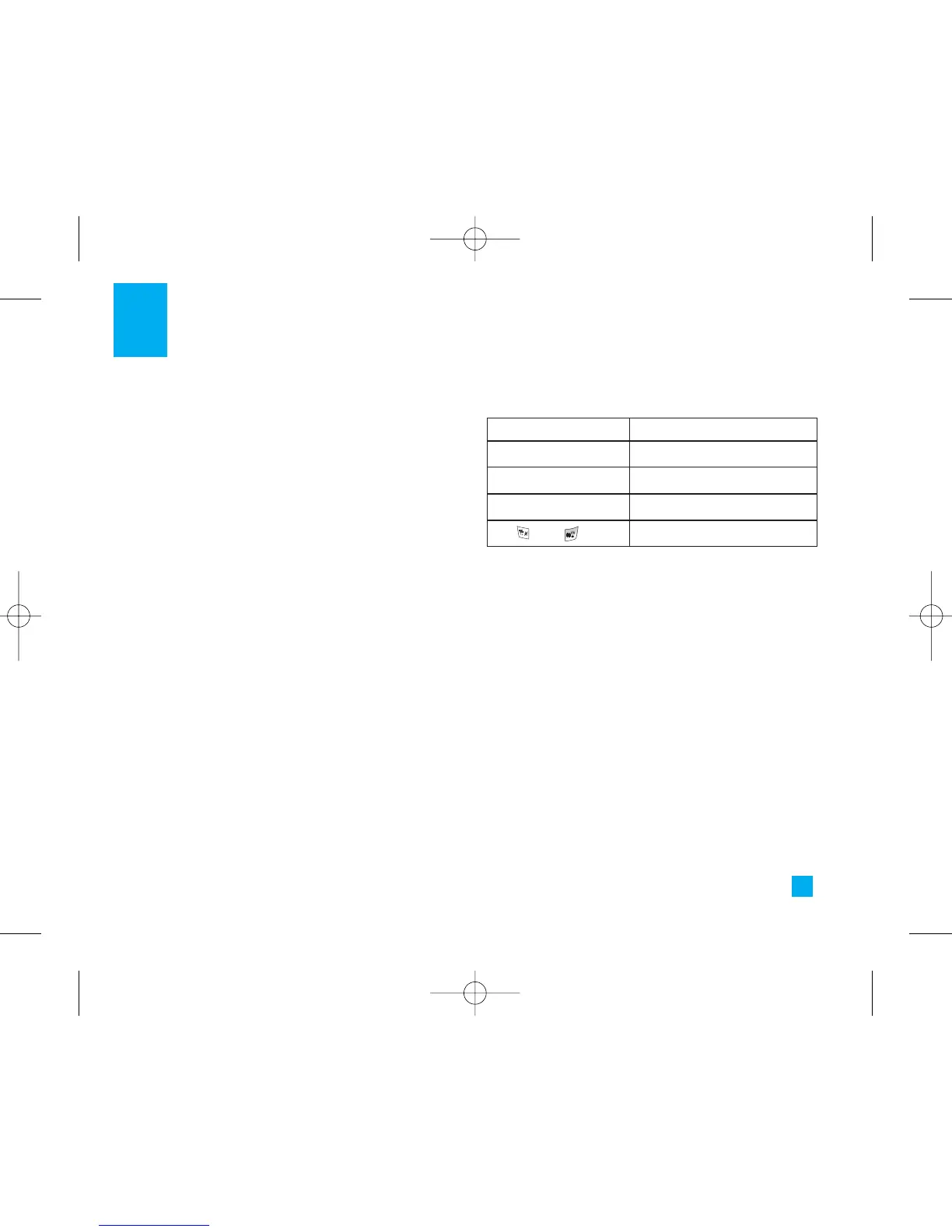
Key Description
WeeklyUp/down navigation key
DailyLeft/right navigation key
Yearly
1 key/ 3 key
Monthly
key/ key
LG500 ENG Rogers_1026 2005.11.7 10:26 AM ˘`49



 To Next Page