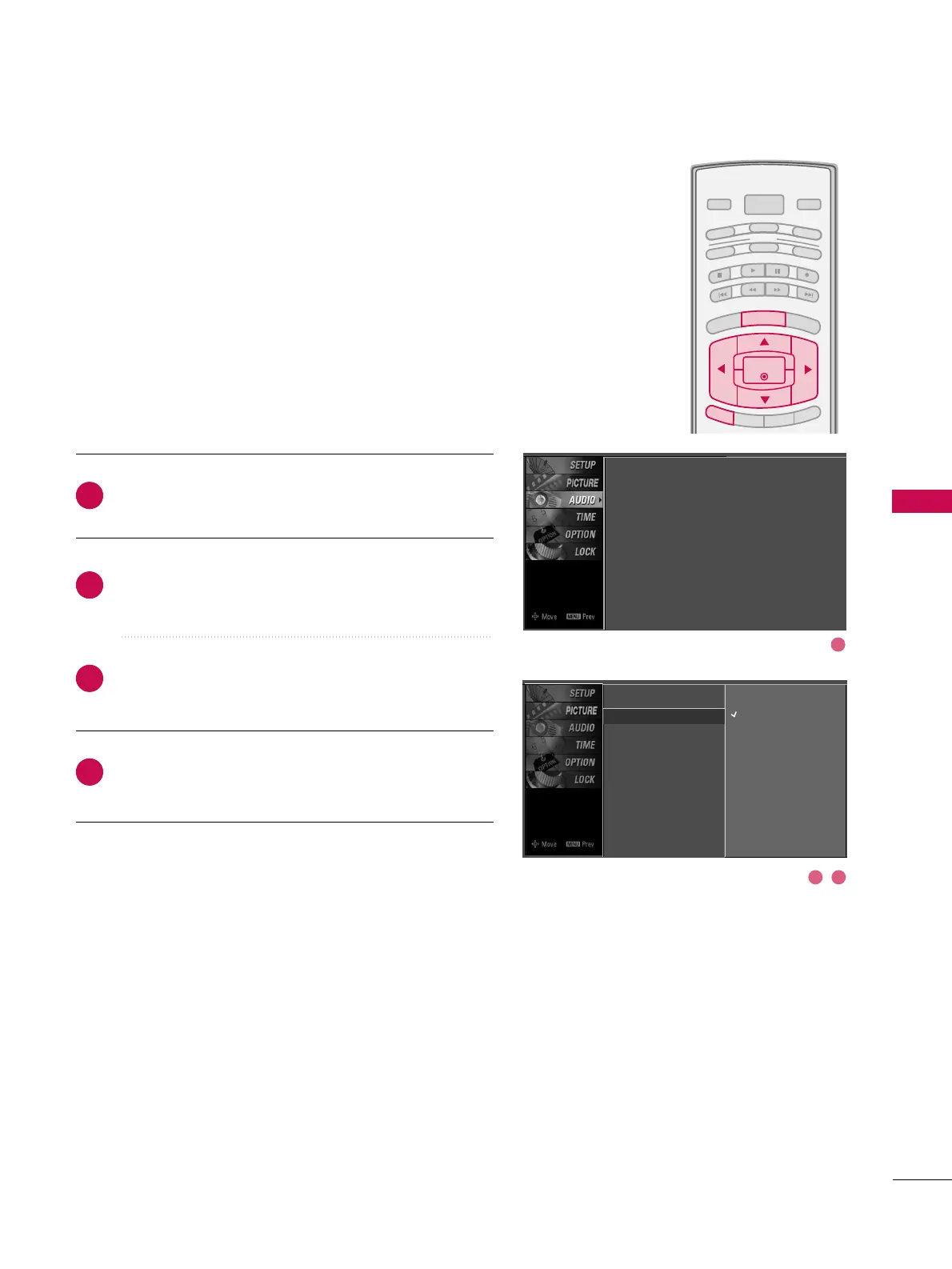
Press the
MMEENNUU
button and then use
DD
or
EE
button
to select the
AAUUDDIIOO
menu.
Press the
GG
button and then use
DD
or
EE
button to
select
AAuuttoo VVoolluummee
.
Press the
GG
button and then use
DD
or
EE
button to
select
OO nn
or
OOffff
.
Press
EEXXIITT
button to return to TV viewing or press
MMEENNUU
button to return to the previous menu.
Scans for changes in sound levels during commercials, then
adjusts the sound to match the specified audio level. Auto
Volume makes sure that the volume level remains consistent
whether you are watching a commercial or a regular TV pro-
gram.
2
3
4
1
Sound Mode
Auto Volume
G
Balance
TV Speaker
Off
On
Sound Mode : Standard
Auto Volume : On
Balance : 0
TV Speaker : On
2 3
1



 To Next Page