EasyManua.ls Logo

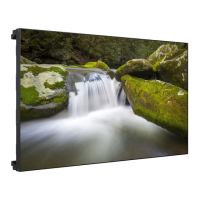
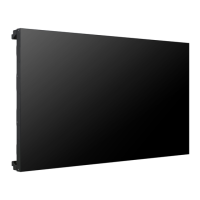
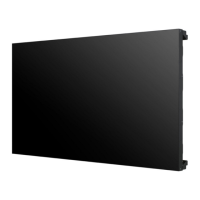
LG 55LV77D - User Manual

LG 55LV77D
119 pages
Print Icon
To Next Page IconTo Next Page
Loading...
P/No: MFL70344501 (1712-REV01)
*MFL70344501*
LG Digital Signage
(MONITOR SIGNAGE)
55LV75D 55LV77D
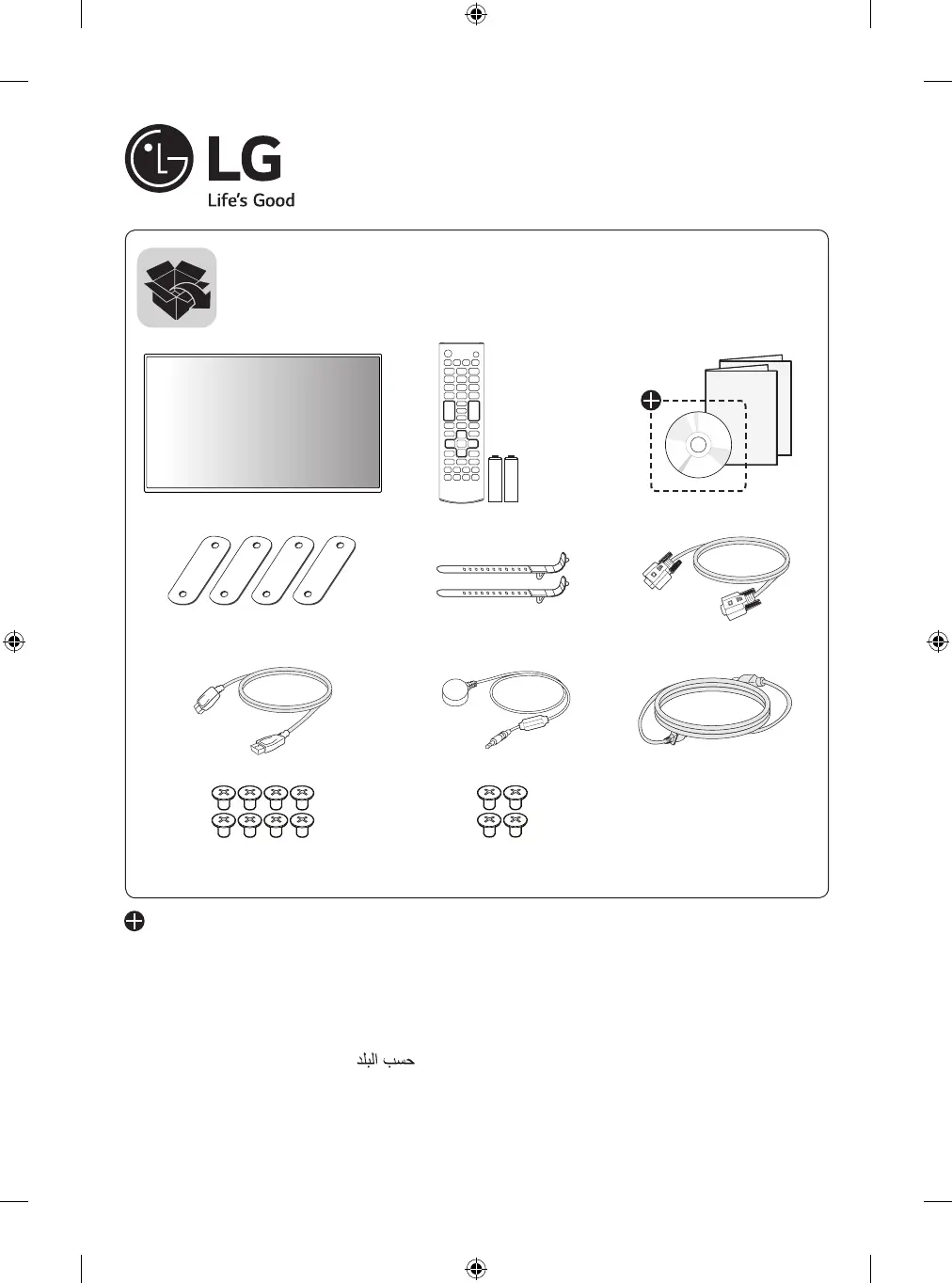
AAA
(M4 x L6)
(M6 x L10)
Depending upon country / Závisí na zemi / Afhængigt af landet / En función del país /
Maan mukaan / Selon pays / Abhängig vom Land / Ανάλογα με τη χώρα / Országfüggő /
Tergantung pada negaranya / A seconda del Paese / Елге байланысты / 지역에 따라 다름 /
Afhankelijk van het land / Avhengig av land / Zależnie od kraju / Dependendo do país /
В зависимости от страны / Závisí od krajiny / Beroende på land / 視國家, 地區而定 /
Ülkeye bağlı / Залежно від країни / Mamlakatga bog’liq ravishda / 国によって異なります /
Depende do país / הנידמב יולת /

Table of Contents

Other manuals for LG 55LV77D

Questions and Answers

  • N
    nicholasclarkSep 10, 2025
    What to do if thin lines appear on the background screen of my LG Digital Signage?
    • L
      Loretta WebbSep 10, 2025
      If thin lines appear on the background screen of your LG Digital Signage, try these steps: 1. Press the button on the remote control to automatically select an optimal screen status that fits into the current mode. 2. Select PICTURE ? Screen ? Size in the OSD menu.
  • C
    cmercadoAug 22, 2025
    Why is the screen color abnormal on my LG 55LV77D?
    • H
      heatherallenAug 22, 2025
      If the screen color on your LG Digital Signage appears abnormal, first, set the number of colors to more than 24 bits (true color) in your computer's display settings (Control Panel > Display > Settings > Color Table). Then, check the connection status of the signal cable, and if necessary, re-insert the PC graphics card. Note that several pixels may appear on the screen, which is attributable to the unique characteristics of the LCD panel and does not indicate a malfunction.
  • K
    karaloweryAug 25, 2025
    How to fix abnormal screen image on LG 55LV77D Digital Signage?
    • D
      Desiree MurrayAug 25, 2025
      To fix an abnormal screen image on your LG Digital Signage, press the button on the remote control to automatically select the optimal screen status. If the adjustment is not satisfactory, manually adjust the screen position, size, or phase in the OSD menu (PICTURE > Screen > Position/Size/Phase). Also, make sure the correct input signal is connected to the signal port.
  • T
    Teresa RodriguezAug 26, 2025
    What to do if after-image appears on LG 55LV77D?
    • P
      perezemmaAug 26, 2025
      If an after-image appears on your LG Digital Signage, it may be due to pixels damaged by a fixed image being displayed for a long time; use the screen-saver function to prevent this. Image sticking can also occur when a dark image is displayed after a high-contrast image; this is normal for LCD screen products.
  • C
    christine31Aug 27, 2025
    How to resolve 'Unknown Product' message on LG 55LV77D?
    • R
      Renee HessAug 28, 2025
      To resolve an 'Unknown Product' message on your LG Digital Signage, check if the Plug and Play function is supported by referring to the graphics card user manual.
  • M
    Monica CarterAug 29, 2025
    What to do if the LG 55LV77D power suddenly turned off?
    • R
      Richard DavisAug 29, 2025
      If your LG Digital Signage turns off unexpectedly, check the power control settings to see if the timer is set. Also, consider the possibility of a power interruption.
  • C
    Christina WhiteSep 18, 2025
    Why do black spots appear on the screen of my LG 55LV77D?
    • L
      lisa76Sep 18, 2025
      Black spots (several pixels of red, green, blue, white, or black color) may appear on the screen due to the unique characteristics of the LCD panel. This is not a malfunction.
  • G
    Gene JohnsonSep 12, 2025
    Why does after-image appear when the LG 55LV77D is turned off?
    • M
      max71Sep 12, 2025
      An after-image may appear on your LG Digital Signage when it's turned off because using a fixed image for an extended period can damage the pixels. Use the screen-saver function to prevent this. Also, image sticking can occur when a dark image is displayed after a high-contrast image. This is normal for LCD screens.
  • D
    debra10Sep 8, 2025
    How to fix horizontal noise on LG 55LV77D?
    • K
      kelsey54Sep 8, 2025
      To address horizontal noise or blurred characters on your LG Digital Signage, try the following: 1. Press the button on the remote control to automatically select an optimal screen status that fits the current mode. 2. Select PICTURE ? Screen ? Phase in the OSD menu.
  • J
    John Peterson MDSep 5, 2025
    What to do if the screen position is wrong on LG 55LV77D?
    • D
      David MaynardSep 5, 2025
      If the screen position is incorrect on your LG Digital Signage, try the following: 1. Press the button on the remote control to automatically select the optimal screen status for the current mode. 2. Select PICTURE ? Screen ? Position in the OSD menu. 3. Ensure the graphics card resolution and frequency are supported by the product. 4. If the frequency is out of range, set the recommended resolution in the Control Panel [Display] Setting menu. 5. Adjust the graphics card settings.

LG 55LV77D Specifications

General IconGeneral
Brightness500 cd/m²
Viewing Angle (H x V)178° x 178°
Operating Hours24 / 7
Operating Temperature0°C to 40°C
Display TypeLCD
Panel TechnologyIPS
Display Size55 inches
Resolution1920 x 1080
Contrast Ratio1, 200:1
Response Time8 ms
InputHDMI, DVI-D, USB
OutputAudio Out
External ControlRS-232C
OrientationLandscape, Portrait

Related product manuals