44
ENGLISH
Photo Upload
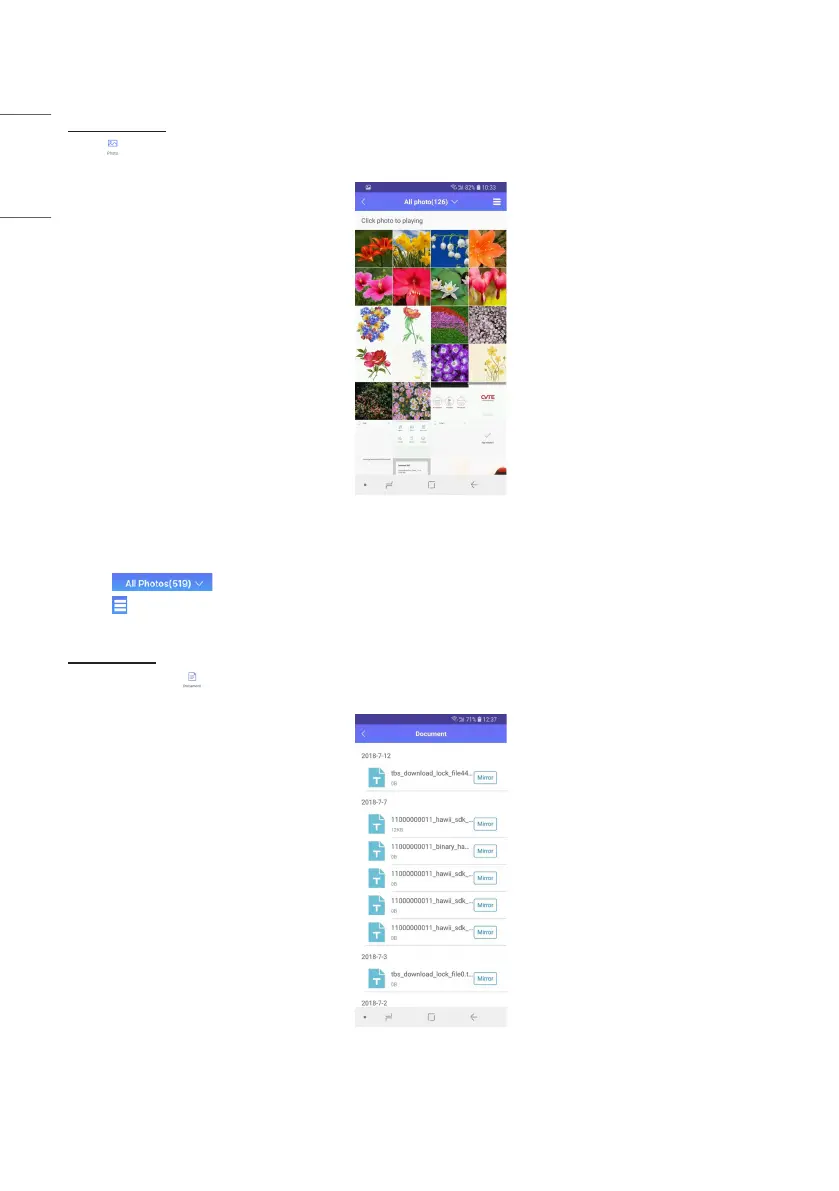
Click to upload photos.
Picture 4-1-4-1 Photo Upload Interface
• Click the preview image of photo to play it on IFP.
• Click to switch from defaulted camera photo preview to other albums.
• Click to switch from defaulted preview image display to details display.
Files Upload
Files Upload: Click to enter files upload mode.
Picture 4-1-5-1 Files Upload Interface



 To Next Page