31
USER SETTINGS
ENGLISH
Picture Setting
To Select Picture Mode
Remote Control (SETTINGS) Picture Picture Mode
Select the picture mode that is best suited to the video type.
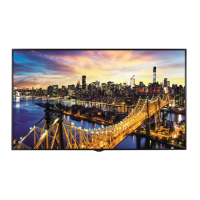
• Vivid: adjusts the video image for a retail environment by enhancing the contrast, brightness, and
sharpness.
• Standard: adjusts the video image for a normal environment.
• APS: APS (Auto power saving ) mode reduces power consumption by dimming control.
• Cinema: optimizes the video image for watching movies.
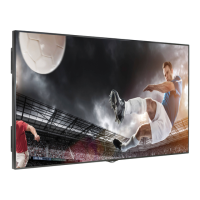
• Sports: optimizes the video image for watching sports. Even fast actions such as kicking or throwing
a ball are rendered clearly on the screen.
• Game: optimizes the video image for playing videogames.
• Photo: This mode is optimized for viewing pictures. It displays photos smoothly while minimizing the
loss of the original photo quality.
• Expert 1/Expert 2: allows an expert, or anyone interested in high quality pictures, to manually tune
the picture for the best picture quality.
• Depending on the input signal, the available picture modes may differ.
• Expert is an option that allows a picture quality expert to fine-tune the picture quality using a
specific image. Thus, it may not be effective for a normal picture.
NOTE


 To Next Page