40
USER SETTINGS
ENGLISH
Installing the LG Monitor Software
Insert the software CD included in the product packaging into your PC's CD drive and install the Screen
Split. The installation screen images are for reference only. The actual installation screen images may
vary depending on the model.
3
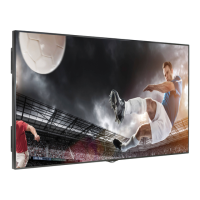
Follow the instructions to proceed with the
installation.
4
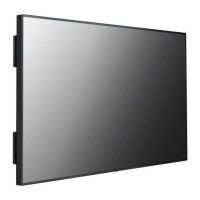
Check the I accept the terms of the
agreement checkbox on the License
Agreement screen and then click the Next
button.
1
Set up Internet Explorer as the default web
browser.
2
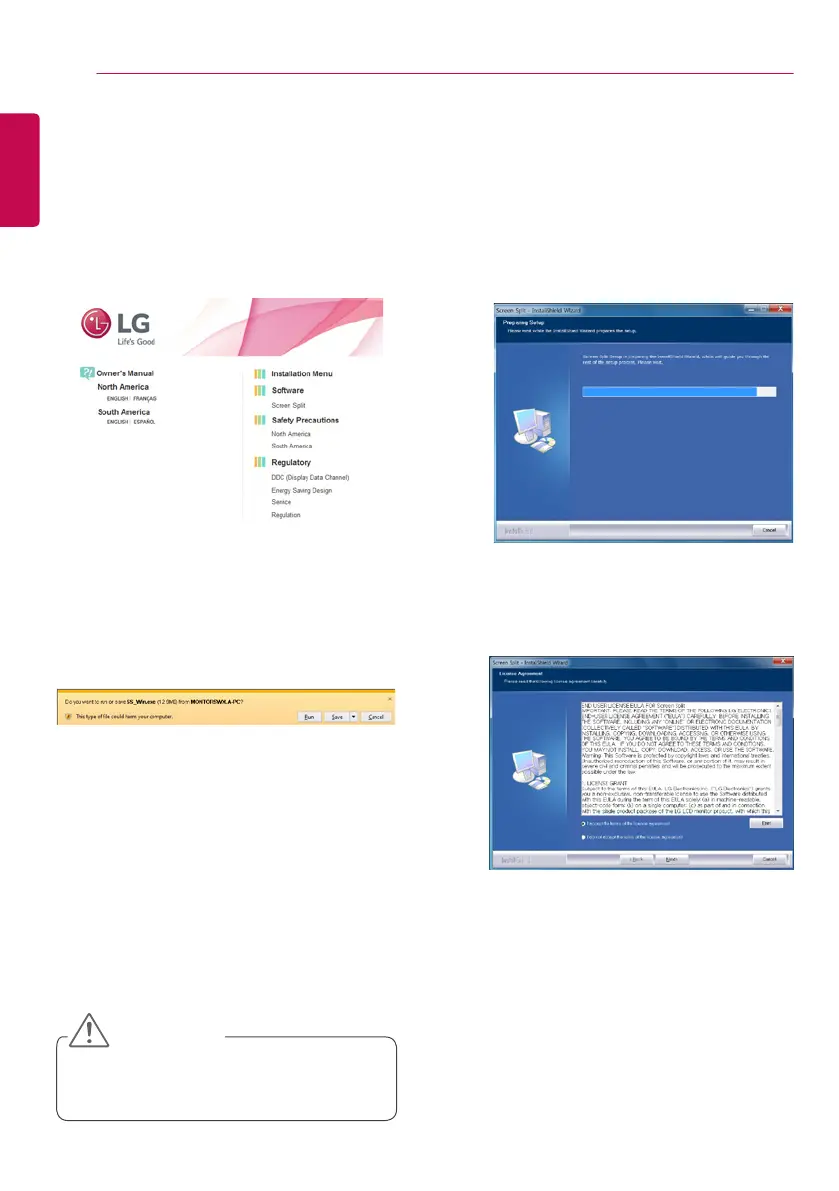
Click Screen Split on the CD's main
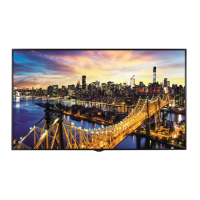
screen. When the file download window
appears, click Run. (Although the screen
below may differ depending on your oper-
ating system or Internet Explorer version,
the installation methods are the same.)
• Windows 7 must be updated to Service
Pack 1 or higher.
CAUTION


 To Next Page