41
USER SETTINGS
ENGLISH
5
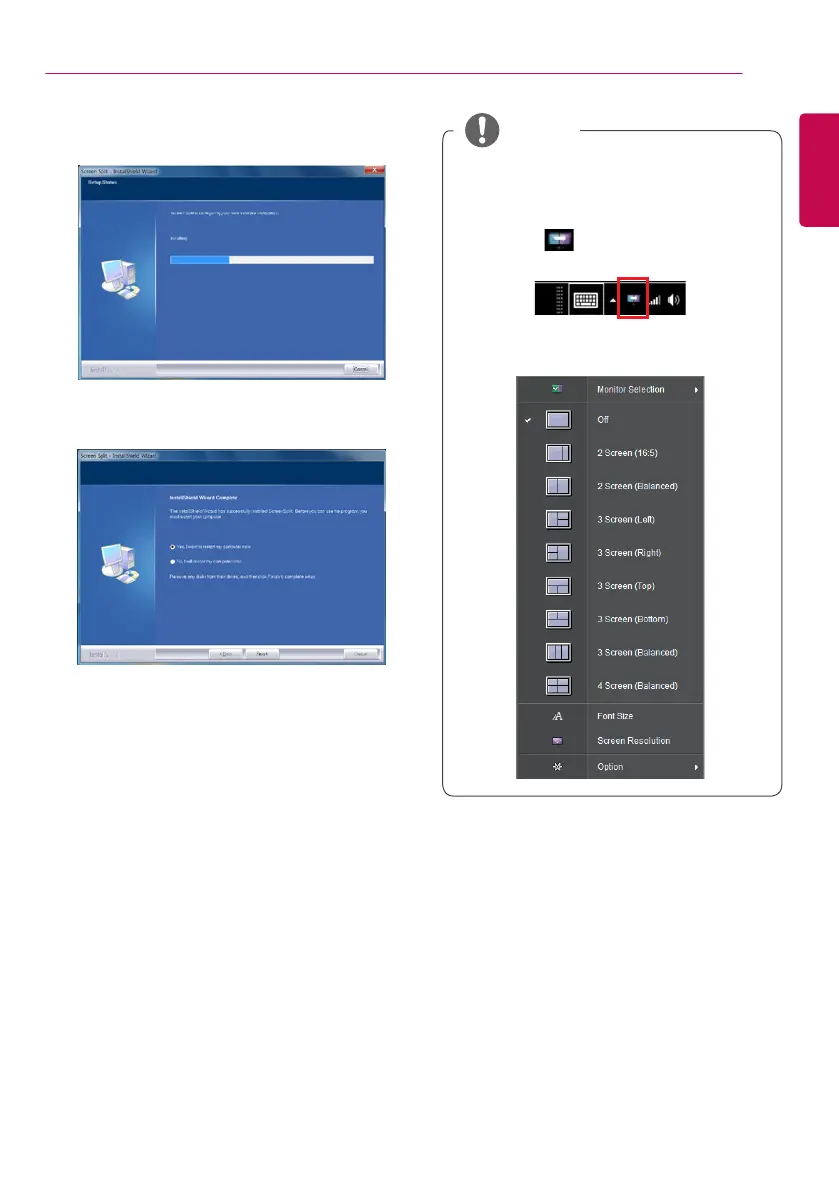
The Screen Split starts the installation as
shown below:
6
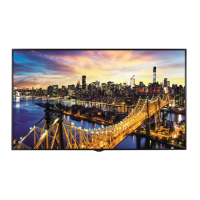
When the installation is complete, restart
your system.
Screen Split This program automatically
splits the program window as desired.
When you run Screen Split, the Screen
Split icon [ ] appears in the system
tray at the bottom right of the PC screen.
Right-click the Screen Split icon and
select the desired layout.
NOTE


 To Next Page