9
ASSEMBLY AND PREPARATION
ENGLISH
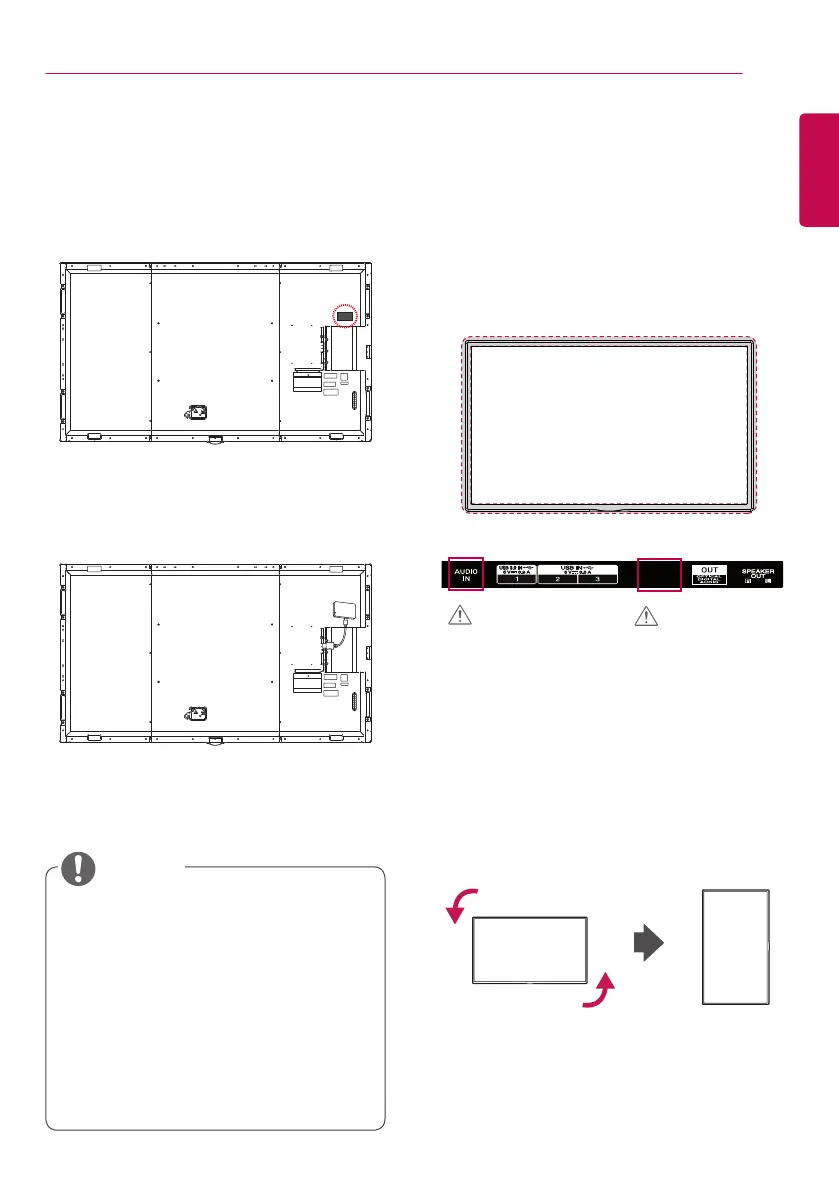
Connecting Wi-Fi Dongle
1 Attach the Velcro tape provided with the Wi-
Fi dongle to the back of the set.
2 Connect the Wi-Fi dongle and the set using
a USB cable and then attach the dongle to
the set before using.
Connecting IR and Light
Sensor
When you connect the cable to the product, the
feature for receiving remote control signals is
activated. The IR and light sensor is magnetic.
Attach it to the front edge of the product for use.
[Front]
Portrait Layout
When installing in a portrait layout, rotate the
monitor counterclockwise 90 degrees (when
facing the screen).
CAUTION
CAUTION
• Refer to the manual of the Wi-Fi dongle.
• Bluetooth is not supported.
• Refer to the Installation Menu for region
settings.
• The wireless reception may be affected by
the location of the product.
• If there is poor reception in the
recommended location, please change the
location before use.
• Use only the provided Wi-Fi dongle. Other
Wi-Fi dongles may not work properly.
NOTE


 To Next Page