14
ENGLISH
PREPARATION
Connect AC Smart BACnet
You can install AC Smart BACnet and its cables as follows.
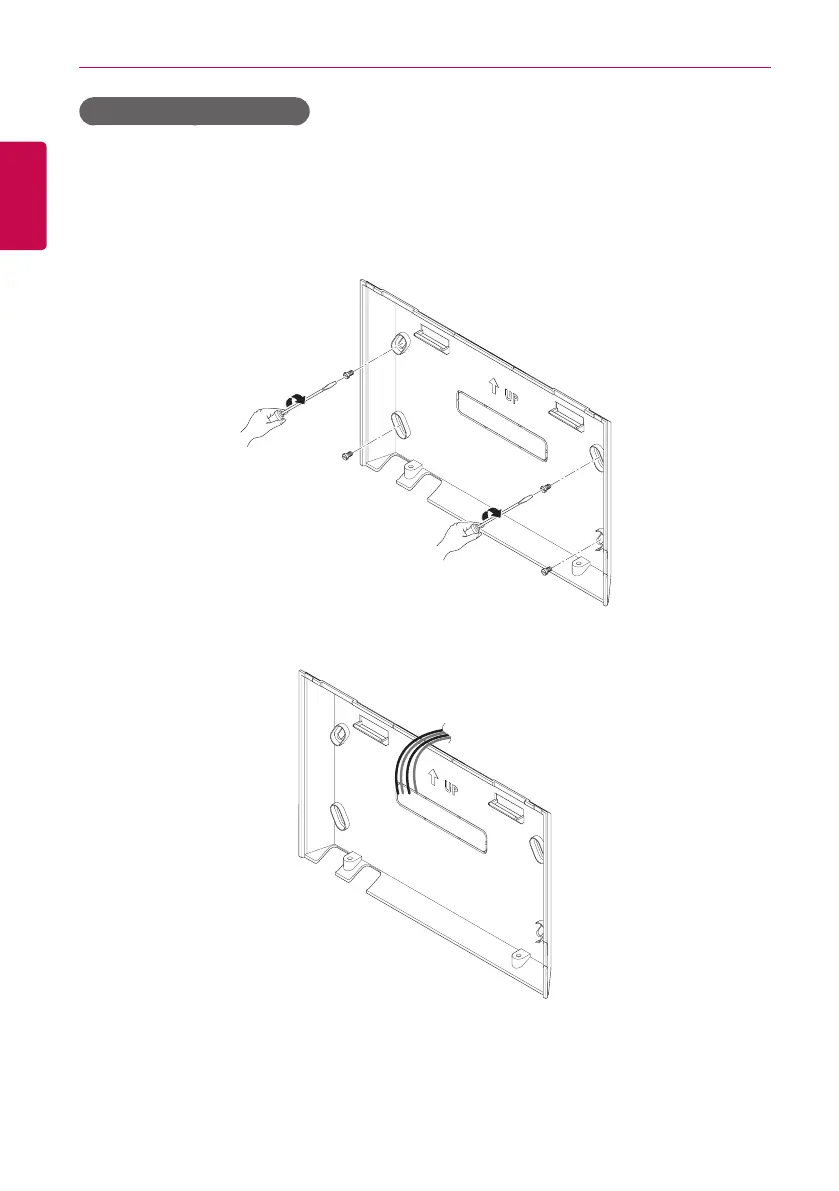
1. Choose a space for AC Smart BACnet.
• Prior to securing AC Smart BACnet, check if the space is suitable for installing
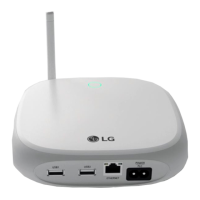
AC Smart BACnet, an RS485 cable, power cord, and an Ethernet cable.
2. Secure the back panel of AC Smart BACnet to the wall under which the RS485 cable is located.
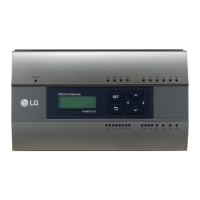
3. Extend the RS485 cable through the top opening of the back panel.


 To Next Page