56
Operation
Operation
4
Watching MLB® games
After activating your player, you are ready to
watch live or on demand MLB® games. Use
your player’s remote to browse, search and
watch directly on your TV.
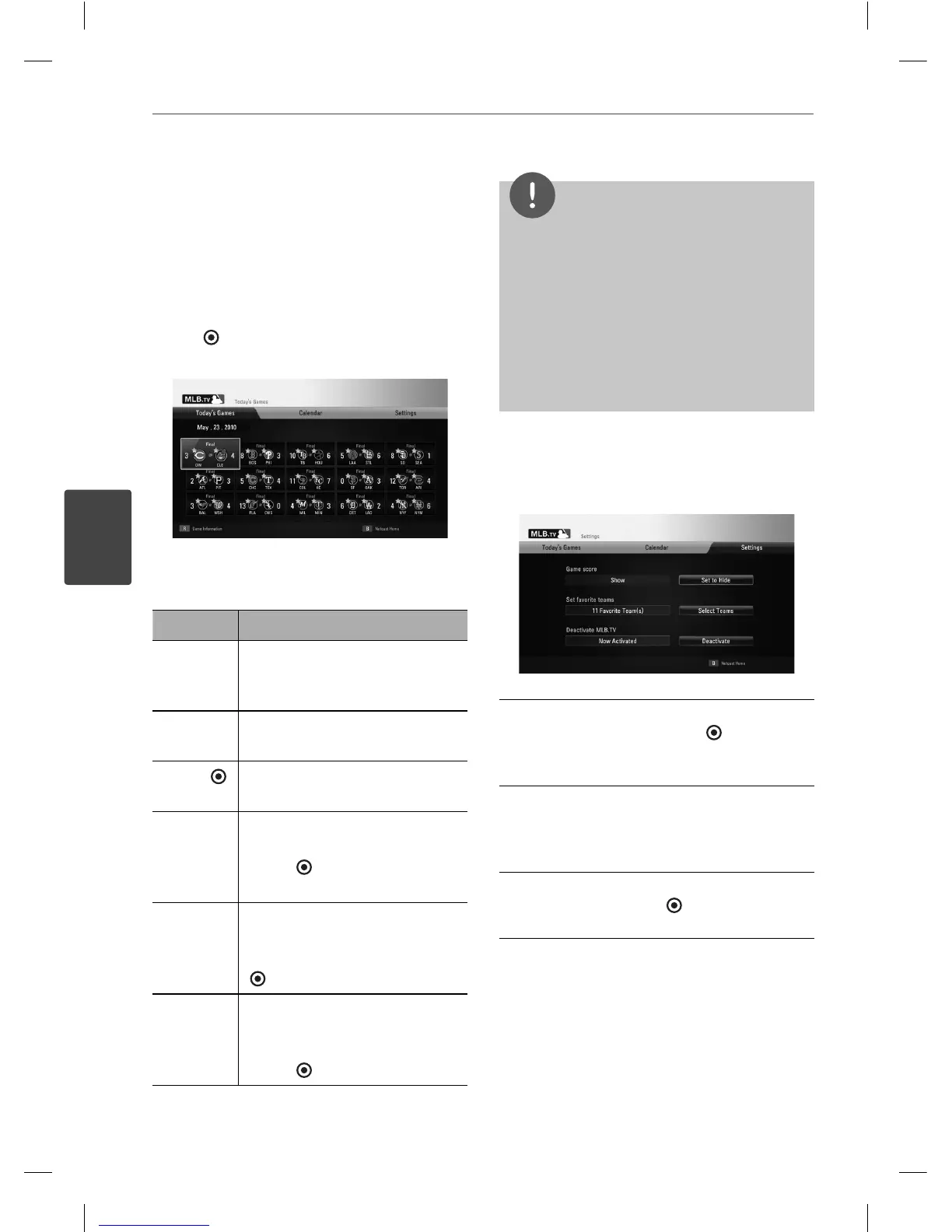
Select a game you want to watch from
[Today’s Games] or [Calendar] menu. Press
ENTER (
) while selecting the game to start
playback.
Press red (R) colored button to display the
information for the selected game.
Button Operation
X
Pauses a game while it’s playing.
To resume the paused game,
press
B
.
x
Stops playback and displays
previous screen.
ENTER (
)
Displays the progress bar on the
screen.
m
/
M
Move the cursor on the progress
bar backward or forward. Press
ENTER ( ) or
B
at the point
you want to start playback.
Red (R)
colored
button
Use
U
/
u
/
I
/
i
to select an
inning you want to start
playback. And then press ENTER
(
) or
B
to play games.
Yellow (Y)
colored
button
Use
U
/
u
to select a broadcast
between the national, home
and away. And then press
ENTER (
) or
B
to play games.
NOTE
The playback of MLB.TV® may be paused, stopped
or bu ering occurring often depending on your
broadband speed.
We recommend a minimum connection speed
of 3 Mbps. Sometimes your broadband speed
varies based on your ISP’s network conditions.
Contact your ISP if you have problems maintaining
a fast connection that is reliable, or if you want to
increase your connection speed. Many ISPs o er a
variety of broadband speed options.
Adjusting MLB.TV® settings
In the [Settings] menu, you can set several
options or deactivate your player.
Game score – Select [Set to Show] or [Set to
Hide] option and press ENTER ( ) to show or
hide game scores in the [Today’s games] or
[Calendar] menu.
Set favorite teams – You can set your favorite
teams in this menu. Your favorite teams will
be displayed with the star mark in the [Today’s
games] or [Calendar] menu.
Deactivate MLB.TV – Select [Deactivate]
option and press ENTER (
) to deactivate
your player.
BD561-N-BUSALLK-ENG.indd 56BD561-N-BUSALLK-ENG.indd 56 10. 10. 20 11:1810. 10. 20 11:18



 To Next Page