70
Operation
Operation
4
3. Enter the password using the virtual
keyboard, and press ENTER ( ) while [OK] is
selected.
Your web album is appeared on the screen.
4. If you want to sign out, select the [Sign Out]
from the Picasa™ menu and press
ENTER (
).
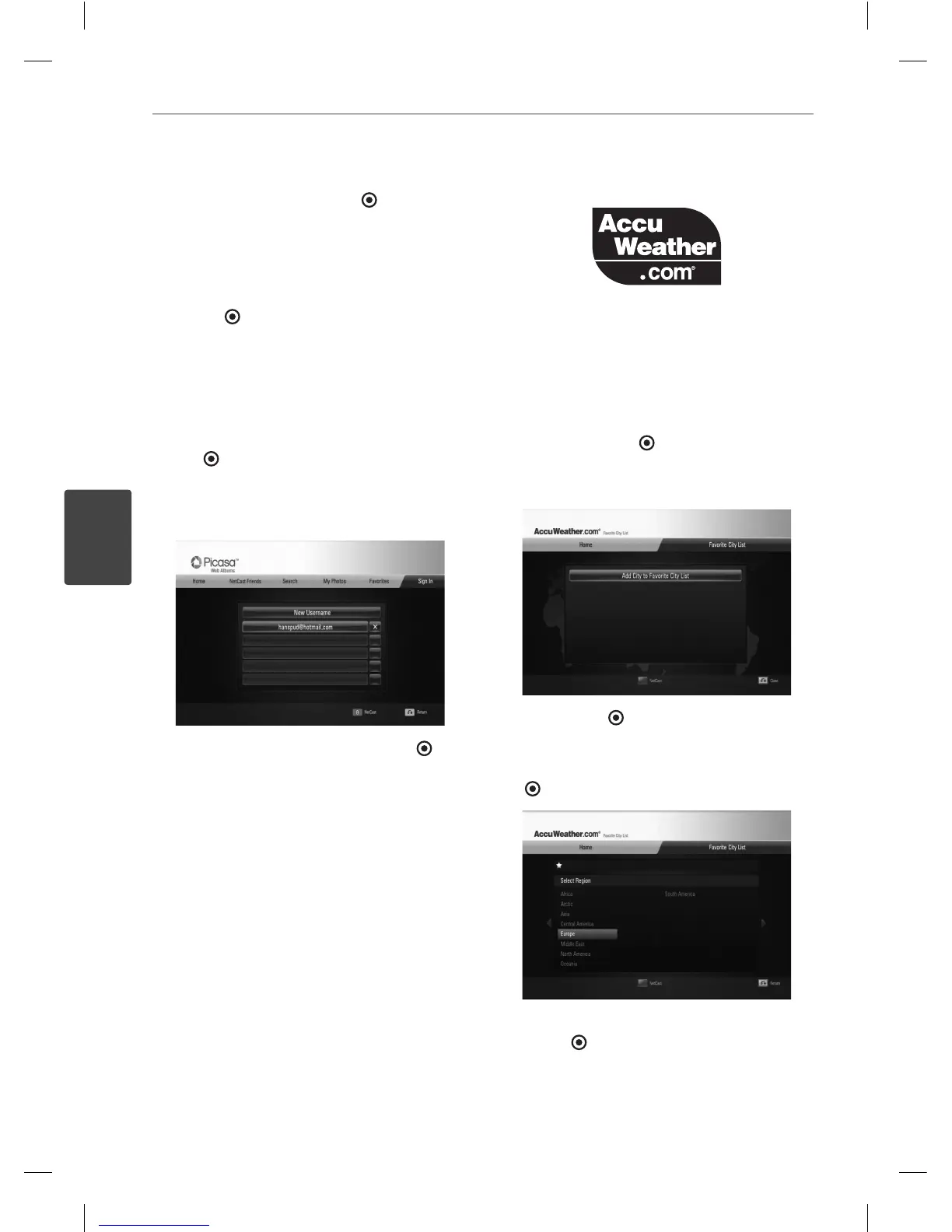
This unit can automatically store up to 5 user
names which were previously signed-in. The
user name list appears when you select the
[Sign In] option.
Select a stored user name on the list and press
ENTER (
) to display the virtual keyboard with
the selected user name is entered. You will
then only need to enter the password to sign
in.
Select the [X] symbol and press ENTER ( ) to
delete the stored user name.
Using the AccuWeather
See on-line local and global weather forcasts
from AccuWeather.com.
Viewing weather information
1. On the player, select the [AccuWeather]
option in the [NetCast] menu using
I
/
i
,
and press ENTER ( ).
The city selection menu appears on the
screen.
2. Press ENTER ( ) while [Add City to Favorite
City List] is selected.
3. Select a region using
U
/
u
, and press ENTER
(
).
4. Select a, country using
U
/
u
/
I
/
i
, and press
ENTER ( ).
BD561-N-BUSALLK-ENG.indd 70BD561-N-BUSALLK-ENG.indd 70 10. 10. 20 11:1810. 10. 20 11:18



 To Next Page