59
Operation
Operation
4
REPEAT Inserts a space at the cursor
position.
m
/
M
Changes the character set of
the remote control (#+-=&,
123, ABC or abc)
NOTE
The keypad mode is available only in the
[YouTube™] and [Picasa™ Web Albums] features.
Searching videos
You can search for videos by entering search
words of up to 128 characters.
1. Use
I
/
i
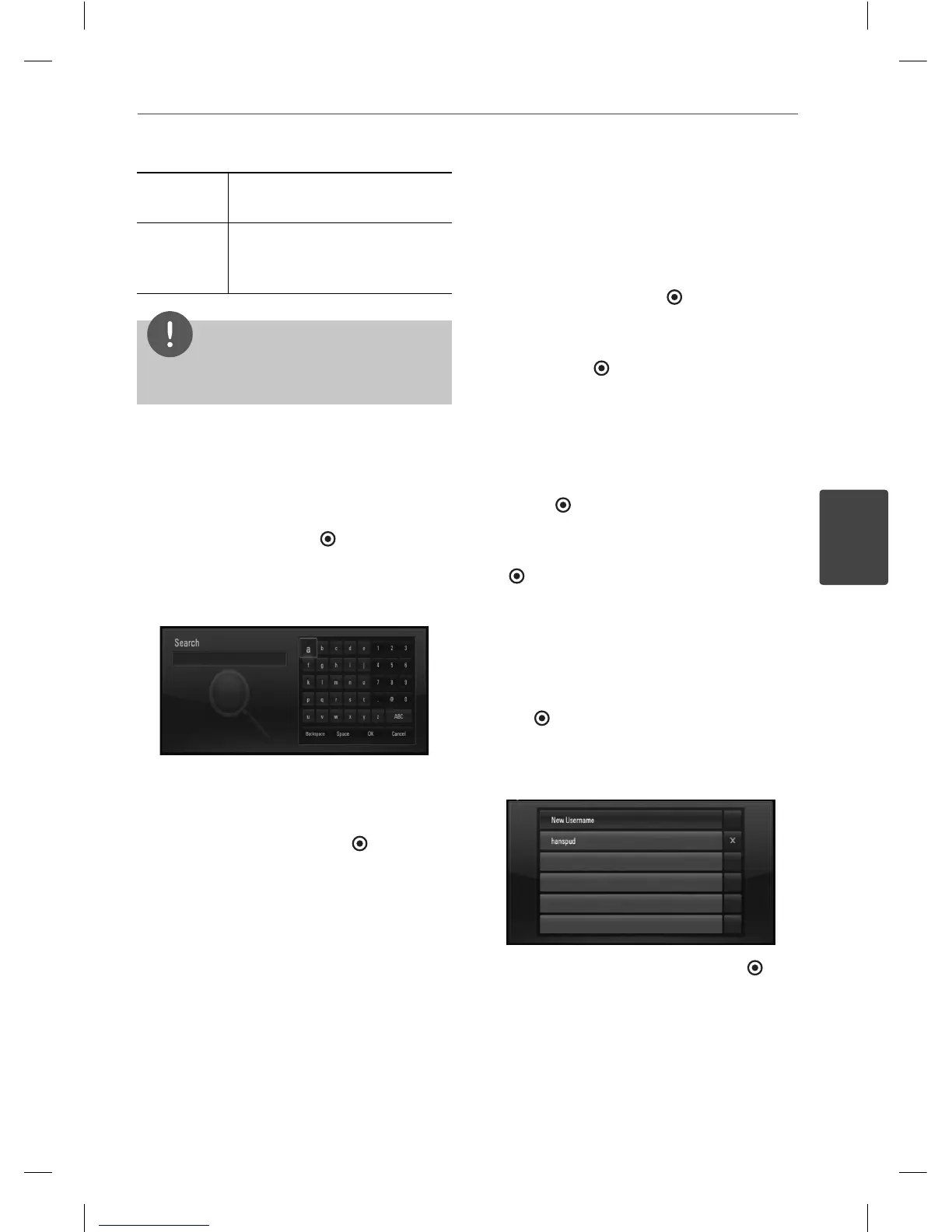
to select [Search] option from the
menu and press ENTER (
) to display the
virtual keyboard.
Refer to “Using the virtual keyboard” on
page 58 for using virtual keyboard.
When you entering a character, maximum
of 5 suggestion words will be displayed.
2. When you nish entering the search words,
select [OK] and press ENTER ( ) to display
the related video list.
Sign in with your YouTube™ account
To watch videos from your [Favorites] video list
on the YouTube™ server with your account, you
need to sign in with your YouTube™ account.
1. Use
I
/
i
to select [Sign In] option from the
menu and press ENTER (
) to display the
virtual keyboard.
2. Use
U
/
u
/
I
/
i
to select a character then
press ENTER (
) to con rm your selection
on the virtual keyboard.
Refer to “Using the virtual keyboard” on
page 58 for using virtual keyboard.
3. When you nish entering the user name
and the password, select [OK] and press
ENTER (
) to sign in.
4. If you want to sign out, select the [Sign Out]
from the YouTube™ menu and press ENTER
( ).
This unit can automatically store up to 5 user
names which were previously signed-in. The
user name list appears when you select the
[Sign In] option.
Select a stored user name on the list and press
ENTER (
) to display the keyboard menu with
the selected user name is entered. You will
then only need to enter the password to sign
in.
Select the [X] symbol and press ENTER ( ) to
delete the stored user name.
BD561-N-BUSALLK-ENG.indd 59BD561-N-BUSALLK-ENG.indd 59 10. 10. 20 11:1810. 10. 20 11:18



 To Next Page