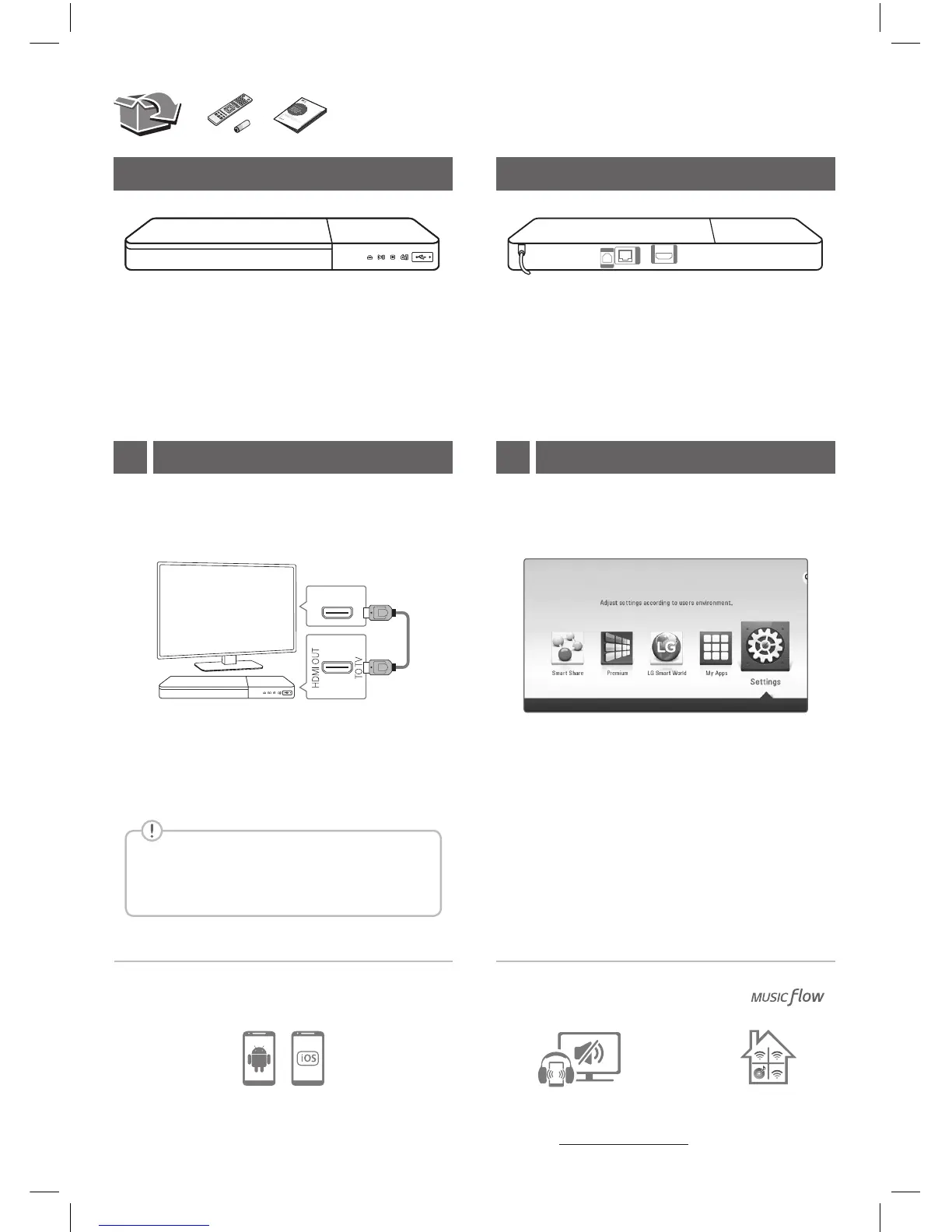
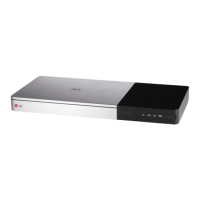
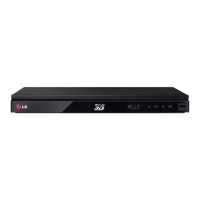
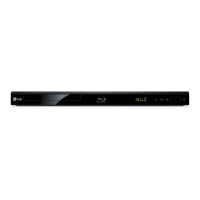
Front Panel Rear Panel
TV Connection
Private Sound Mode
With
b Set the input selector to HDMI on the TV.
c Follow the instructions on the TV screen using
remote control.
a Connect the HDMI jack on the player to the
HDMI jack on the TV using a HDMI cable.
After initial setup, Home menu appears on the TV
screen. Enjoy various functions on the player.
For more information, download the online owner’s
manual. http://www.lg.com
Controller App
1 Home Menu2
+
-
Download the LG AV Remote App to your device.
To enjoy online services, the player should
be connected to internet through wired or
wireless connection.
LAN
OPTICAL
AUDIO OUT
HDMI OUT
TO TV
HDMI IN
TV
R························Disc Tray Open / Close
T ·································Play / Pause
I ·········································Stop
1
/!
·····························Power On / O
USB Port ··················Connect a USB device.
OPTICAL (AUDIO OUT)
· · · · · Connect to AV Receiver.
LAN ························· Connect to Internet.
HDMI OUT (TO TV)················ Connect to TV.


 To Next Page