English
35
English
User Controls
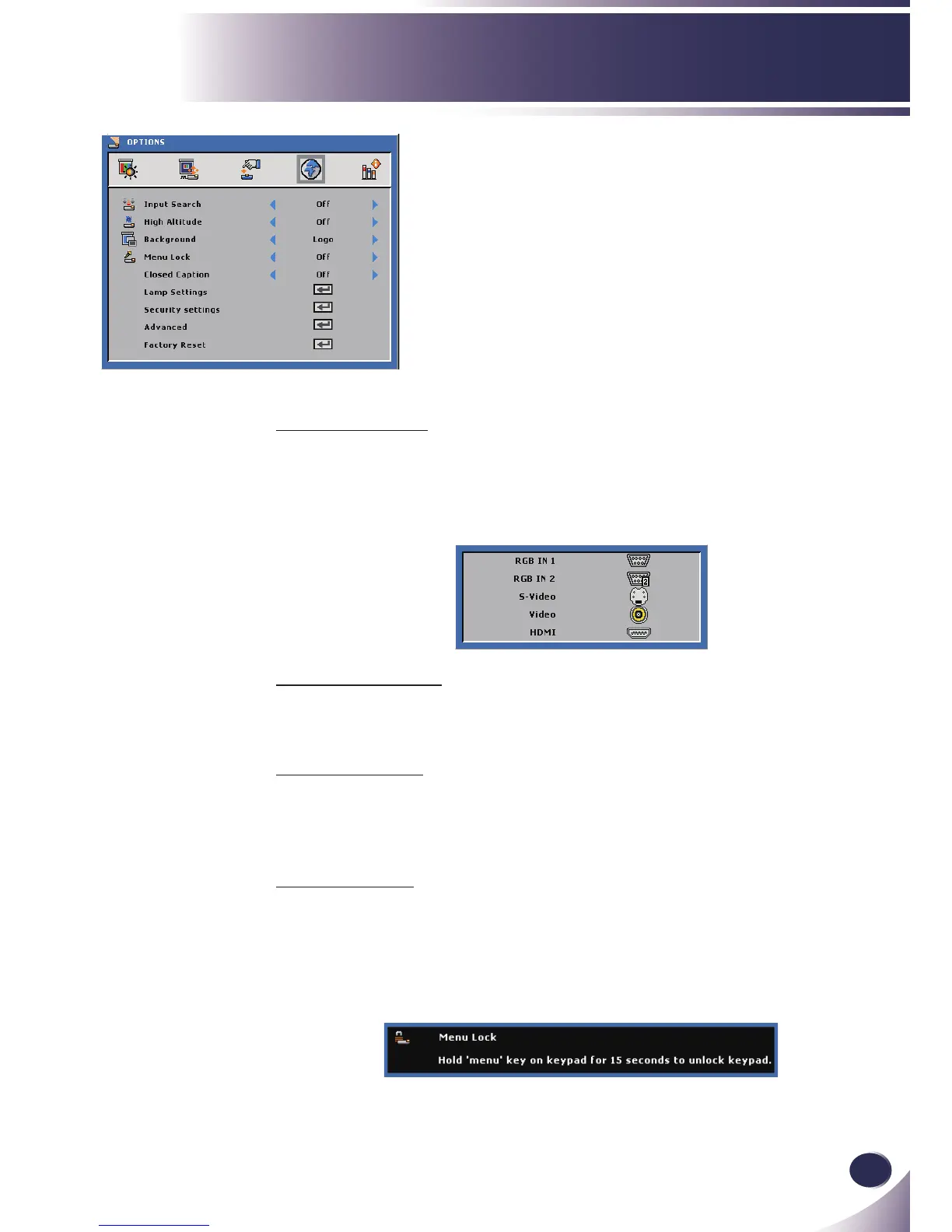
OPTIONS
Input Search
When “On” is selected, the projector will search for other signals
if the current input signal is lost.
When “Off” is selected, the projector will only search a specied
connection port.
High Altitude
When “On” is selected, the fans will spin faster. This feature is use-
ful in high altitude areas where the air is thin.
Background
Use this feature to display a “Logo”, “Black”, “Red”, “Blue”,
“Green”, “White”, “Gray” or “Capture Screen” screen when no
signal is available.
Menu Lock
Choose “On” to enable Menu Lock and hide the OSD menu.
Choose “Off” to disable the Menu Lock. If you want to disable
the Menu Lock function and have the OSD disappear, press the
Menu button on the control panel for 15 seconds, then disable
the function.



 To Next Page