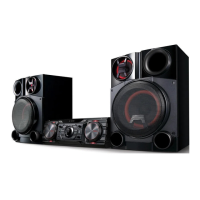
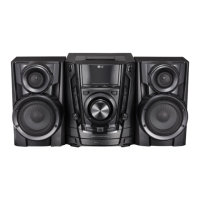
x
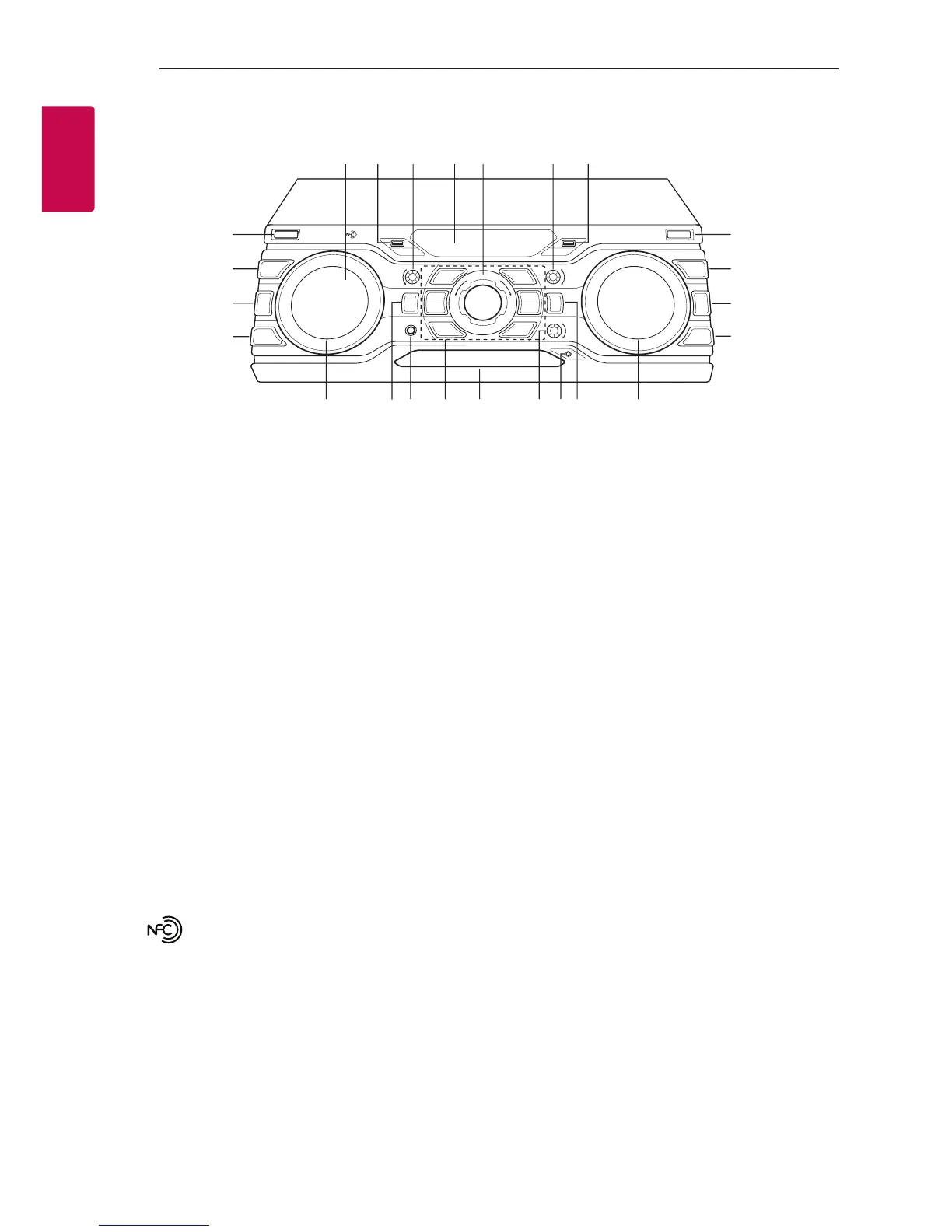
a
1
/
!
(Power)
b
DJ EFFECT
Selects DJ EFFECT mode. (For more information
refer to page 18).
c
BASS BLAST
Selects BASS or STANDARD effect directly.
d
AUTO DJ / RDS
Selects the AUTO DJ mode. (For more
information refer page 18). / Uses RDS (Radio
Data System) (Refer to the page 26.)
e
USB REC
Records to USB.
f
FOLDER
Moves to folder and file in selection mode.
g
ENTER
Selects a folder when searching a file.
h
DELETE
-Deletes a song on the programmed list.
-Deletes MP3/WMA files. (USB only).
i
: You can easily connect to Bluetooth
devices through NFC Tag. (Refer to page 21)
j
USB 1 Port
You can play or record sound les by connecting
the USB device.
k
BASS
Adjusts BASS sound level when setting USER EQ.
l
Display window
m
MASTER VOLUME
Adjusts speaker volume.
n
TREBLE
Adjusts TREBLE sound level when setting USER
EQ.
o
USB 2 Port
You can play or record sound les by connecting
the USB device.
p
SCRATH & CONTROL
Turn clockwise or counterclockwise to make
Scratch sound. / Sets Delay value in X-BOOM
PLUS mode. / Adjust DJ EFFECT level.
q
X-BOOM PLUS/DEMO
Press to select X-BOOM PLUS mode. / Shows
Demo mode.
r
MIC. jack



 To Next Page