How to Affix the
Ferrite Core
Ferrite core may not be provided depending on
each nation’s regulations.
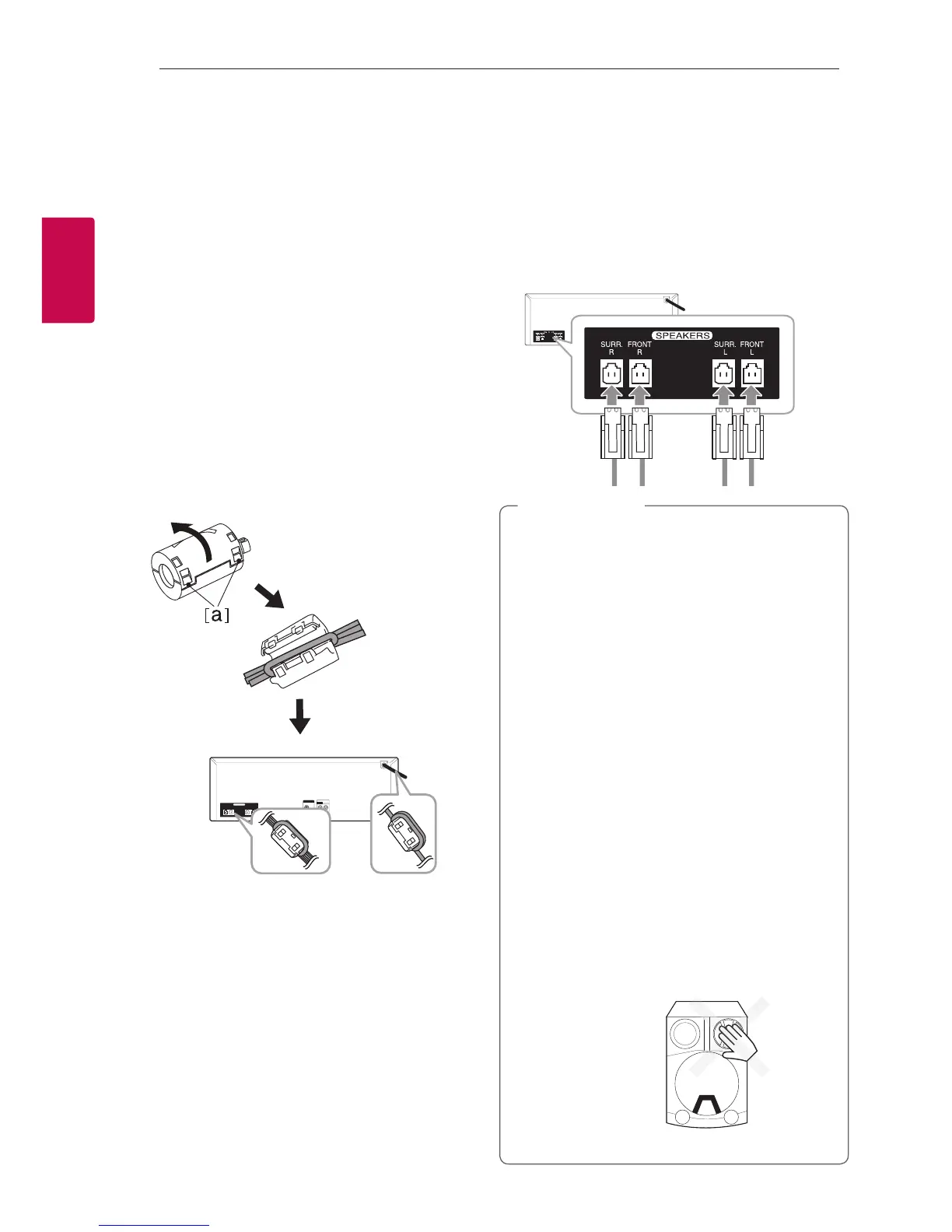
Affix the Ferrite Core for
power cord and speaker cables
You must ax a ferrite core in order to reduce or
eliminate electrical interference.
1. Pull the stopper [a] of the ferrite core to open.
2. Wind the power cord around the ferrite core
twice (Once for 110 V cord).
Wind the SPEAKERS cables around the ferrite
core once.
3. Close the ferrite core until it clicks.
Connecting to
speakers
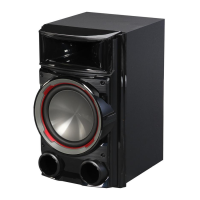
Connect the speaker cable plugs to the SPEAKERS
connector. Make sure to connect the speaker’s plug
to the corresponding colored speaker connector
when connecting the plug.
y
Do not try to lift the speaker alone. It needs
two persons to lift the speaker. Otherwise
it may result in the speaker malfunction
and cause personal injury and/or property
damage.
y
When you connect the speakers to the unit,
make sure to connect the speaker’s cable and
plug to the corresponding speaker connector.
y
Check the volume level before playing music
to prevent inrm, child, and pregnant women
from being shocked by the sudden and loud
sound from the unit.
y
Do not use the unit in a limited space.
It may damage a person’s hearing. It is
recommended to use it in a wide space.
y
Be careful to make sure children not to put
their hands or any objects into the opening
speaker duct hole.
y
The speakers contain magnet parts, so color
irregularity may occur on the TV screen or PC
monitor screen. Please use the speakers far
away from either TV screen or PC monitor.
y
>
Caution
Do not press the
diaphragm or the
dust cap of the
speaker.



 To Next Page