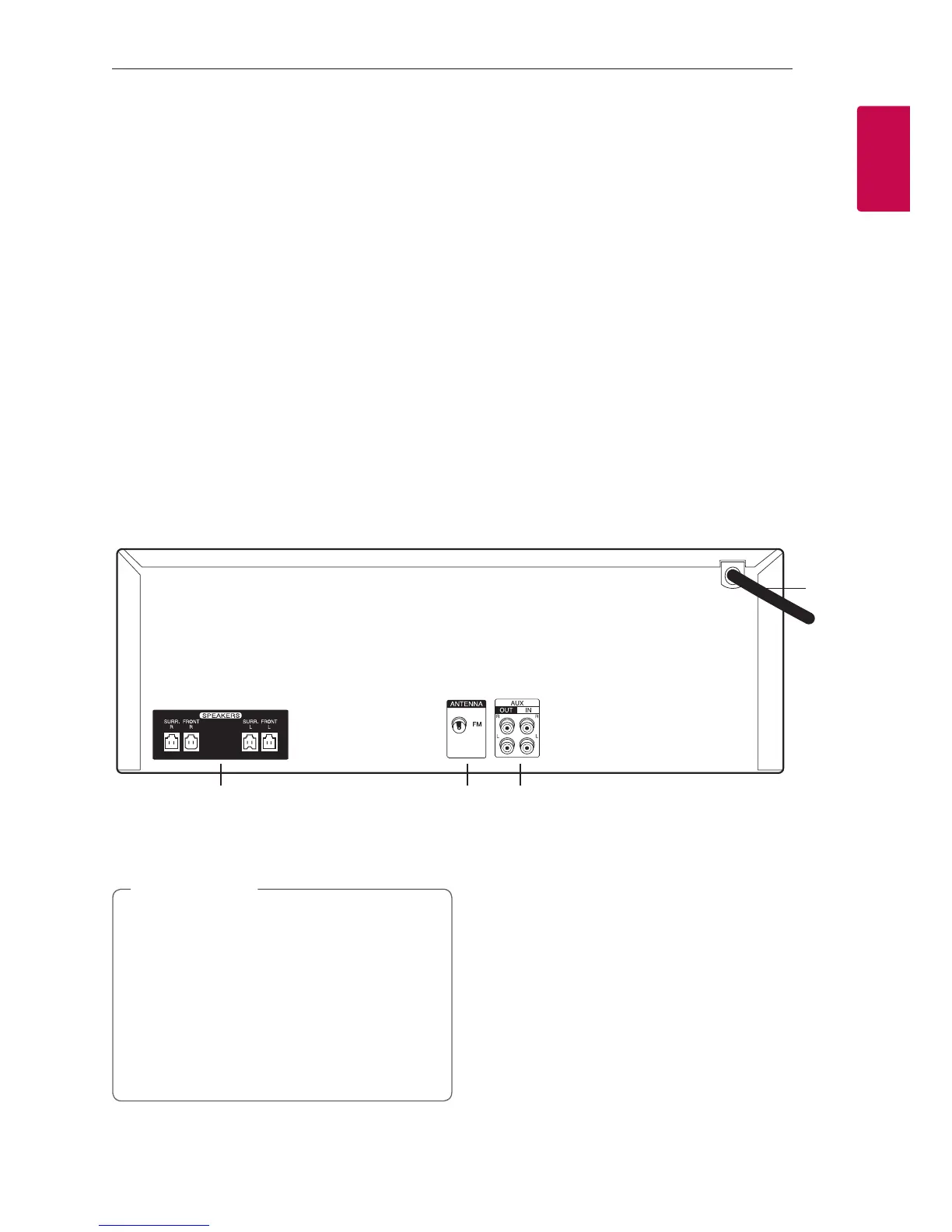
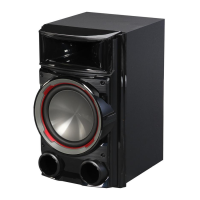
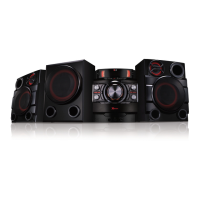
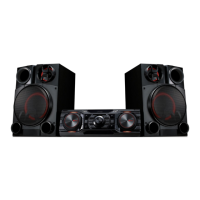
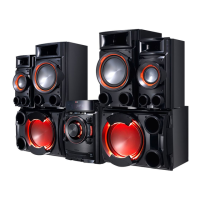
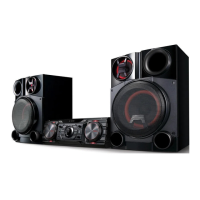
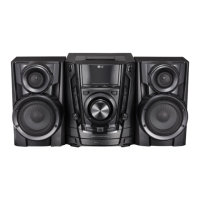
Rear panel
a
bcd
a
Power cord
y
Connect the power cord to wall outlet
directly if possible. Or when you use an
extension cable, it is highly recommended
to use an extension cable of 110 V / 15 A
or 230 V / 15 A, otherwise the unit may not
operate properly because of the lack of
power supply.
y
Do not overload the extension cord with
excessive electrical load.
>
Caution
b
SPEAKERS connector
c
ANTENNA (FM)
d
AUX IN (L/R)
AUX OUT (L/R)
s Y/U
- Skips Fast backward or Forward.
- Searches for a section within a track/file.
I
Stops playback or cancels DELETE function.
T
- Starts or pauses playback.
- Selects Stereo/Mono.
USER EQ
Controls sound register.
LG EQ
Chooses sound impressions.
BLUETOOTH
Turns to BLUETOOTH function.
EJECT
Opens and closes the disc tray.
t
Disc tray
u
MIC VOL.
v
PORT. IN jack
w
FUNCTION
Selects the function and input source.
x
SEARCH
Searches a folder and a file on CD/USB function.



 To Next Page