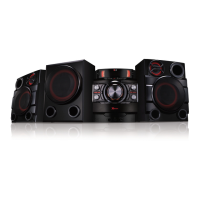
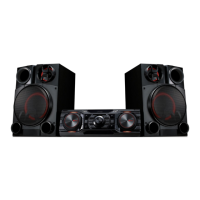
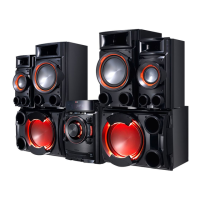
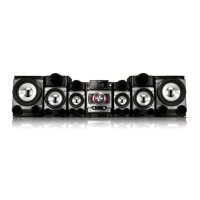
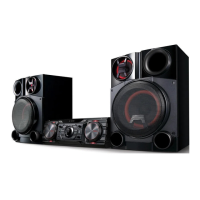
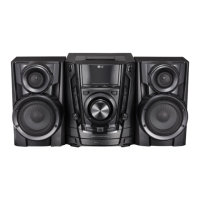
Optional Equipment
Connection
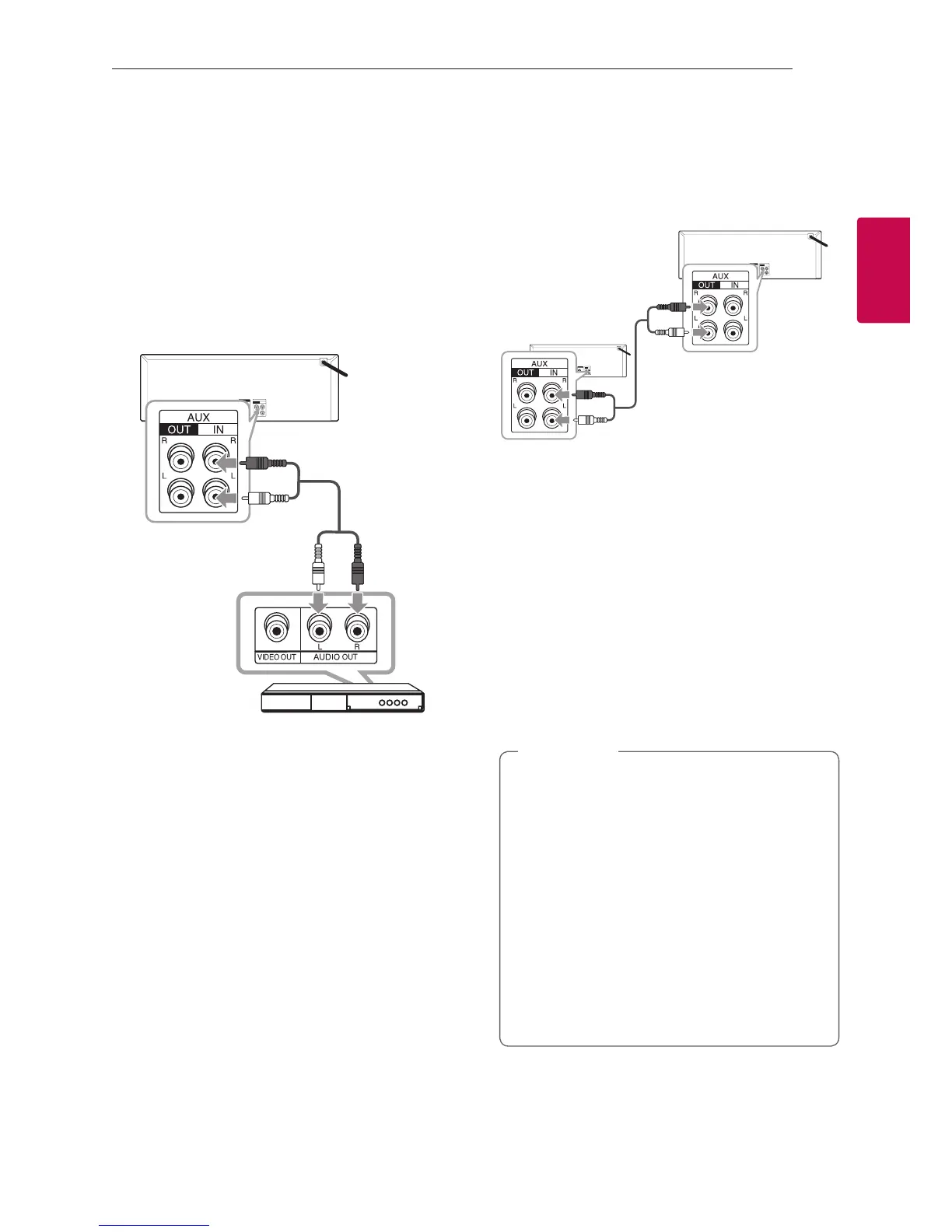
AUX IN Connection
Connect an output of auxiliary device (Camcorder,
TV, Player, etc) to the AUX IN (L/R) connector.
If your device has only one output for audio
(mono), connect it to the left audio jack on the unit.
Audio cable
DVD, Blu-ray player etc.
AUX OUT Connection
Connect an input of auxiliary device to the AUX
OUT (L/R) connector.
If your device has only one input for audio(mono),
connect it to the left audio jack on the unit.
Audio cable
X-BOOM PLUS
You can connect two units to play music together.
1. Connect AUX OUT connector on a unit to the
AUX IN connector on the other unit using
Audio cable.
2. Press X-BOOM PLUS/DEMO on the unit
connected through AUX OUT.
X-BOOM PLUS is displayed.
3. Rotate SCRATCH & CONTROL clockwise or
counterclockwise to adjust Delay setting.
4. Press X-BOOM PLUS/DEMO to save the Delay
setting.
y
This function is available on CD, USB 1, USB
2, BT or PORTABLE Function.
y
The initial Delay is 0 ms and the Delay
becomes to 30 ms when you press X-BOOM
PLUS/DEMO. The connected device’s Delay
may dier. If Audio Sync is not matched,
adjust Delay of X-BOOM PLUS/DEMO to
synchronize sound.
y
It is available to adjust the Delay from 0
ms to 100 ms. Synchronizing tempo is not
available depending on devices.
y
Delay value is saved when the unit turns o.
,
Note
Auxiliary device
Red
White



 To Next Page