45
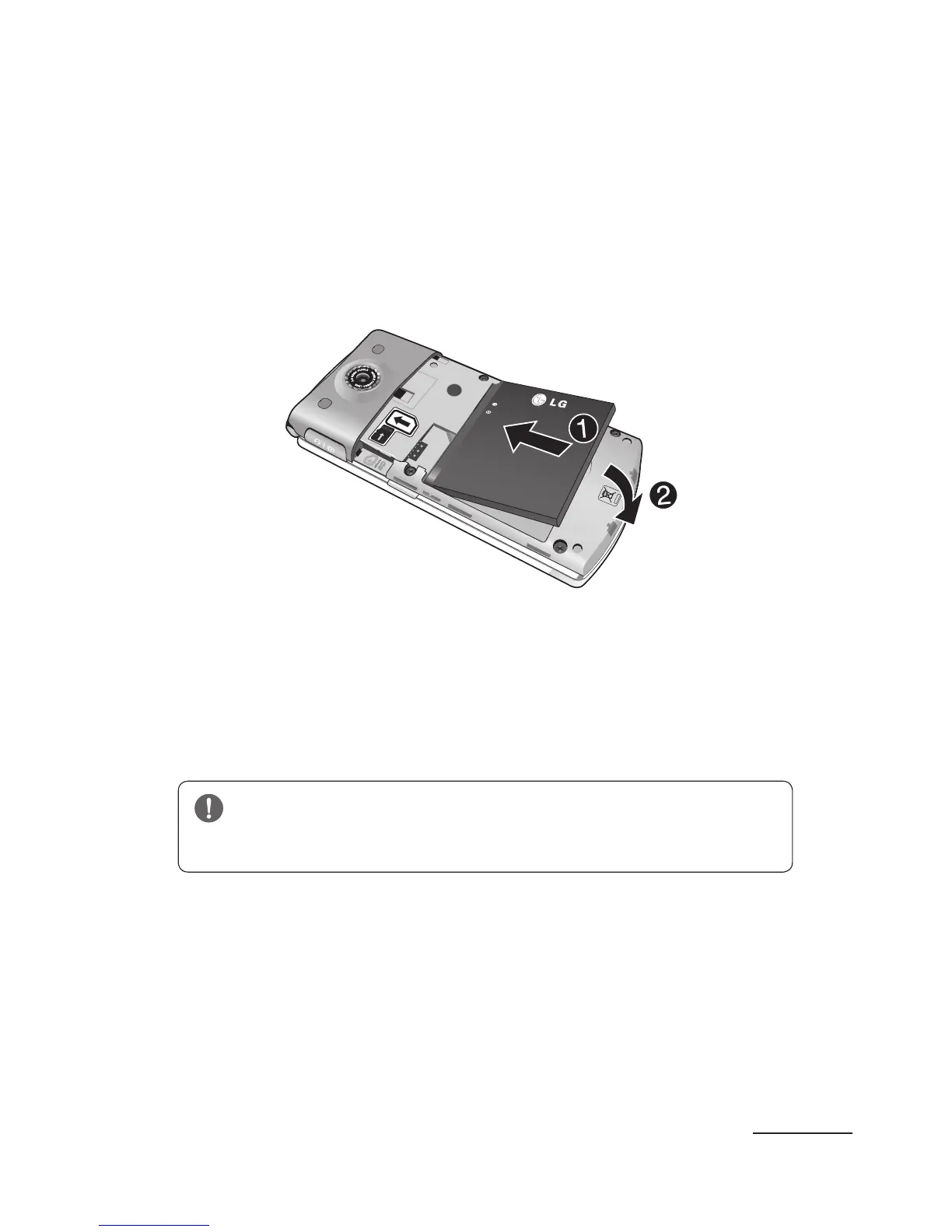
Installing the Battery
1 Align the battery’s gold contacts with the gold
contacts on the phone’s battery compartment (1).
2 Lightly press down on the battery until it snaps
into place (2).
3 Replace the cover by lining up the tabs and then
sliding the cover up until it snaps into place.
4 Check that the battery is properly installed before
turning on the phone.
WARNING: Do not remove the battery when
the phone is on, as this may damage the phone.



 To Next Page