57
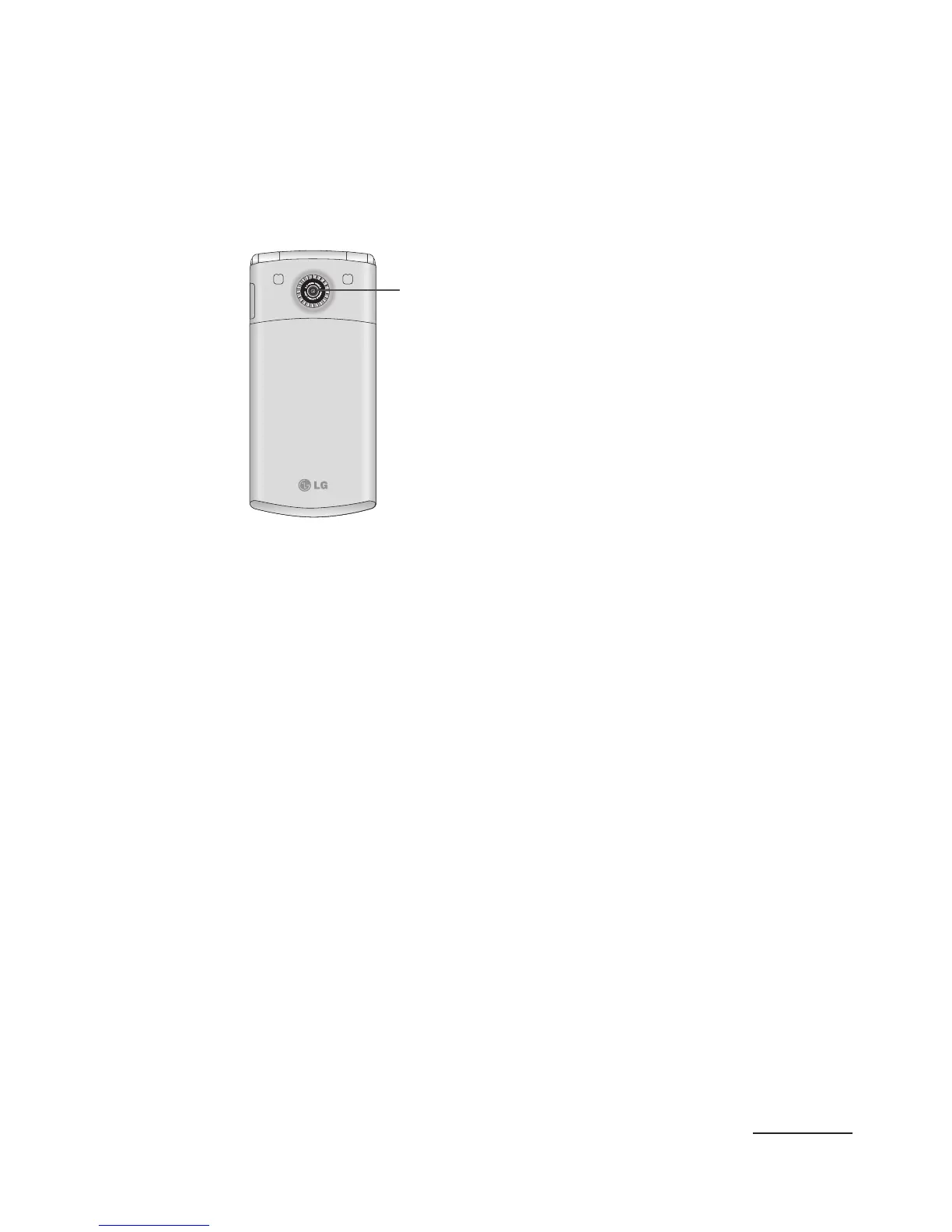
Back View of Your Phone
The following illustration shows the items on the
back side of your phone:
1
1 Camera lens is used to
take pictures.
Viewing the Display Screen
Your phone’s display screen provides information
about your phone’s status and options. The
following two sections will help you identify the items
and symbols you’ll see on your phone’s display
screen:
Display Layout
Your phone’s display screen provides a wealth of
information about your phone’s status and options.
When the backlight turns on, both the display
turns on and the keypad is illuminated. This display
indicates when you receive either an incoming call
or message and also displays any alarms for the



 To Next Page