41
This section explains how to start using your phone
by first configuring your hardware, activating your
service, and then setting up your Voicemail.
Activating Your Phone
When you subscribe to a cellular network, you are
provided with a SIM card that is loaded with your
subscription details, such as your PIN, available
optional services, and many others features.
Installing the SIM Card
1 If necessary, switch off the phone by holding
down
until the power-off image displays.
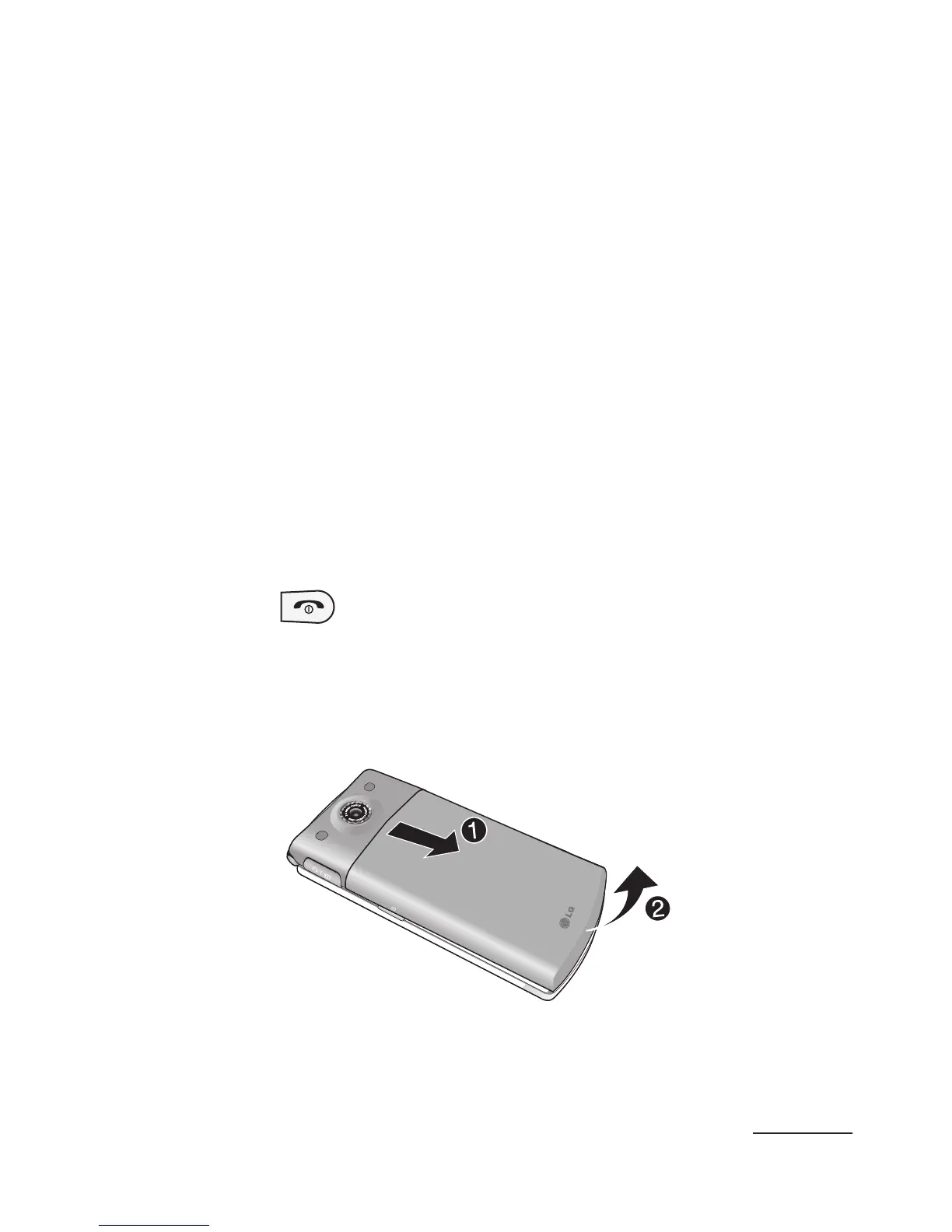
2 Slide the cover away downwards, as shown in the
image below (1).
3 Lift the cover away from the phone (2).
Getting Started



 To Next Page