Understanding Your Phone
56 LG dLite | User Guide
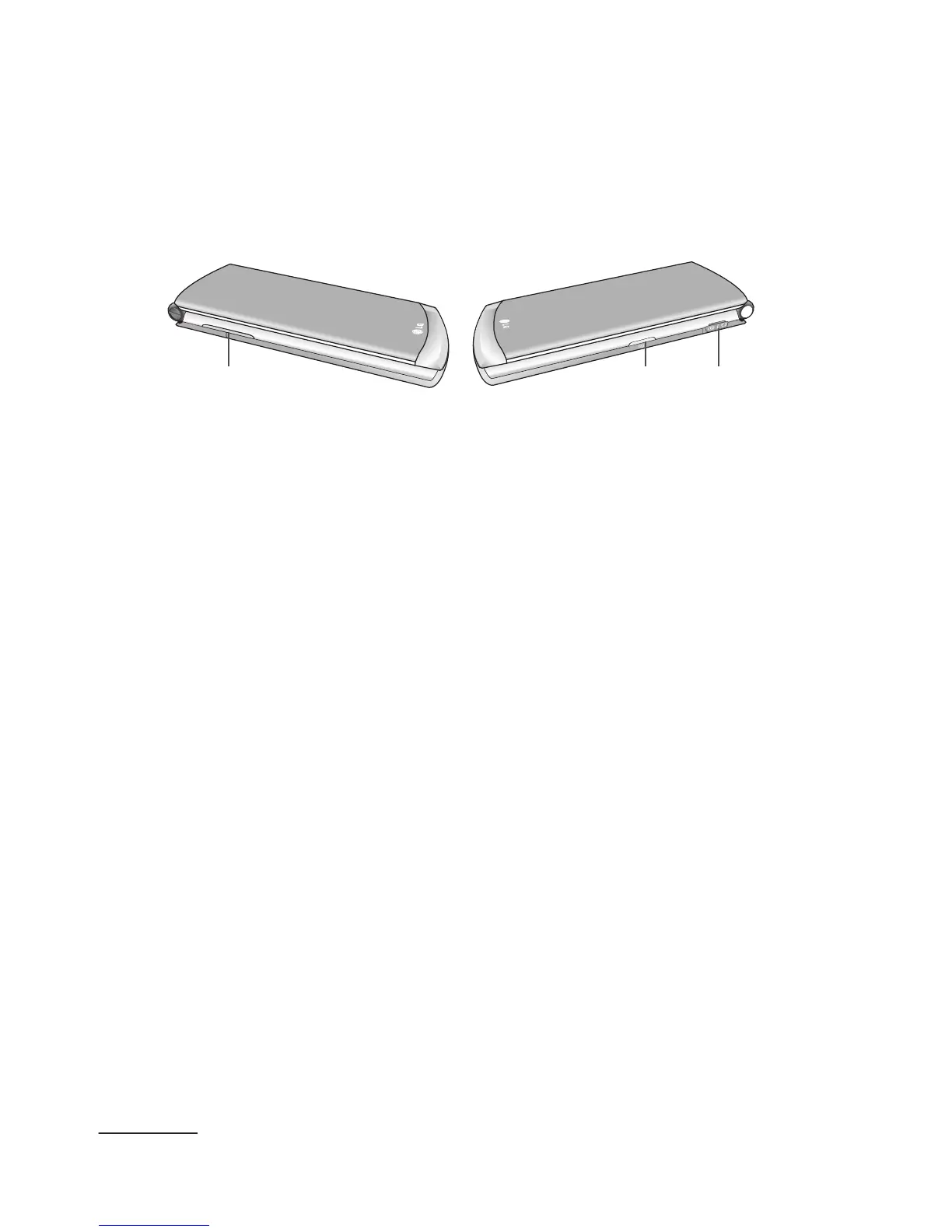
Side Views of Your Phone
The following illustrations show the external keys on
your phone.
1 2 3
1 Volume key(s) allow you to adjust the Ringtone &
Alerts volume in idle mode (with the phone open)
or adjust the volume during a call or while playing
music. Plus, during an incoming call, if you press
this key, the ringtone will be muted.
2 Camera key allows you to take pictures when you
are in camera mode. Launches the camera from
Idle mode.
3 USB/Charger Port allows you to connect a power
cable or optional accessories, such as a USB/data
cable or a hands-free headset for convenient,
hands-free conversations.



 To Next Page