Understanding Your Phone
58 LG dLite | User Guide
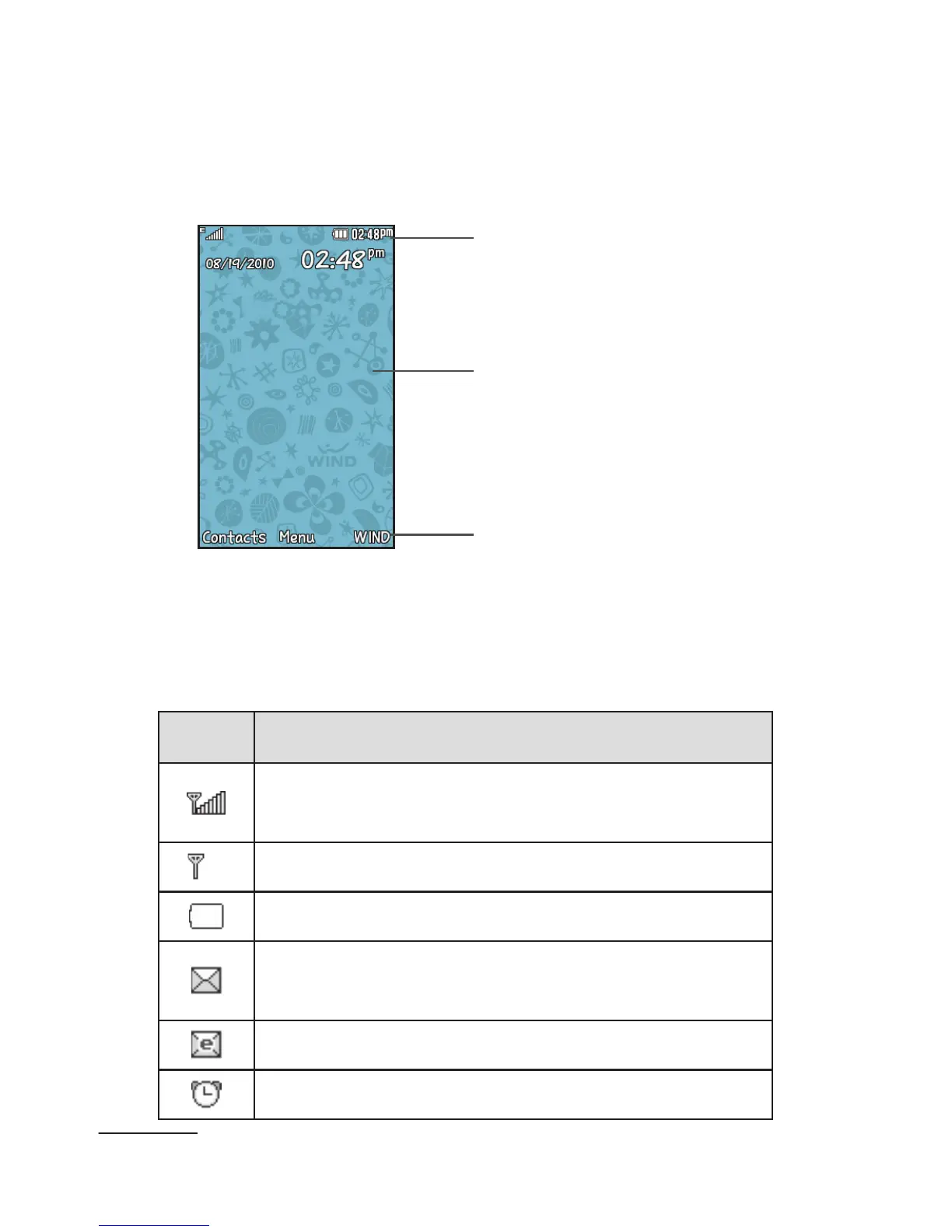
specified time. The display also shows the date and
time as well as other phone status information. The
display has three main areas:
Icons
Content
Soft Key functions
Icons
This list identifies the symbols you’ll see on your
phone’s display screen:
Icon Description
Network signal strength (number of bars
will vary)
No network signal
Battery empty
New text message or Mulitimedia
Message(MMS)
New email
An alarm is set



 To Next Page