83
• Symbol: this mode allows you to enter symbols,
such as punctuation marks.
• 123 mode: this mode allows you to enter
numbers.
• ABC mode: this mode allows you to enter
letters by pressing the key labeled with the
letter you want.
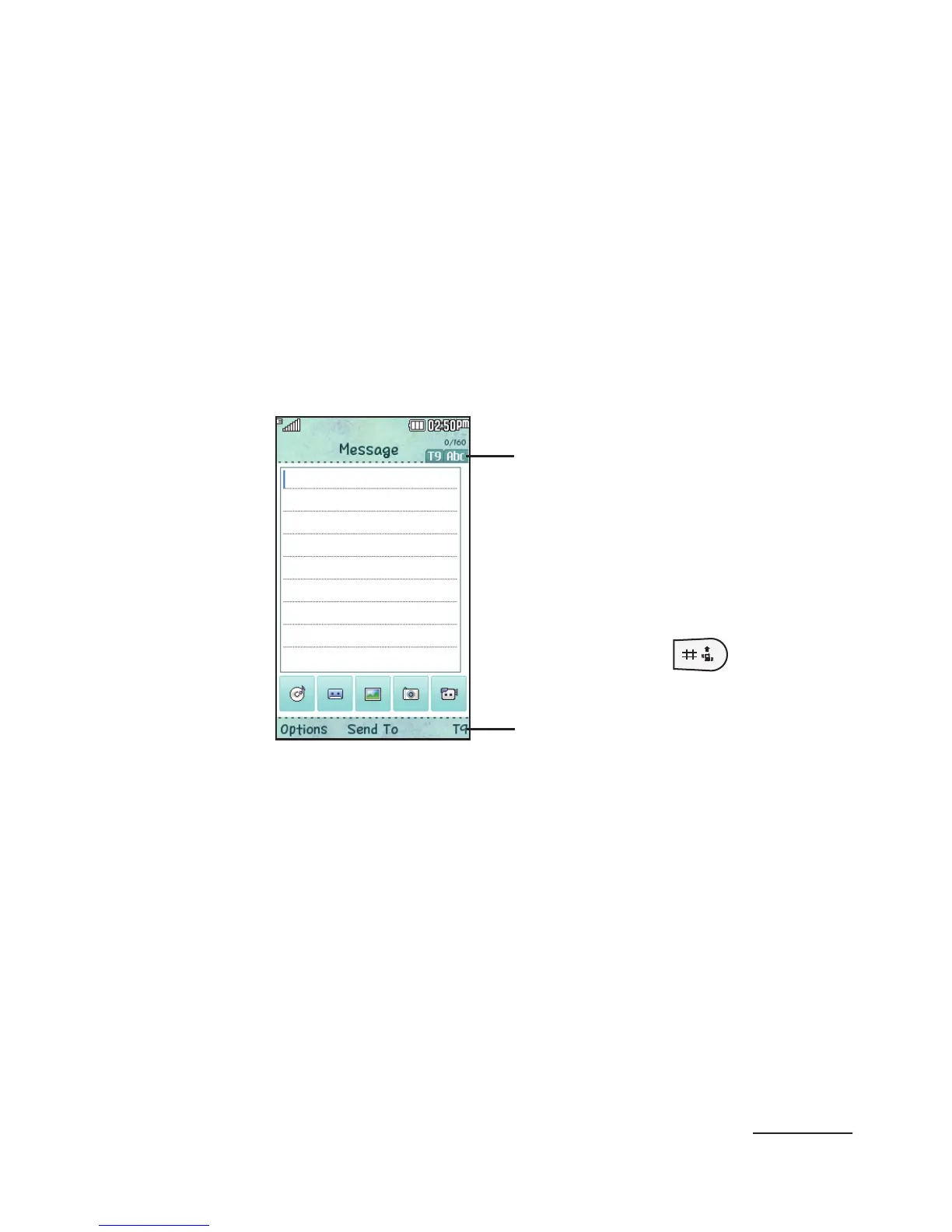
Example: Writing a text message.
Text input
mode in use
1 From Idle mode, press the Menu soft key g
Messaging g Create Message.
2 To change the text input mode, press the abc
soft key.
Keep pressing until you reach the desired text
input mode.
The following options are available:
• T9 (English) • Symbol
• 123 • ABC mode
Pressing the will
cycle through the abc,
Abc and ABC mode.



 To Next Page