89
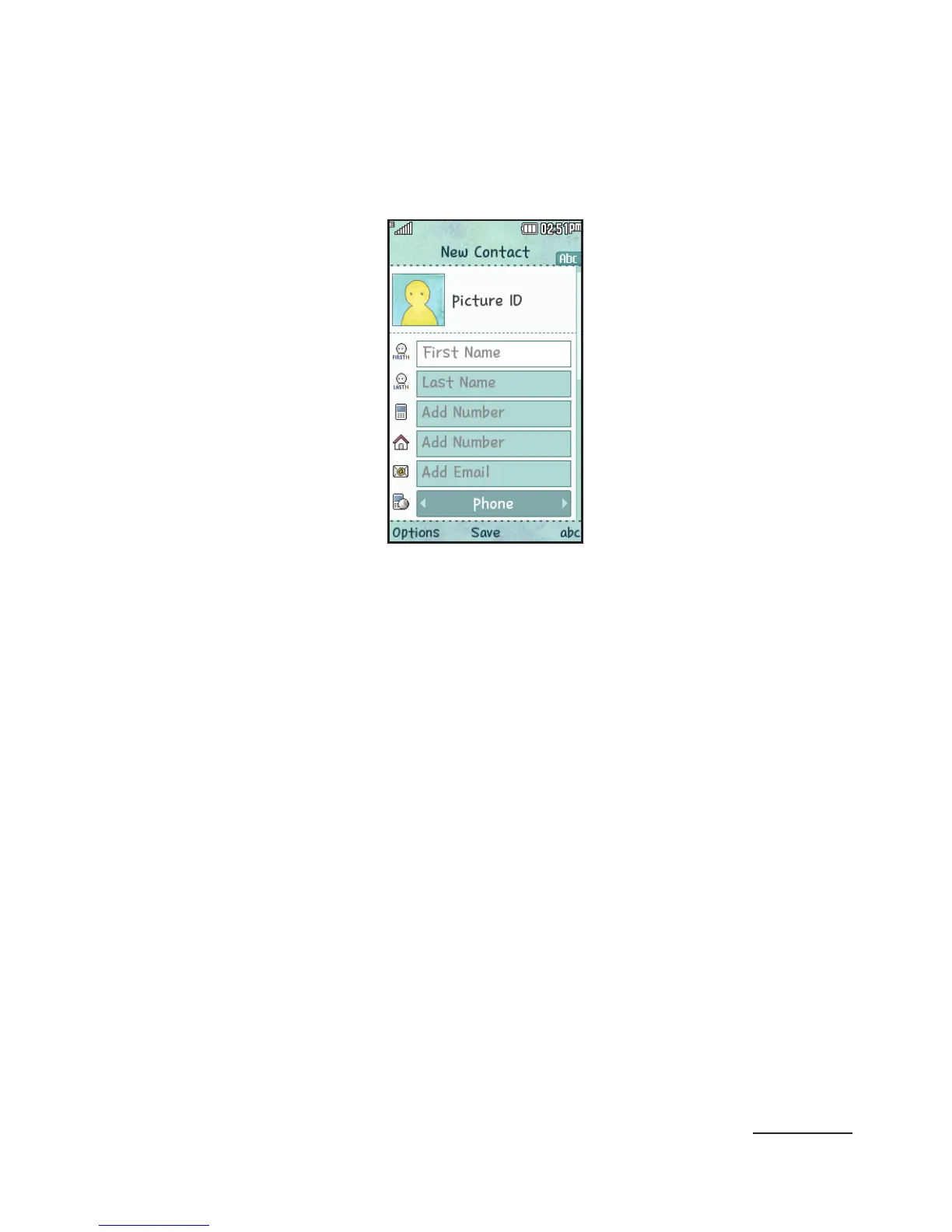
3 Enter a first name in the First Name text box.
Go to the next text box by pressing the down
Navigation key.
For further details about how to enter characters,
see “
Using ABC Mode
” on page 89.
4 Enter a last name in the Last Name text box.
5 Highlight a field with the Navigation key, and then
enter the contact’s information.
The following options are available:
• [Mobile]: allows you to save a mobile phone
number.
• [Home]: allows you to save a home phone
number.
• [Email]: allows you to enter the email address
for the contact.
• [Messenger ID]: allows you to save the AIM ID.



 To Next Page