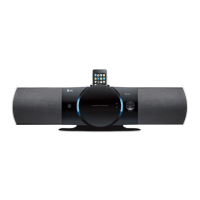
Player
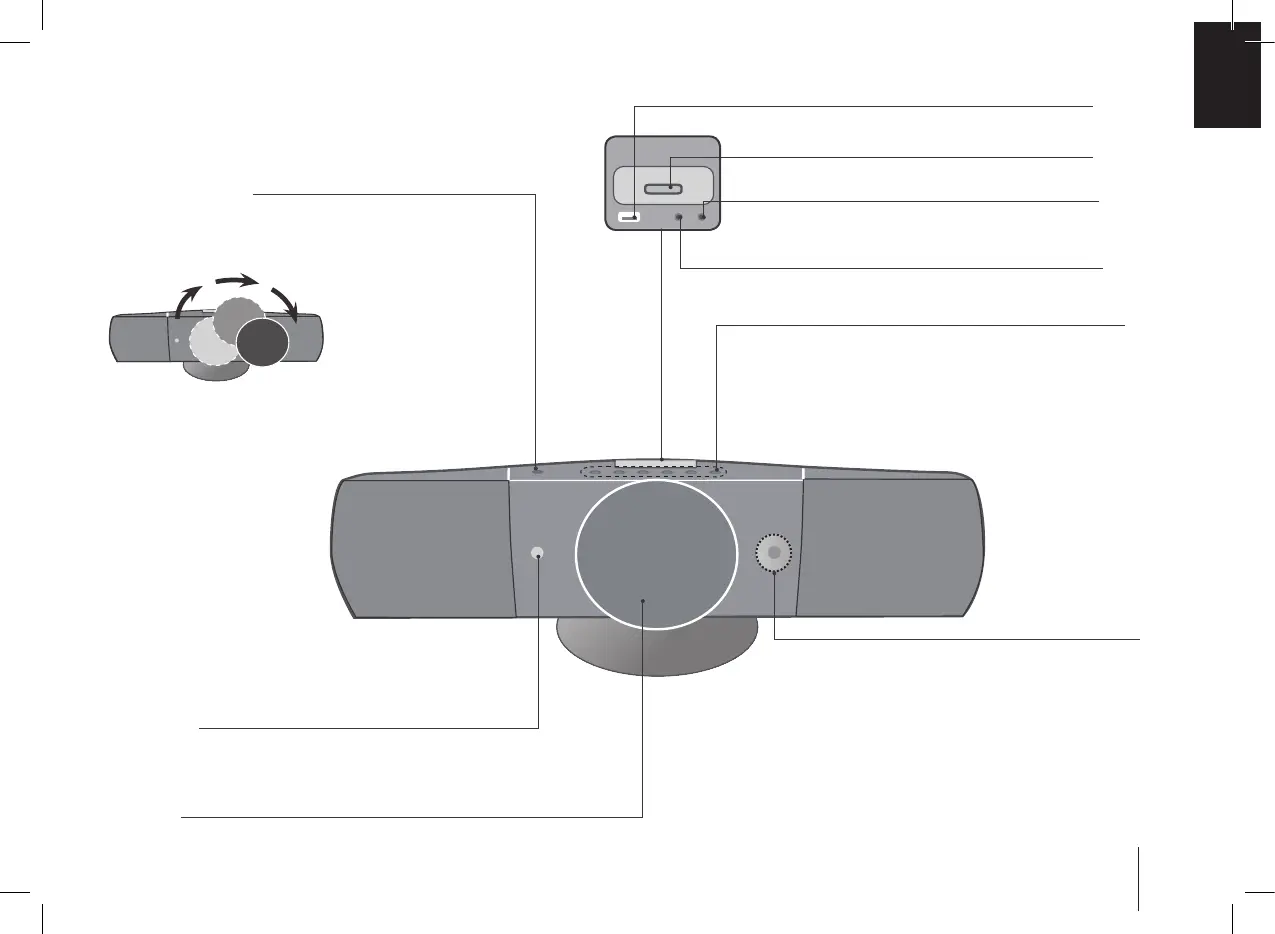
1/] (Power)
Turn the unit on and off.
FUNC.
(Function) Selects the function.
LG EQ
You can choose xed sound impression.
CLOCK
(
See “Setting the Clock” )
TIMER
(See the “
Using your player as an alarm clock”)
SET
Conrms the settings.
VOL -/+
Volume control
iPod Dock
PORT IN.
For connecting a portable device and listening to sound of it
through this system’s speakers.
USB Port
You can play video, image and sound les by connecting the USB
device.
PHONES
Headphone jack
Z
(OPEN / CLOSE)
Open/ Close the disc door.
The disc door is opened or closed automatically.
Don’t touch the disc door while opening or closing.
B/X
Play / Pause
./>
Scanning/ Tuning/ Searching
x
STOP
/
DEMO
Stop/
Press DEMO in power off state
to demonstrate the function on
display window.
USB REC.
Recording to USB.
Disc Door


 To Next Page