EasyManua.ls Logo

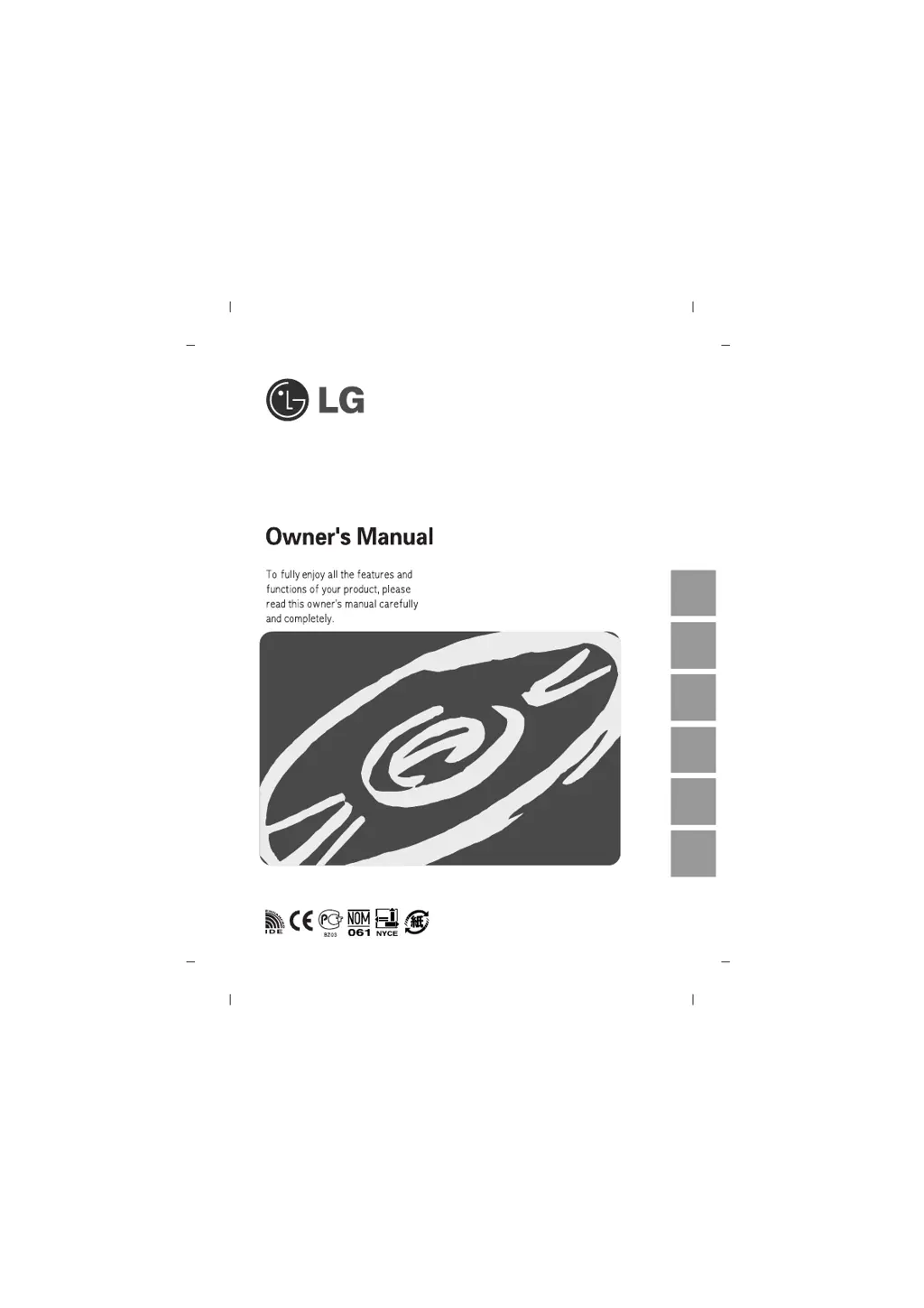
LG GSA-H12N - User Manual

LG GSA-H12N
15 pages
Print Icon
To Next Page IconTo Next Page
Loading...
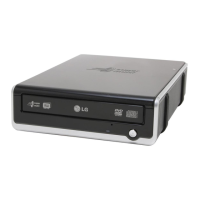
Super Multi DVD Rewriter
GSA-H12N
English Deutsch
Français Italiano Español
Português

Questions and Answers

  • M
    Matthew LynnAug 11, 2025
    What to do if my LG GSA-H12N cannot read or write discs?
    • J
      Joshua KempAug 11, 2025
      If your LG DVD Drive is unable to read or write discs, consider the following: * Check the condition of your system's CPU, hard disk, and other components. * Inspect the CD or DVD for dirt or scratches. * Ensure no screen saver or other application was running while writing to the disc. * Verify there's enough free space on the CD, DVD, or DVD-RAM disc. * Check if writing fails even during a simulation test. * Confirm the disc is loaded correctly (label up). * Ensure the drive is installed in the correct orientation. * If the drive or disc was moved from a cold to a warm environment, condensation might have formed on the lens or disc surface.
  • C
    Christian ThompsonAug 20, 2025
    Why my LG GSA-H12N doesn’t have power?
    • S
      Sean PhillipsAug 20, 2025
      If your LG DVD Drive isn't receiving power, make sure the power supply cable from the host computer is properly plugged in. Also, check that the power connector is securely attached to the drive.
  • T
    Tina CarpenterAug 30, 2025
    What to do if the system doesn’t start with LG GSA-H12N installed?
    • D
      Derrick WilliamsAug 30, 2025
      If your system fails to start after installing an LG DVD Drive, verify that the Primary and Secondary connections, as well as the Master and Slave settings, are correct. Ensure the IDE cable's total length is 18 inches or less and that each connector is completely attached. Also, check for any other connections that may have been dislodged during the drive installation.

LG GSA-H12N Specifications

General IconGeneral
BrandLG
ModelGSA-H12N
CategoryDVD Drive
LanguageEnglish

Related product manuals