EasyManua.ls Logo

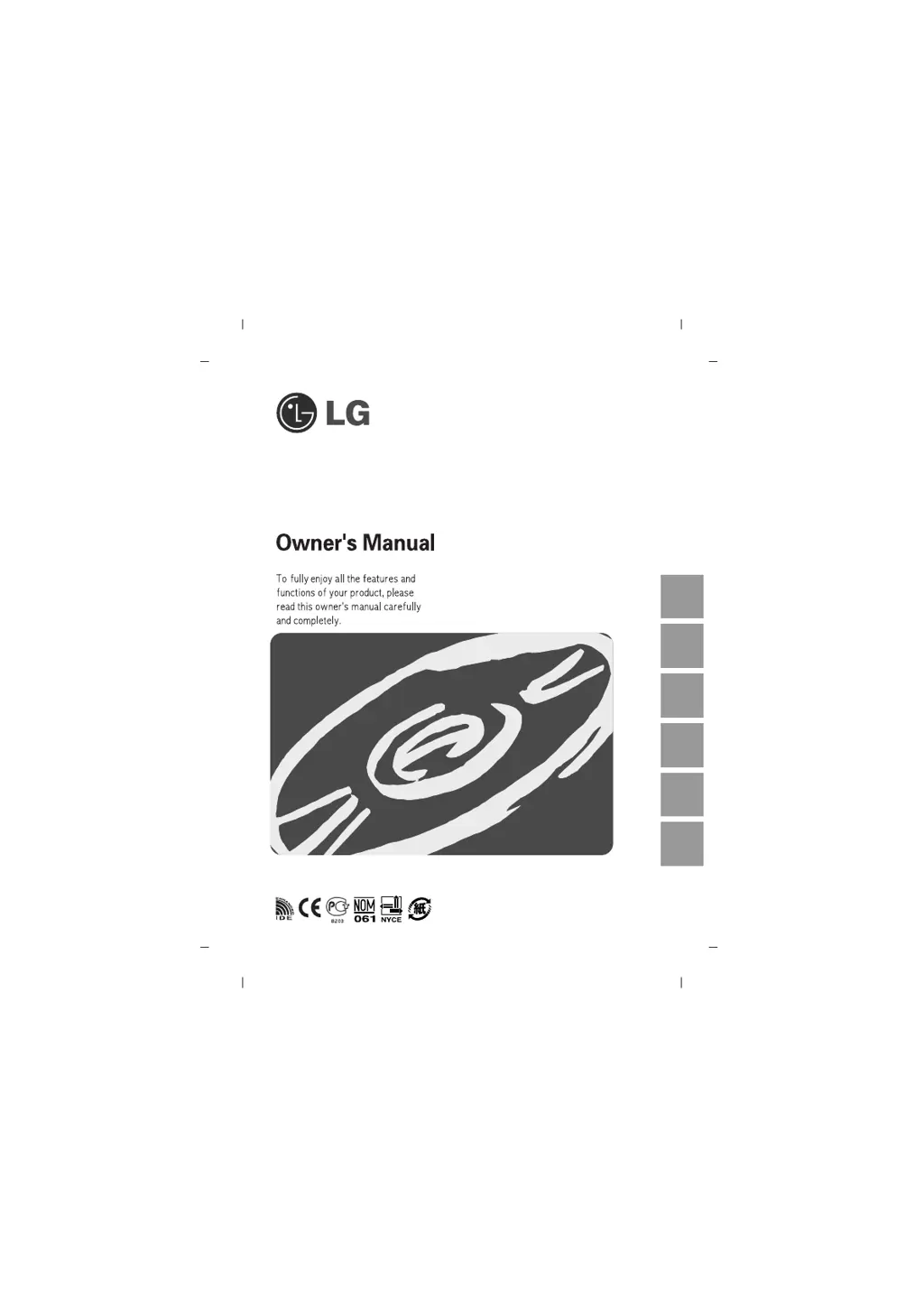
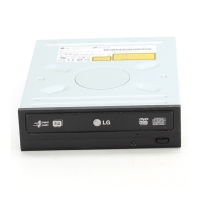
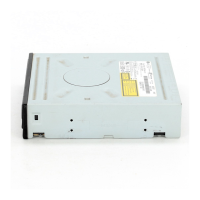
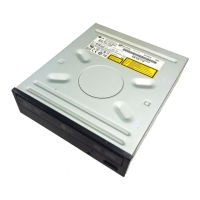
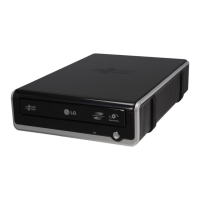
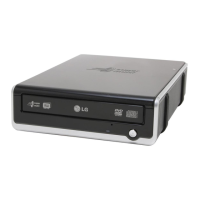
LG GSA-H42N - User Manual

LG GSA-H42N
15 pages
Print Icon
To Next Page IconTo Next Page
Loading...
Super Multi DVD Rewriter
GSA-H42N
English
Deutsch
Français
Italiano Español
Português

Questions and Answers

  • D
    debbie00Aug 11, 2025
    What to do if my LG DVD Drive cannot read or write discs?
    • L
      Laura MullenAug 11, 2025
      If your LG DVD Drive cannot read or write discs, consider the following: * Ensure the overall system (CPU, hard disc) is functioning correctly. * Check the disc for dirt or scratches. * Avoid running screen savers or other applications while writing. * Verify sufficient free space on the disc. * Confirm the disc is loaded correctly (label up). * Ensure the drive is correctly oriented. * Avoid moving the drive or disc from low to high temperatures. * If using a 40-pin IDE cable and encountering a 'LOGICAL UNIT COMMUNICATION CRC ERROR', replace it with an 80-pin IDE cable. * Also, test writing using the simulation test to identify the issue.
  • M
    Matthew DunnAug 19, 2025
    How to troubleshoot power issues with my LG DVD Drive?
    • M
      Miranda RiosAug 20, 2025
      If your LG DVD Drive isn't getting power, check if the power supply cable from the host computer is properly connected. Also, make sure the Power Connector is securely attached to the drive.
  • T
    Tiffany TuckerAug 31, 2025
    Why won't my system start with the LG DVD Drive connected?
    • F
      fraziergabrielAug 31, 2025
      If the system doesn't start with the LG DVD Drive connected, check if the Primary and Secondary connections, as well as the Master and Slave settings, are correct. Ensure the IDE cable is 18 inches or less and that each connector is completely attached.

LG GSA-H42N Specifications

General IconGeneral
Drive TypeDVD±RW
ModelGSA-H42N
Read Speed (DVD)16x
Read Speed (CD)48x
Write Speed (DVD+R)16x
Write Speed (DVD-R)16x
Write Speed (DVD+RW)8x
Write Speed (DVD-RW)6x
Write Speed (DVD+R DL)8x
Write Speed (DVD-R DL)6x
Write Speed (DVD-RAM)5x
Write Speed (CD-R)48x
Write Speed (CD-RW)32x
Buffer Size2 MB
TypeInternal
InterfaceIDE
Supported FormatsDVD+R, DVD+RW, DVD-R, DVD-RW, DVD-RAM, CD-R, CD-RW

Related product manuals