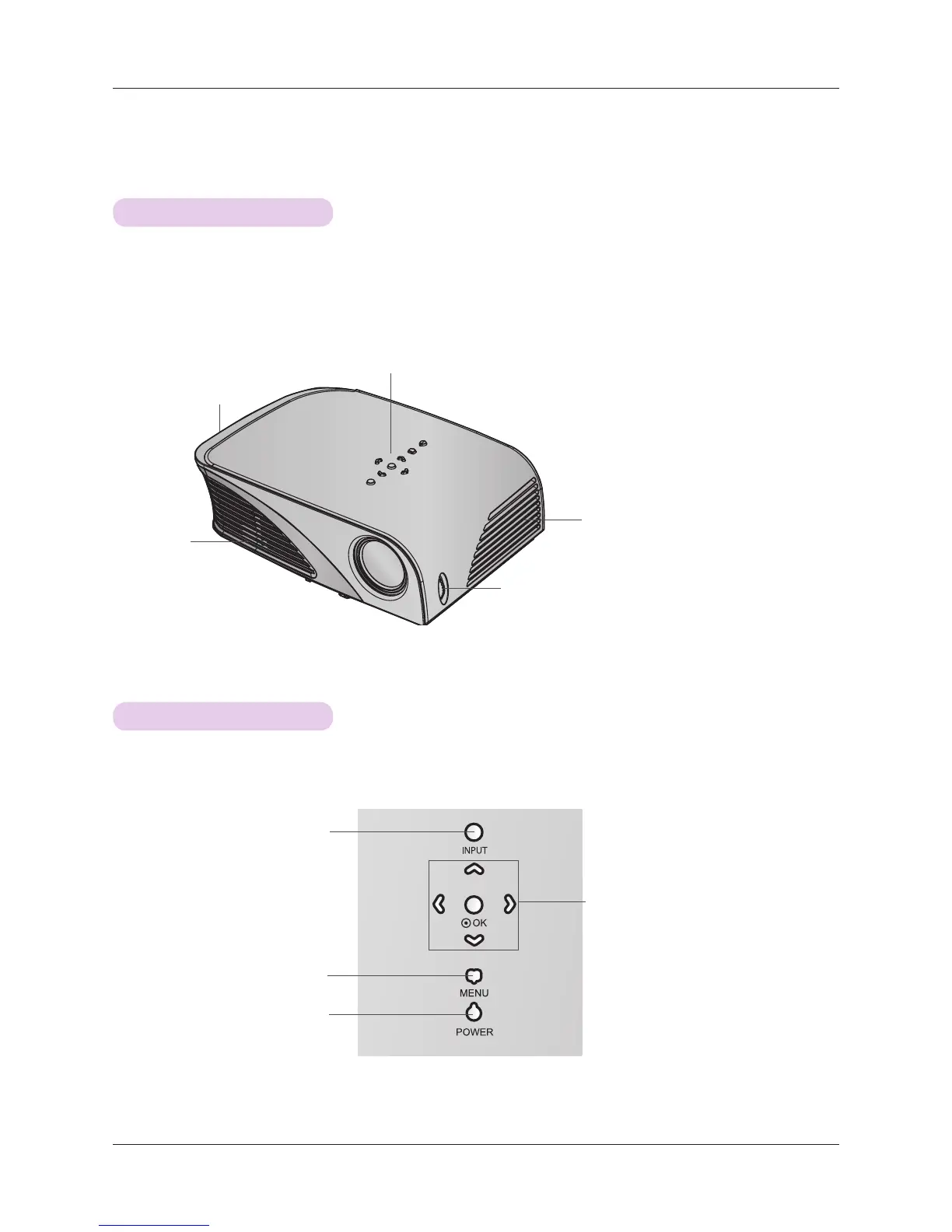
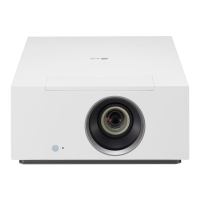
Speaker
Air Outlet
Names of parts
7
Names of parts
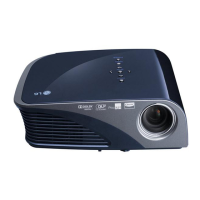
Main Body
* The projector is manufactured using high-precision technology. You may, however, see on the Projector screen tiny black points
and/or bright points (red, blue, or green). This can be a normal result of the manufacturing process and does not always indi-
cate a malfunction.
Control panel
Focus ring
Speaker
Control Panel
MENU Button
Selects or closes menus.
POWER Button
Turn ON/OFF the projector.
∧/∨/</>Button
Adjusts functions of menus.
When the OSD is not displayed, adjusts
volume with
</>
Button
◉OK Button
Checks present mode and saves the
change of functions.
INPUT Button
Switches to Component, Video, RGB
or HDMI mode.


 To Next Page