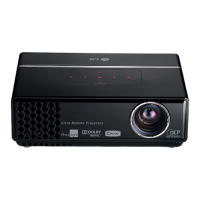
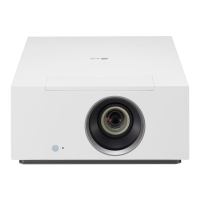
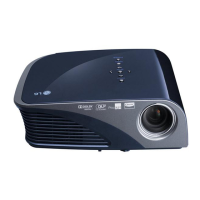
Names of parts
9
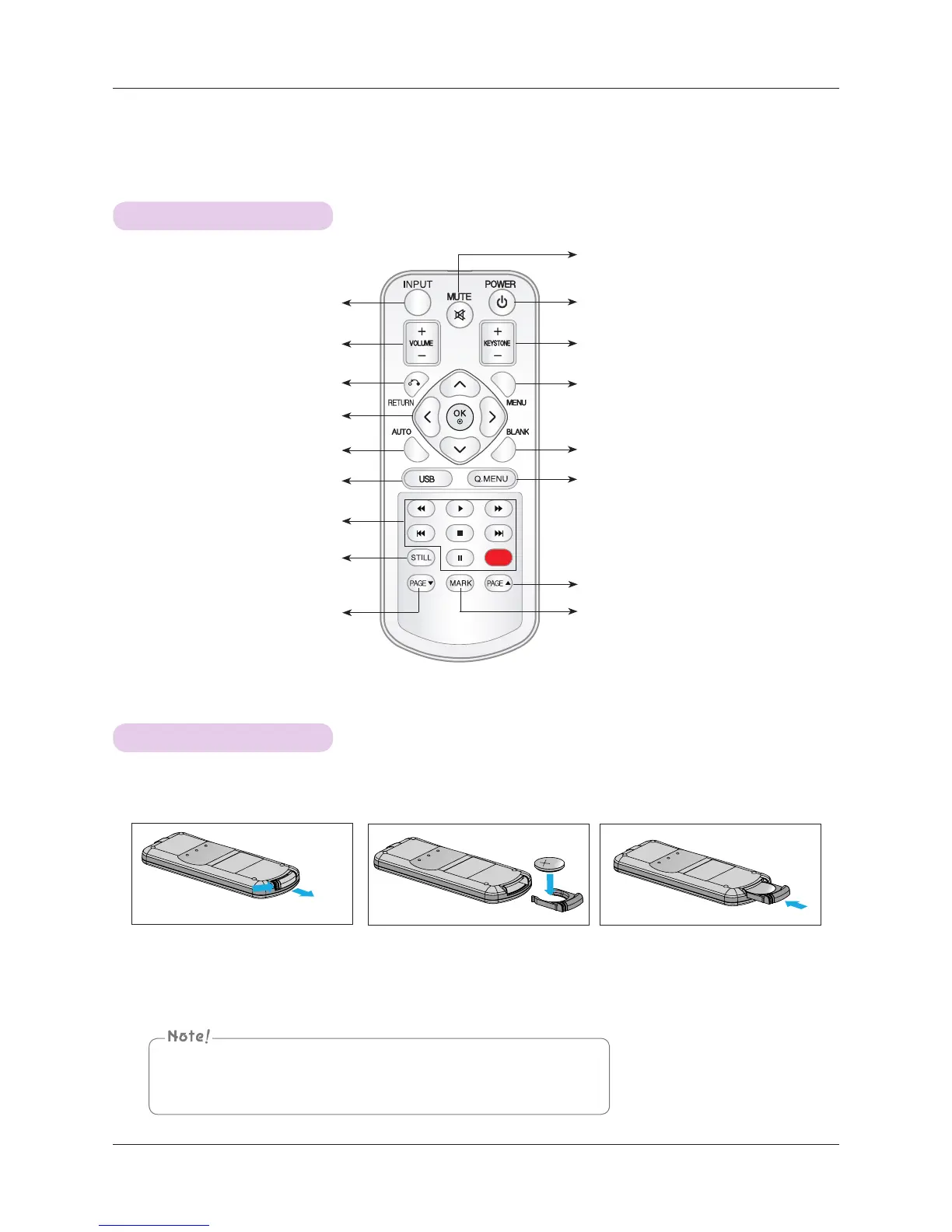
Remote Control
Installing Batteries
INPUT Button
KEYSTONE +, - Button
MENU
Button
USB control Buttons
AUTO Button
VOLUME +, - Button
CAUTION
RISK OF EXPLOSION IF BATTERY IS REPLACED WITH AN INCORRECT TYPE.
DISPOSE OF USED BATTERIES ACCORDING TO THE INSTRUCTIONS.
MUTE Button
RETURN Button
◉OK, ∧/∨/</> Button
STILL Button
(Functions as the STILL button in
any mode other than DivX.)
BLANK Button
USB Button
Q.MENU Button
POWER Button
1. Remove the battery compartment
cover by sliding the cover in the
direction of the arrow (A). Pull out
the cover in the direction of the
arrow (B).
(A)
(B)
3. Replace the cover.
2. Insert the battery with the positive side
facing up.
▪ Only use a 3V lithium battery (CR2032).
▪ Dispose of used batteries according to local ordinance regulations.
▪ Remove the battery when not using the projector for prolonged periods.
PAGE ꔎ Button
PAGE
ꔏ Button
MARK Button


 To Next Page