Connecting22
Connecting
2
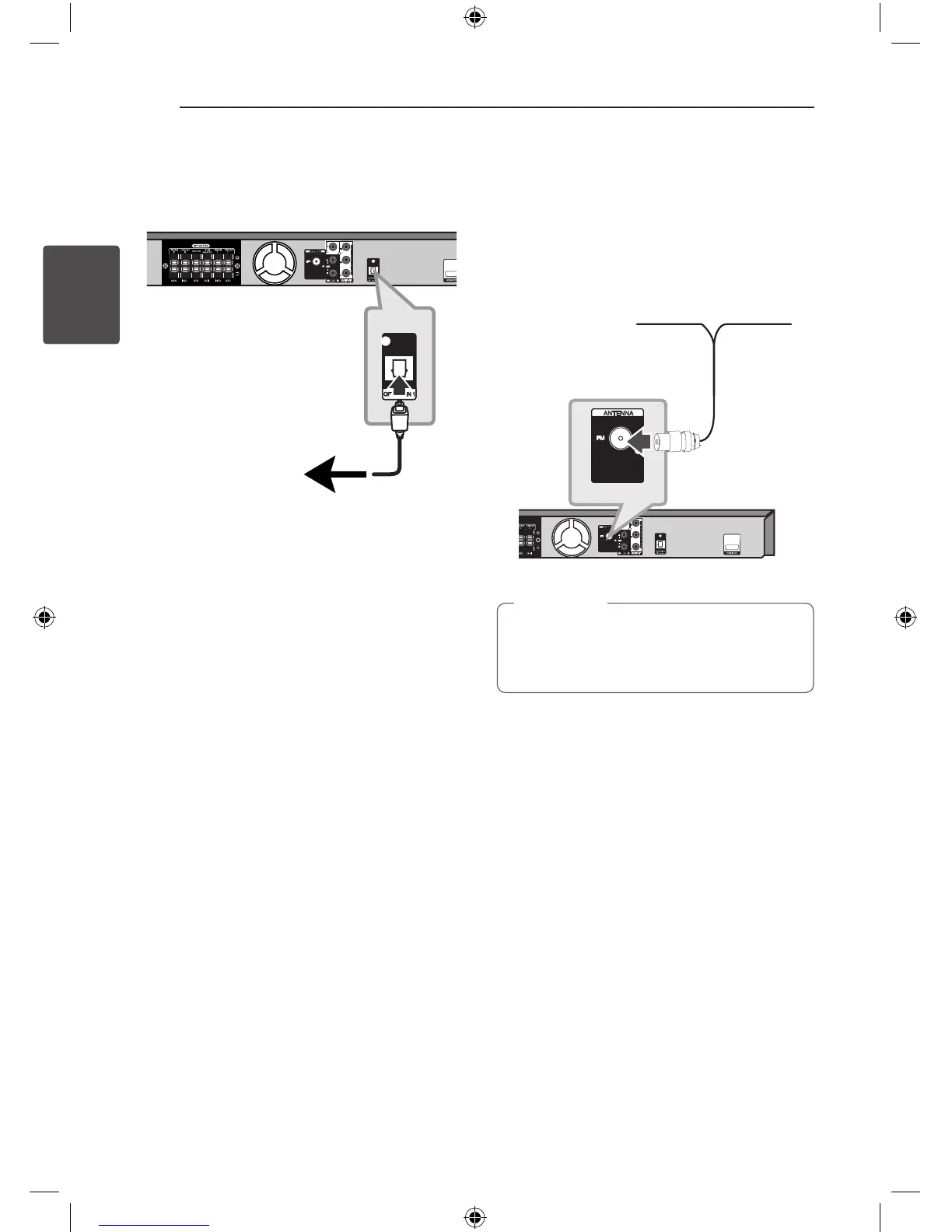
OPTICAL In connection
Connect an optical output of Unit (or Digital Device
etc) to the OPTICAL IN connector.
To the digital
optical output jack
of your component
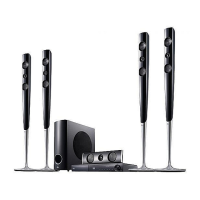
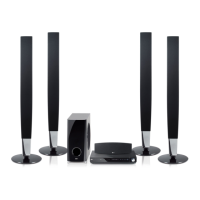
Home theater speaker ez
setup
Listen to sound from TV, DVD and Digital Device
with 5.1(2.1 or 2)ch mode. Even in power o
mode, if you press OPTICAL, then power is on and
automatically changed to AUX OPT mode.
1. Connect the unit’s OPTICAL IN jack to jack on
optical out of your TV (or Digital Device etc.).
2. Select the AUX OPT by using the OPTICAL.
To select the AUX OPT directly.
3. Listen sound with 5.1(2.1 or 2)ch speaker.
4. To escape from AUX OPT by using the OPTICAL.
Function is retuned to previous one.
Antenna Connection
Connect the supplied FM antenna for listening to
the radio.
Connect the FM Wire antenna to the FM antenna
connector.
Be sure to fully extend the FM wire antenna.
After connecting the FM wire antenna, keep it
as horizontal as possible.
,
Note
HT906TA-F2_BMYSLL_ENG_4796.indd 22 2011-05-18 �� 9:21:38



 To Next Page