Using Thermostat
Using Thermostat
1. Some electro-mechanical type thermostat has internal delay time to protect compressor.
In that case, mode change can takes time more than user's expectation. Please read
thermostat manual carefully if the product does not response quickly.
2.
Setting temperature range by thermostat can be different with that of the product. The heating set
temperature should be chosen within the setting temperature range of the product.
The term "thermostat", which is widely used in this chapter, is a kind of 3rd party accessory.
LG Electronics does not supply thermostat. but it can be supplied by 3rd party manufacturers.
Room thermostat can be used for easy and convenience control. To utilize thermostat more
efficiently and correctly, this chapter presents information about using thermostat.
How to use Thermostat
Operating Thermostat with Remote Controller
To find how to turn on and off, how to set target temperature, how to change operating mode, etc,
please refer to thermostat operating manual provided by thermostat manufacturer.
• Following features are permitted when thermostat is installed :
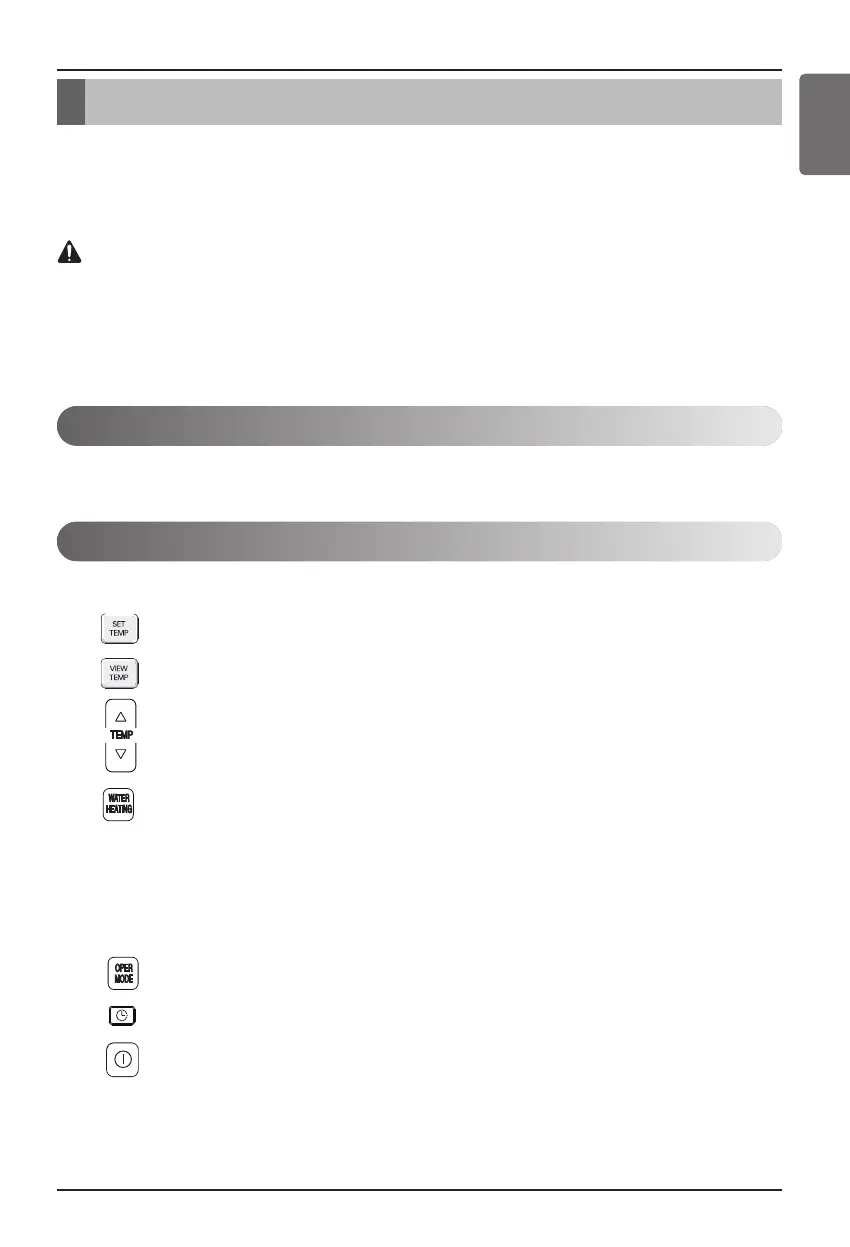
• SET TEMP button
• VIEW TEMP button
• Temperature adjust button (*)
• Sanitary water heating Enable / Disable
(*) : The product does not turn on / off according to the setting temperature at the remote
controller. It turns on / off according to the thermostat signal.
• Following features are NOT permitted when thermostat is installed :
• Operating mode (Heating/ weather-dependent) selection
• Time scheduling
• Operation On / Off
ENGLISH





 To Next Page