19
ENGENGLISH
ASSEMBLING AND PREPARING
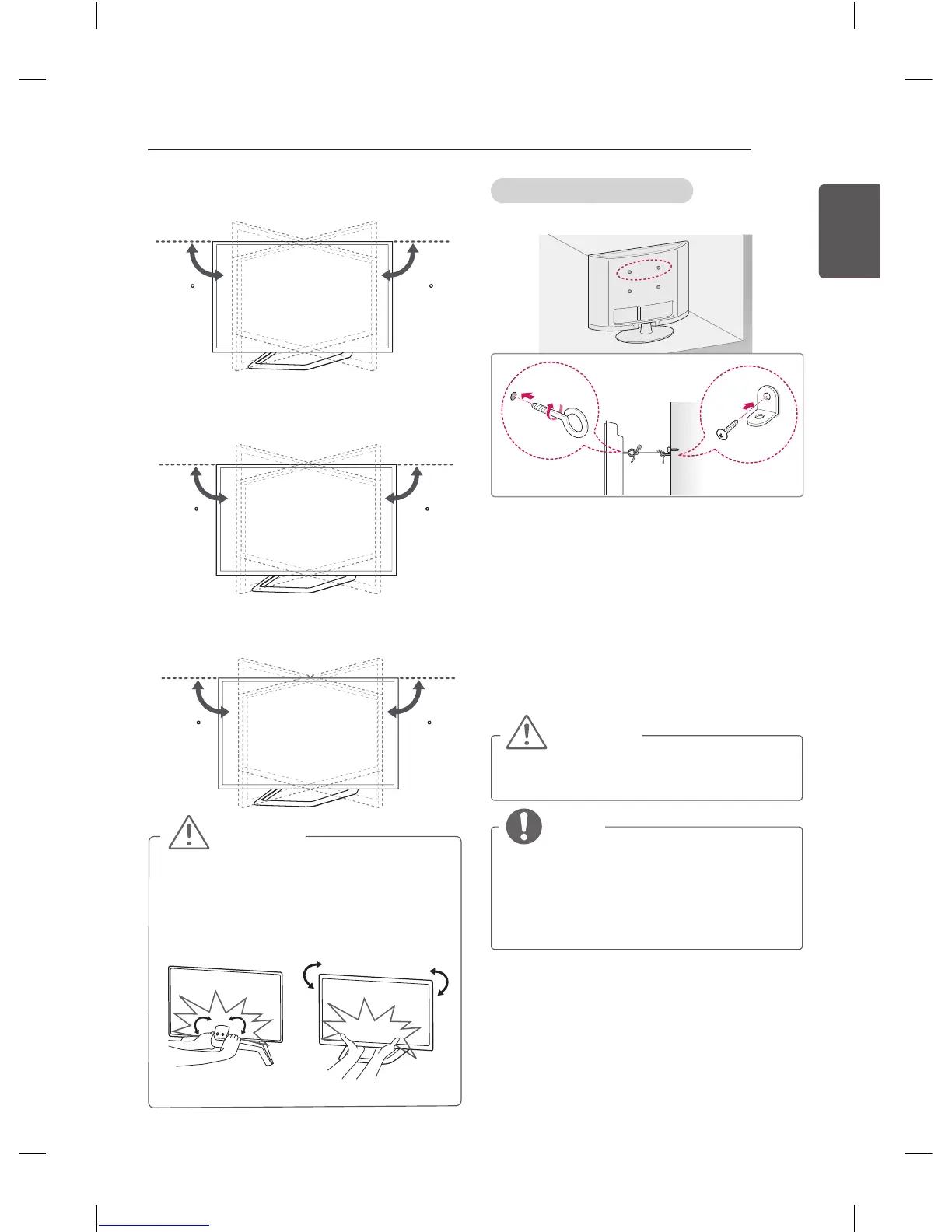
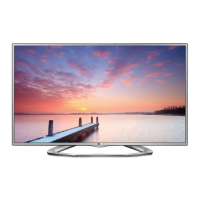
Swivel 10 degrees to the left or right and adjust
the angle of the TV to suit your view.
(Only 42/47LA86**)
1010
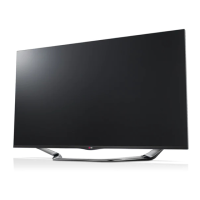
Swivel 8 degrees to the left or right and adjust
the angle of the TV to suit your view.
(Only 55/60LA86**)
88
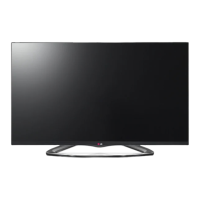
Swivel 7 degrees to the left or right and adjust
the angle of the TV to suit your view.
(Only LA98**)
77
CAUTION
y
When adjusting the angle of the product,
watch out for your fingers.
»
Personal injury may occur if hands or
fingers are pinched. If the product is tilted
too much, it may fall, causing damage or
injury.
<Rear> <Front>
Securing the TV to a wall
(This feature is not available for all models.)
1 Insert and tighten the eye-bolts, or TV
brackets and bolts on the back of the TV.
- If there are bolts inserted at the eye-
bolts position, remove the bolts first.
2 Mount the wall brackets with the bolts to the
wall.
Match the location of the wall bracket and
the eye-bolts on the rear of the TV.
3 Connect the eye-bolts and wall brackets
tightly with a sturdy rope.
Make sure to keep the rope horizontal with
the at surface.
CAUTION
y
Make sure that children do not climb on
or hang on the TV.
NOTE
y
Use a platform or cabinet that is strong
and large enough to support the TV
securely.
y
Brackets, bolts and ropes are not
provided. You can obtain additional
accessories from your local dealer.



 To Next Page