Getting Started 5
Getting Started
1
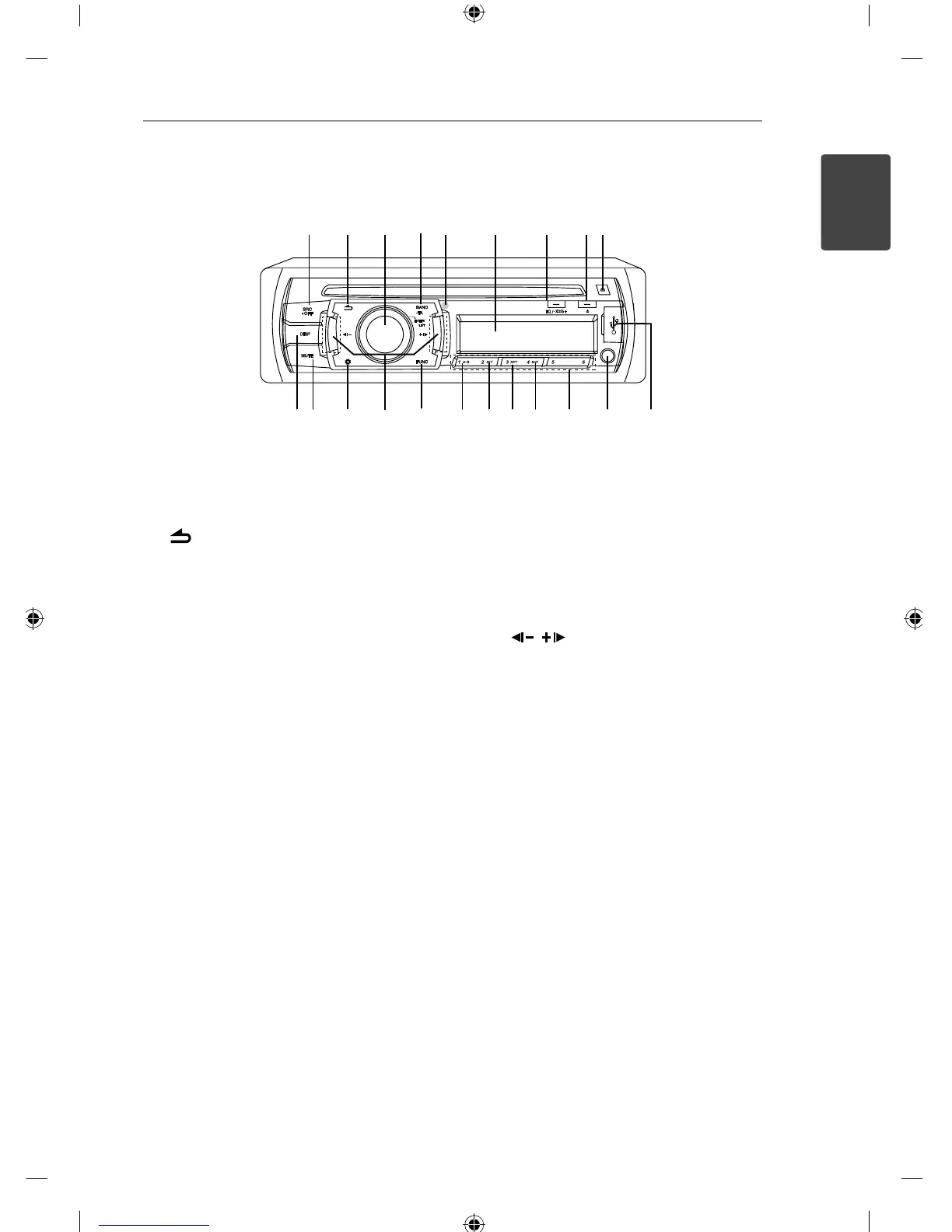
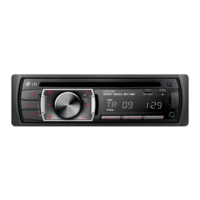
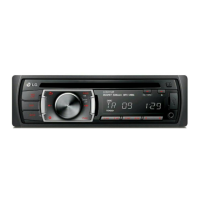
Front panel
abcde f ghi
j
k
lm
n
o
p
q
r
s
tu
a
SRC/ • OFF
• When pressed, selects function sources.
• When pressed and held, powers unit on or o .
b
Returns to the previous step.
c
Volume knob
• Adjusts volume level.
• Con rms the settings.
• Checks tracks, les or preset stations.
d
BAND
Selects a band in Tuner mode.
• TA (OPTIONAL)
Searches stations that have TA/ TP information,
when it is pressed and held.
e
Remote Sensor (OPTIONAL)
f
Display window
g
EQ/ • XDSS+
Improves sound quality.
• When pressed, selects the EQ function.
• When pressed and held, selects the XDSS+
function.
h
B
Ejects a disc.
i
6
Opens the front panel.
j
DISP
• Press it, you can check the clock time.
• press and hold it, you can turn on/o the
display window.
k
MUTE
Temporarily stops the sound.
l
`
Activates setting menu.
m
/
Skip/ Search/ Seek/ Tune
n
FUNC
In each mode, sets playback items.
o
N
Plays and pauses playback.
p
INT
Intro scan
q
RPT
Repeats playback
r
SHF
Randoms playback
s
Numeric buttons (1 - 6)
Selects a numbered preset station in TUNER.
t
AUX
If connected to other portable player, you can
enjoy musics from it on the unit.
u
USB port (OPTIONAL)


 To Next Page