4
CAR CD/MP3/WMA Receiver
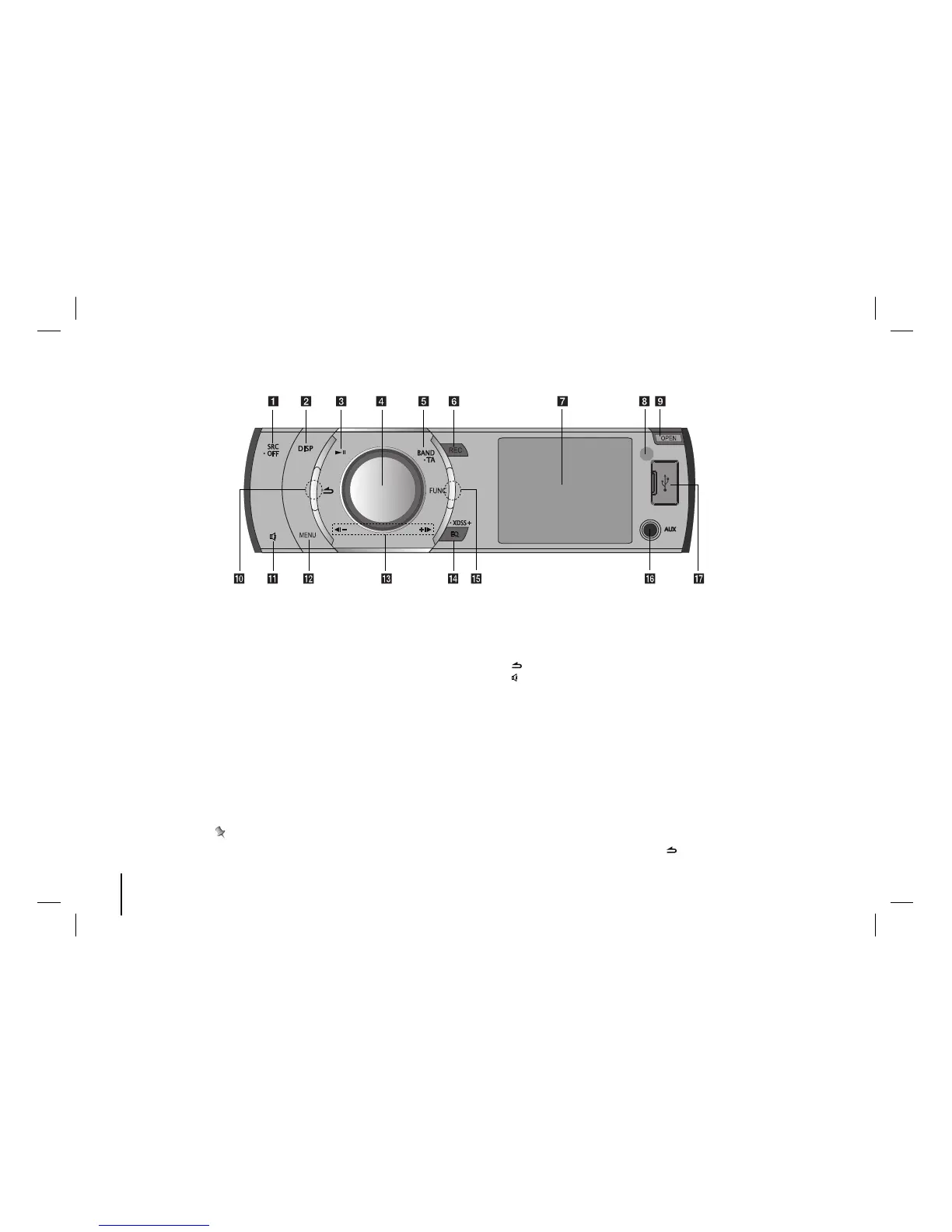
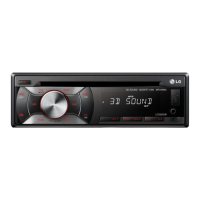
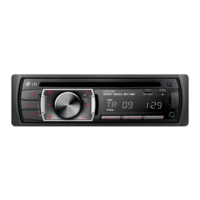
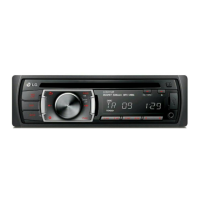
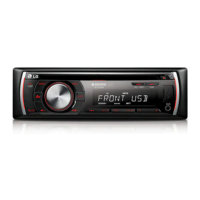
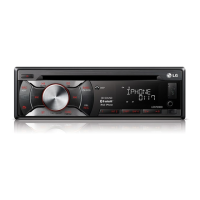
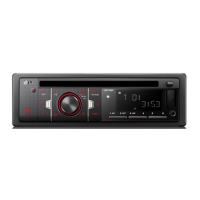
Front Panel
a [SRC] Selects function sources.
[• OFF] Power on/off.
b [DISP]
• Press it, you can check the clock time.
• Press and hold it, you can turn off the dis-
play light.
c [BX] Plays or pauses playback
d Volume knob
• Adjusts volume level.
• Confirms the settings.
• Checks tracks or files in CD mode or preset
stations in TUNER mode.
e [BAND] Selects a band.
[• TA] Traffic Announcement (OPTIONAL)
Searches stations that have TA/TP informa-
tion.
f [REC] Recording to USB
g Display window
h Remote Sensor
i [OPEN] Opens the front panel.
j [ ] Returns to the previous step.
k []Temporarily stops the sound.
l [MENU] Activates setting menu.
m [b?-/+?B]
Skip / Search / Seek / Tune
n [EQ]/[• XDSS+]
Improves sound quality.
o [FUNC] In each mode, sets playback items.
p [AUX] If connected to other portable player,
you can enjoy musics of it on the unit.
q USB port
Note
Make sure to press protruded parts(Refer to the circled parts) when you want to use FUNC or button function.


 To Next Page