Caution
• The control buttons may not work properly if the control panel is not attached
properly. If this occurs, gently press the display.
• Do not leave the control panel in any area exposed to high temperatures or
direct sunlight.
• Do not drop the control panel or otherwise subject it to strong impact.
• Do not allow such volatile agents as benzine, thinner, or insecticides to come
into contact with the surface of the control panel.
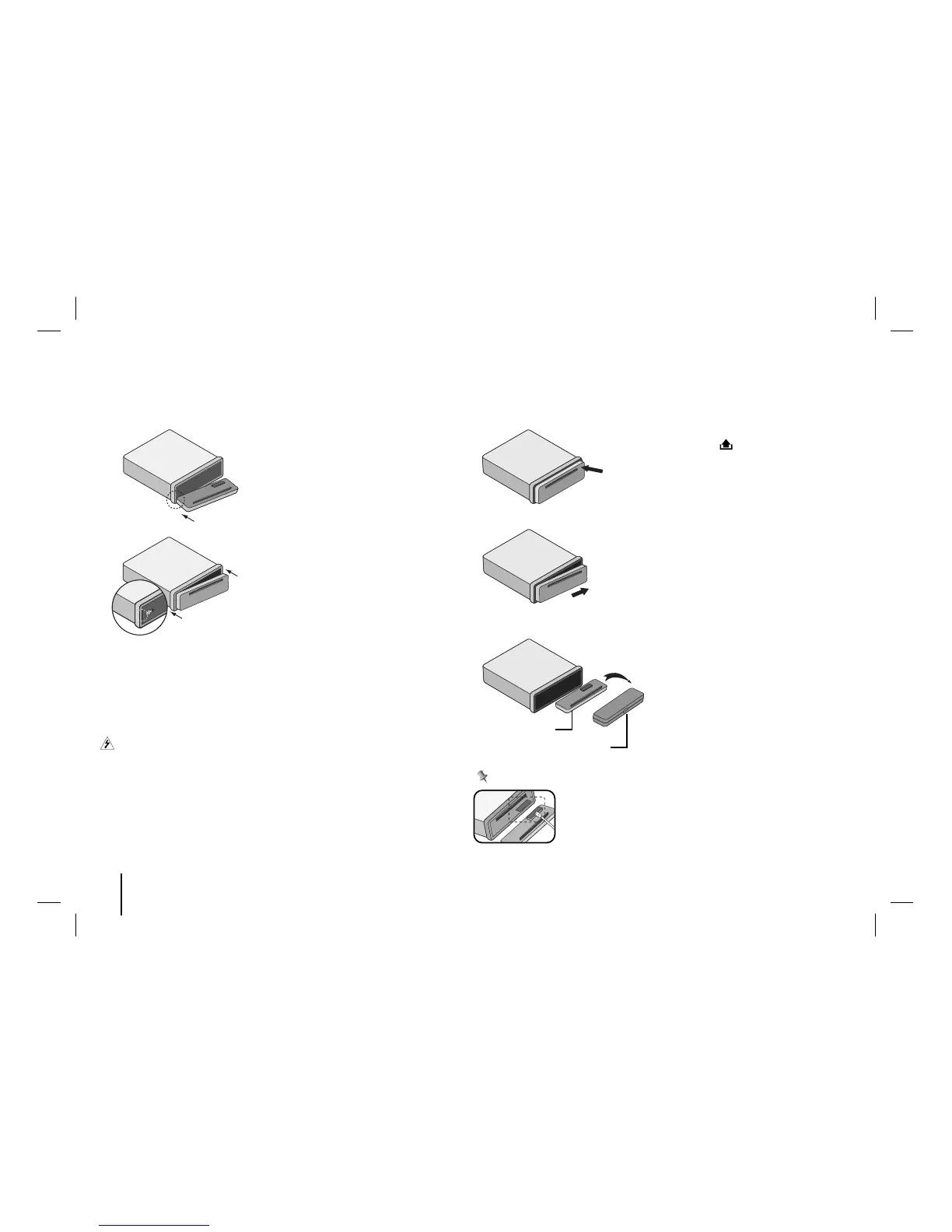
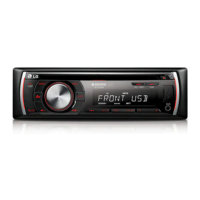
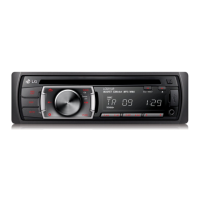
Detaching the control panel
Protective Case
Control panel
Periodically wipe the contacts on the back of the control
panel with a cotton swap moistened with alcohol. For safety,
turn off the ignition before cleaning, and remove the key
from the ignition switch.
1 Align the left side of the panel with
the stopper.
2 Push the right side or panel into
the unit until it clicks.
1 Press the to open the control
panel.
2
Push the control panel to right.
3 Pull the control panel out of the unit.
4 Put the detached control panel into
the protective case.
Note



 To Next Page