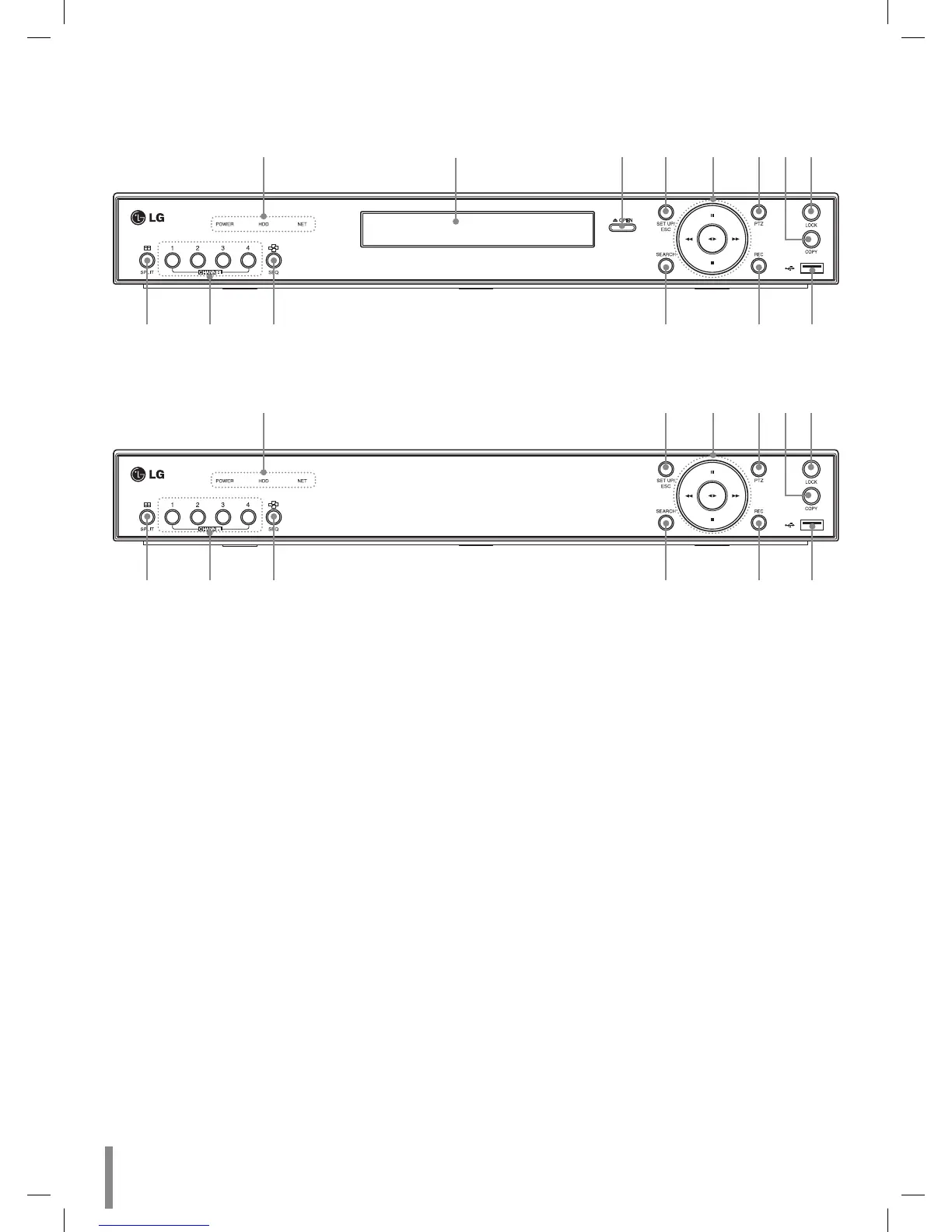
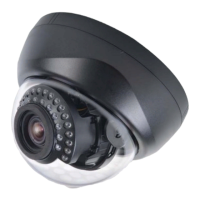
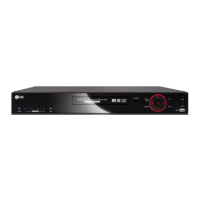
Front Panel
LE2104D model
a b c d e fgh
ijk l mn
LE2104 model
adefgh
ijk l mn
a POWER Indicator: Lights when the DVR is powered.
HDD Indicator: Blinks when the HDD is accessed.
NET Indicator: Lights when a network cable is con-
nected.
b Disc Tray (LE2104D model only): Insert a disc here.
c OPEN (LE2104D model only): Opens or closes the disc
tray.
d SETUP/ESC: Displays the setup menu or cancels opera-
tion on the setup menus.
e Playback Control Buttons
X: Pauses playback.
m: Search the recorded images in reverse.
bB: Playback or reverse playback of recorded
images.
M: Forward search the recorded images.
x: Stops playback.
-
-
-
-
-
f PTZ: Switches this unit to PTZ mode to control the PTZ
camera connected.
g COPY: Copies the recording data to an external device.
h LOCK: Displays the lock menu to change the user type
or disable the system operation.
i SPLIT: Press to see different multiscreen modes.
j CHANNEL: Selects the respective camera.
k SEQ: View all channels in sequence.
l SEARCH: Displays the search menu.
m REC: Starts or stops instant recording.
n USB Port: Connect an external USB device for backup or
playback. (The USB type mouse is not supported.)
8 Introduction


 To Next Page