25
Playback
Skip Images
While viewing a picture, press . or > once to
return to the previous file or advance to the next file.
Rotate Images
Use v / V while viewing a picture to flip the picture
counterclockwise or clockwise.
View Slide Shows
Slide show will automatically go to next picture at a
specified interval.
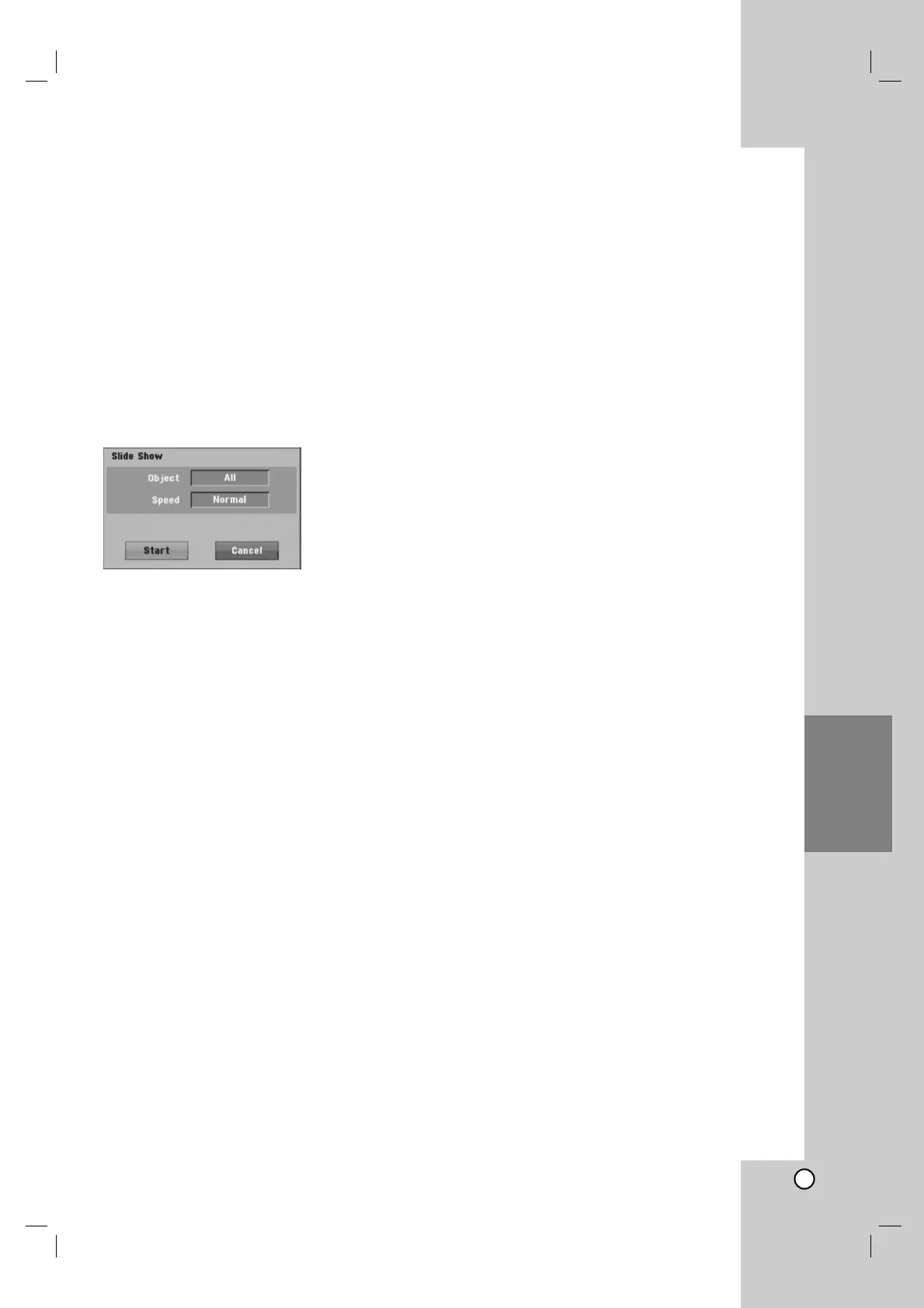
1. Select [Slide Show] option on the [Photo List]
menu.
2. Press ENTER.
The Slide Show menu appears.
3. Use b / B / v / V to set the options.
[Object] option:
[Selected] Views slide show only selected files
with MARKER button. Use the MARKER button
to select multiple files.
[All] Views slide show all files.
[Speed] option:
Sets the Slide Show speed to [Slow], [Normal], or
[Fast].
4. Select the [Start] option then press ENTER to start
the Slide Show.
5. Press STOP to stop the Slide Show and return to
the [Photo List] menu.
To Pause the Slide Show
1. Press X to pause slide show.
2. When you want to continue slide show, press
X or B (PLAY).



 To Next Page