3. CIC AND SERVICE CENTER
- 23 -
Copyright © 2013 LG Electronics. Inc. All right reserved.
Only for training and service purposes
LGE Internal Use Only
No FAQ Q&A
3 Q 3G connection won’t work abroad.
A
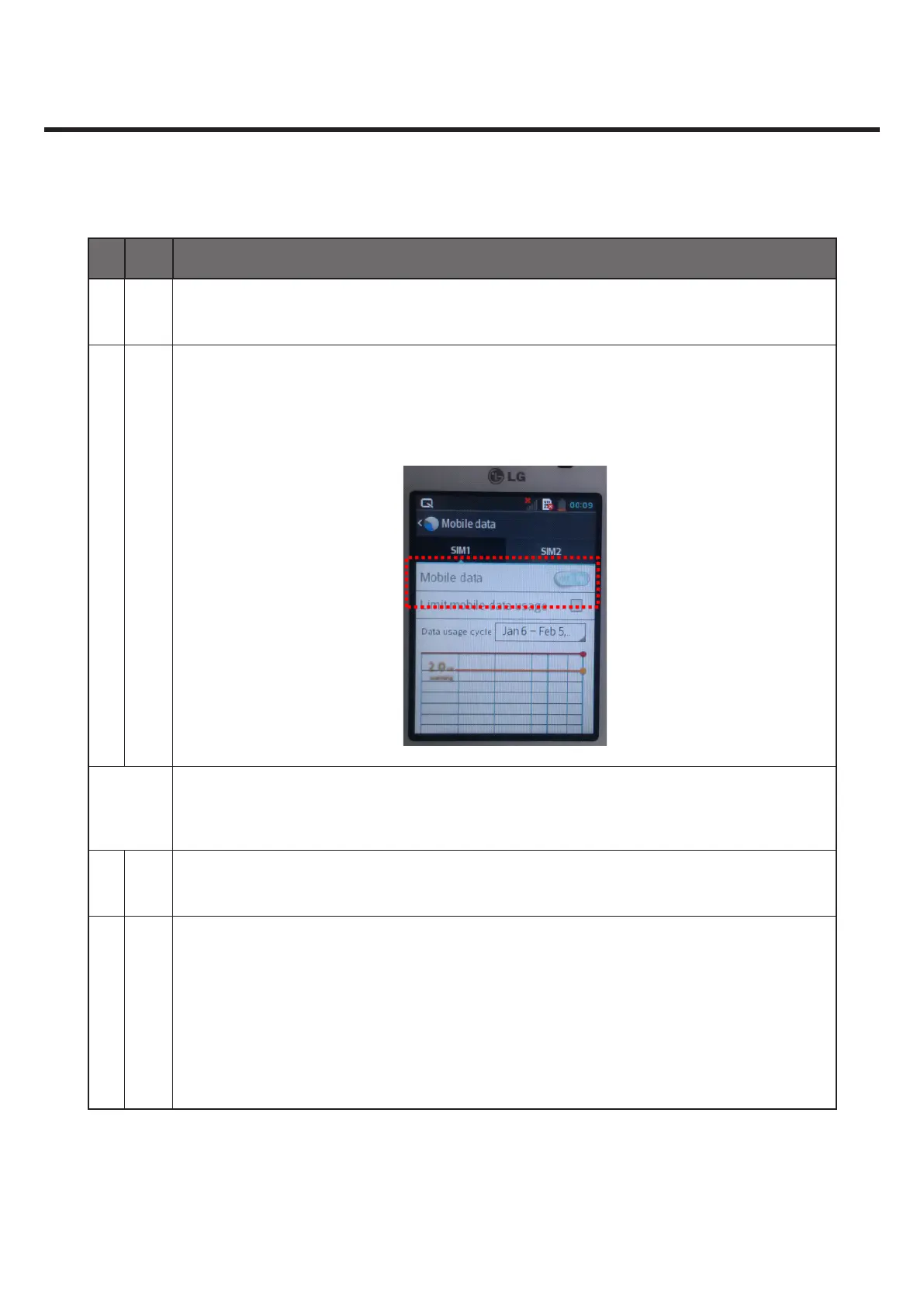
Settings ->Mobile data -> Check if Mobile data is ON.
When you register on the 3G network manually, you may not capture the network
if you move to other regions. You should change the setting to Automatic.(Select
‘Automatically’.)
Development
requests
ex) 1.Europe<->Europe
2.Europe<->Continent( North America,Asia etc)
4 Q What should I do when I get a wrong GPS location?
A
GPS signals are weak. Weather conditions or surrounding environment (indoors, radio-
wave reection) may bother positioning.
If Setting->Location & Security settings -> Use Wireless Network(ticked), you can
capture the position information from a nearby base station. This may not return a
precise position due to a wider margin of error.
Tick ‘Use GPS Satellites’ and get your current position outside via GPS, which will reduce
the margin of error.



 To Next Page