3. CIC AND SERVICE CENTER
- 26 -
Copyright © 2013 LG Electronics. Inc. All right reserved.
Only for training and service purposes
LGE Internal Use Only
No FAQ Q&A
11 Q What should I do to install the Phone driver?
A
http://www.lgmobile.co.kr -> Download Center -> Model Search -> Software
Download. Or, install the PC Suite program.
12 Q How to connect internet/data network
A
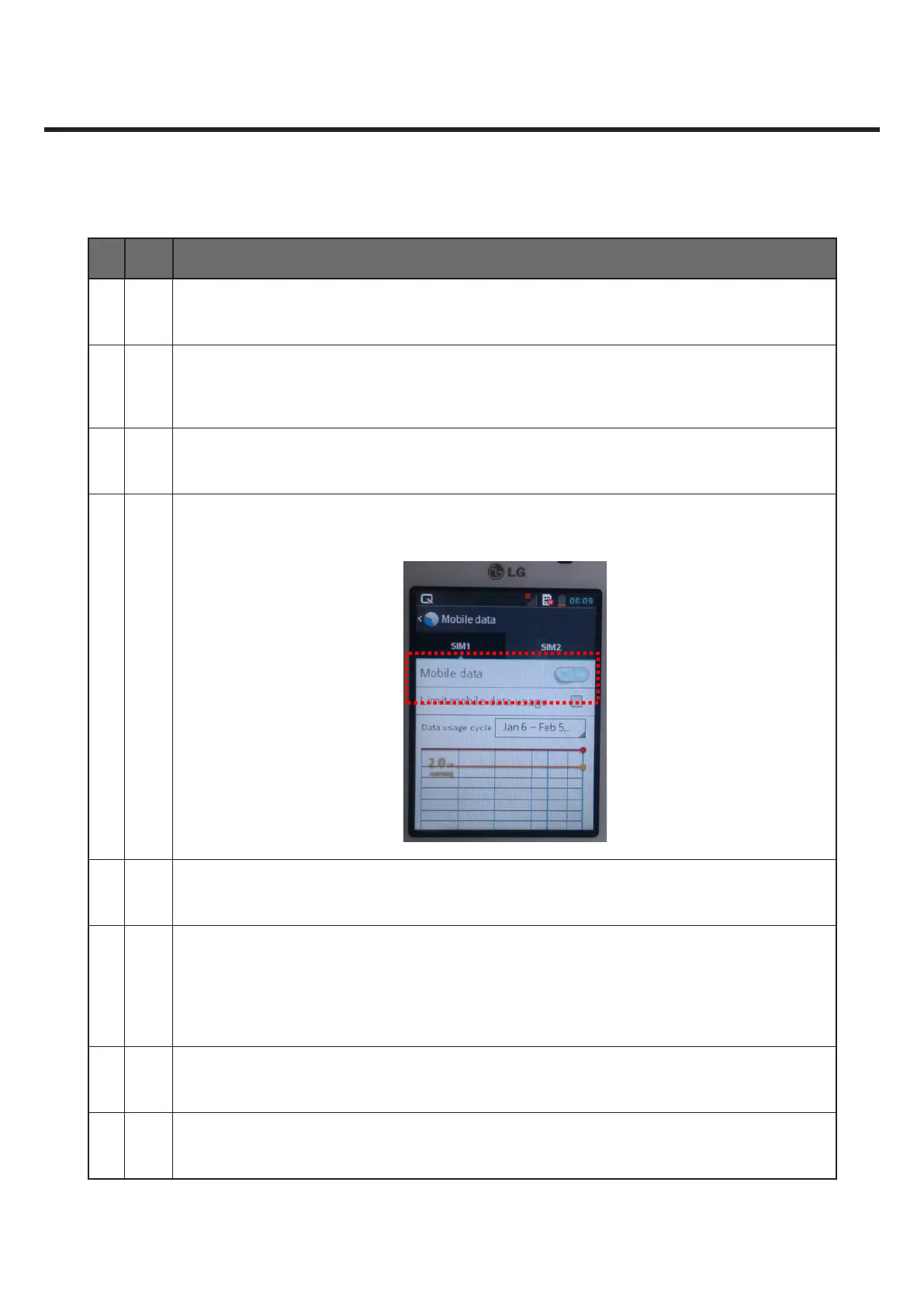
Settings > Mobile Data > See if ‘Mobile Data’ is ON.
If it’s OFF, turn it ON.
13 Q What should I do to connect the PC Sync program with the phone?
A
Connect the USB cable. On the phone, Select ‘LG Software’ > Run ‘PC Suite’ for automatic
connection.
When automatic connection fails, go to PC Suite Main and select ‘Connect Phone’ > USB
Cable Connection.
14 Q Can I change language?
A Settings - Language and Input - ‘Language’. Then change the language.



 To Next Page