4. TROUBLE SHOOTING
- 73 -
Copyright © 2013 LG Electronics. Inc. All right reserved.
Only for training and service purposes
LGE Internal Use Only
Check the pin and battery connect
terminals of I/O connector
Connection OK?
No
Yes
Is the u-USB
Cable voltage 4.8V (for 5.0V)
No
Yes
Is it changing properly
After turning on?
START
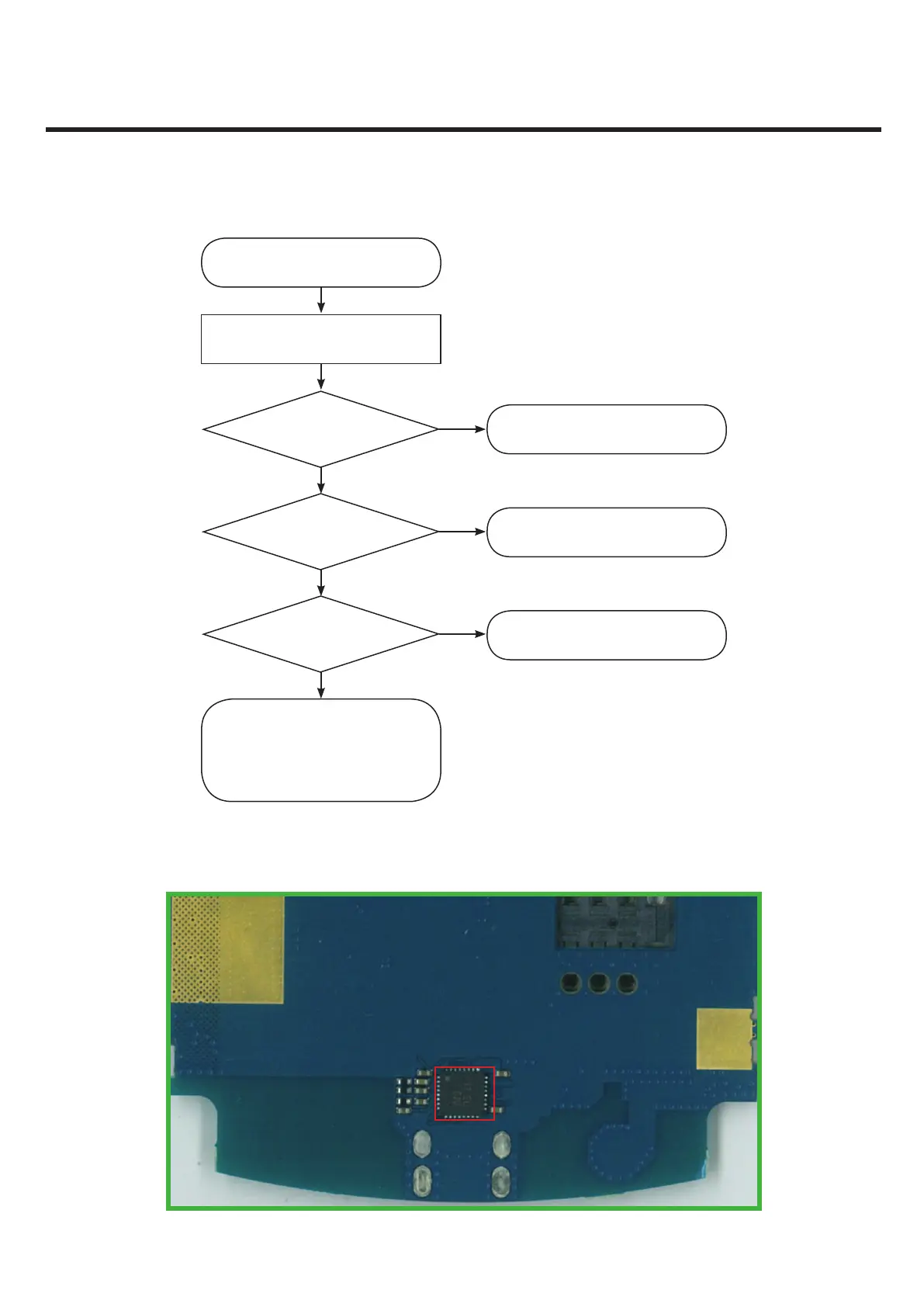
Check changing IC(U4000) SMT status
by X-ray.
Exchange changing IC or change
the Main board and reset.
Change I/O connector
Change TA (or u-USB cable)
END
Yes
No
Charger Troubleshoot Flow
U4002



 To Next Page