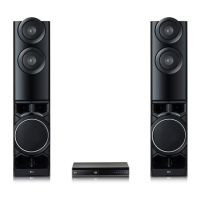
1-8
1. MPEG
1) Copy fi rmware to USB (Do not change fi le name).
Ex) LG_LHD655LD7_1501051.rom
2) Change function to DVD/CD by pressing input key, and wait until home menu is shown.
3) Inset USB device which includes fi rmware.
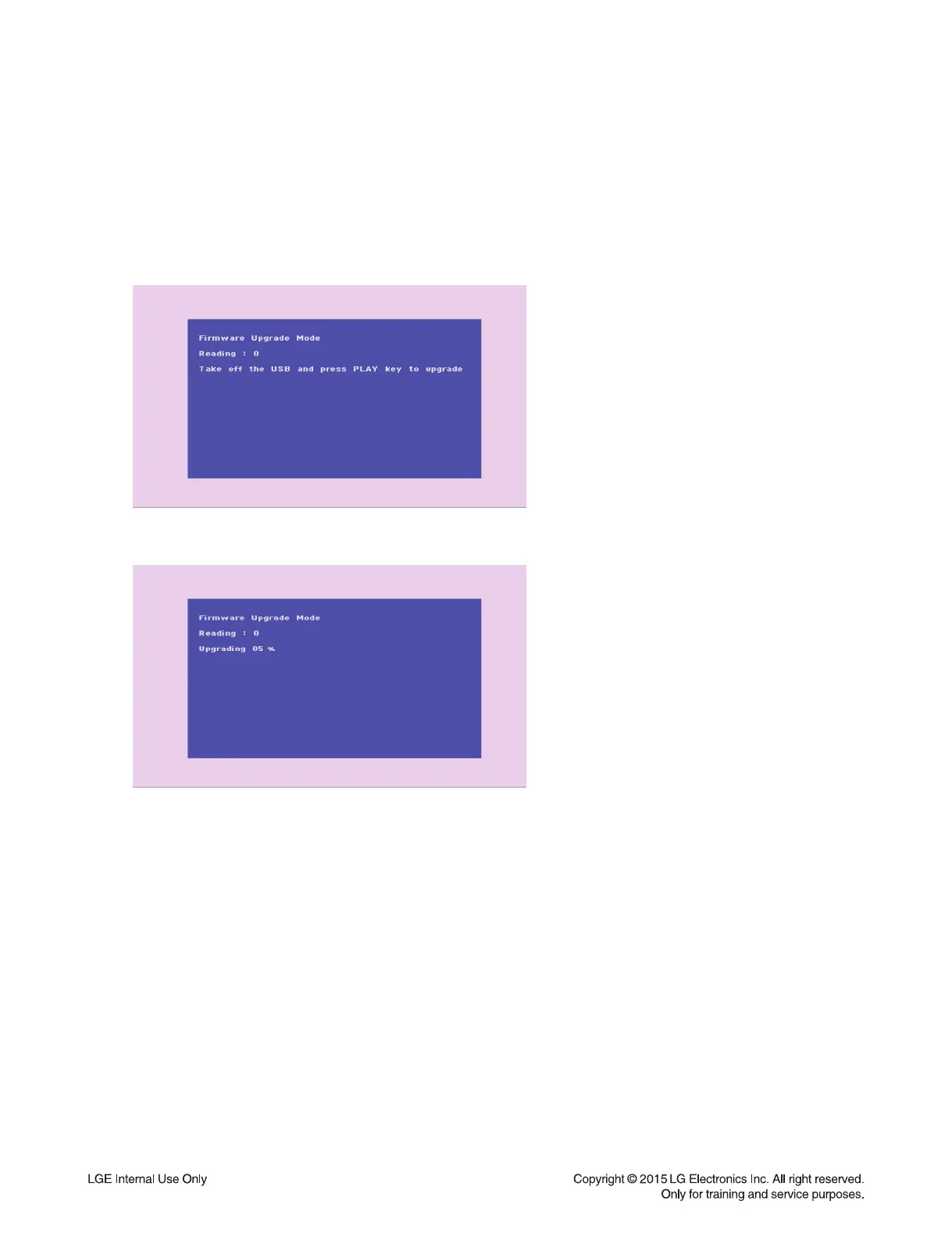
4) Firmware is detected automatically and then, shows blue screen in TV.
If home menu is maintained after inserting USB, press music icon.
5) Take off the USB and press PLAY key.
6) and then, upgrading is started.
- Do not turn off the set until upgrade is fi nished.
7) After fi nishing fi rmware upgrading, set will restart automatically.
8) Power off and on again by pressing POWER key.
FIRMWARE UPGRADE GUIDE


 To Next Page
 Loading...