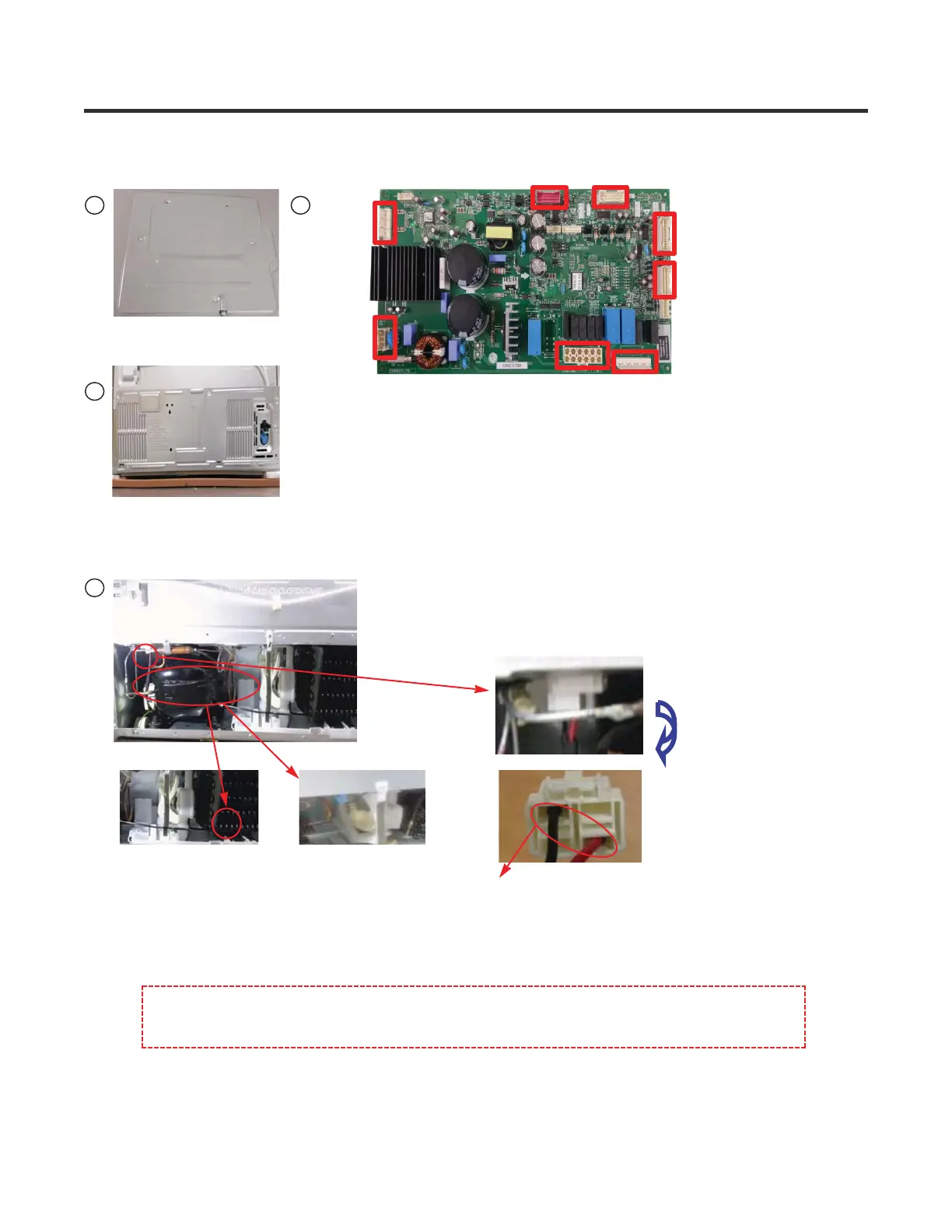
1.Open the PWB COVER
2.Check the number of LED blinks
(Refer to the next page for resolution by number of LED
blinks
When the COMP
is normal, it will
not blink
1.Open the BACK COVER
1.Check the temperature
and noise of COMP
and discharge outlet
2.Check whether
the C-FAN is
operating
PS :Check the voltage during C- Fan operation.
(About AC 10V~ AC 230V)
BLACK & RED
3.Check the COMP
connector voltage
(Measure without
pulling the HOUSING)
When the COMP & FAN are not operating simultaneously, force operate from the MAIN PCB
in TEST MODE to check whether it is operating and then check the power of the COMP
end to reset the power.
1. COMP operation error
Troubleshooting
1 2
3
4
76
CON 6
CON 5
CON 2CON 3
CON 8
CON 7
CON 201
CON 1
Copyright © 2017 LG Electronics Inc. All rights
reserved. Only training and service purposes.


 To Next Page